



We just launched service credits — and if you've ever manually adjusted an invoice, created a negative line item, or jumped into QuickBooks just to fix a billing mistake, this is going to make your life easier.
What's a service credit?
A service credit is how you issue a credit to a customer without touching cash. Think of it as a reverse invoice — it corrects the revenue in your books without requiring a refund or reopening a closed period. It's different from an account credit, which is for prepayments. Service credits are for corrections, missed services, goodwill gestures, and promotions.
How it works:
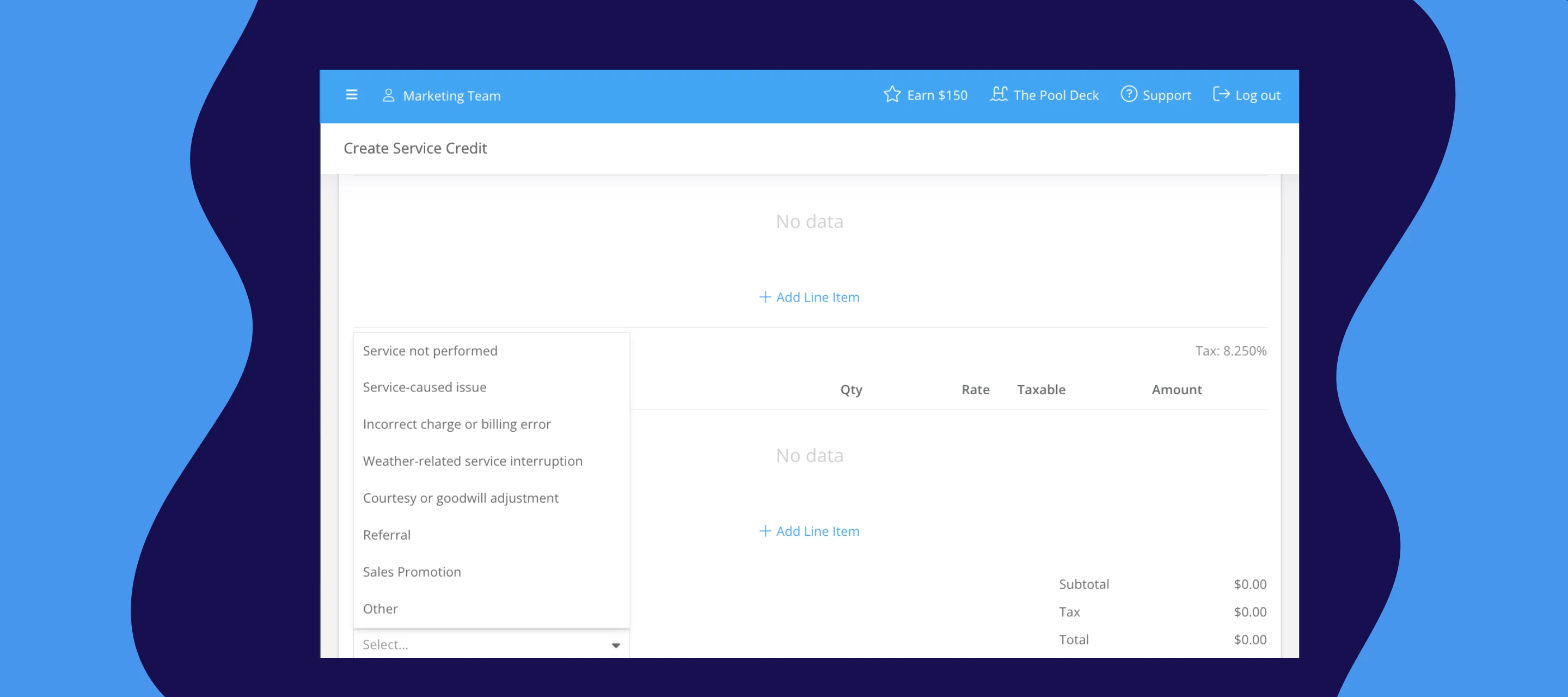
Create a service credit from the customer's billing page, add your line items (same structure as an invoice), pick a reason, and you're done. The credit gets added to the customer's account balance and automatically applies to their next invoice. If you're connected to QuickBooks Online, it syncs over as a credit memo — no double entry.
One tip: when you're creating the credit, select the same item you're crediting the customer for. Crediting them for a missed pool service? Pick pool service. This keeps everything routing to the right place in your chart of accounts.
What's included:
- Line item support with quantities, rates, and taxable/non-taxable settings
- Reason categories: overcharge, service issue, billing error, goodwill, referral, or other
- Automatic tax calculation using the service location's tax rate
- Credits apply to the customer's account balance and auto-apply to their next invoice
- QuickBooks sync as a credit memo — no manual entry on either side
- Reflected in your sales tax reports (accrual and cash basis)
***Works for promotions too. Running a "first month 50% off" deal? Create a service credit when the customer signs up and it'll auto-apply to their first invoice. No need to remember to add it later.
A few things to know:
- Customers get an email when the credit is created, and a receipt when it's applied to an invoice — they'll see it on there.
- If an invoice already went out before you created the credit, it won't auto-apply to that one. You'll need to apply it manually, or it'll roll to the next invoice automatically.
- Service credits and account credits merge into one balance. They're used first-in, first-out — but practically speaking, it all just works as one bucket.
Not sure whether to use a service credit or an account credit?
Here are a couple of quick examples:
- A customer paid for the whole year upfront and you're holding that balance for future invoices → account credit
- Your tech missed a visit and you want to make it right without issuing a refund → service credit
Drop any questions below — happy to help!