



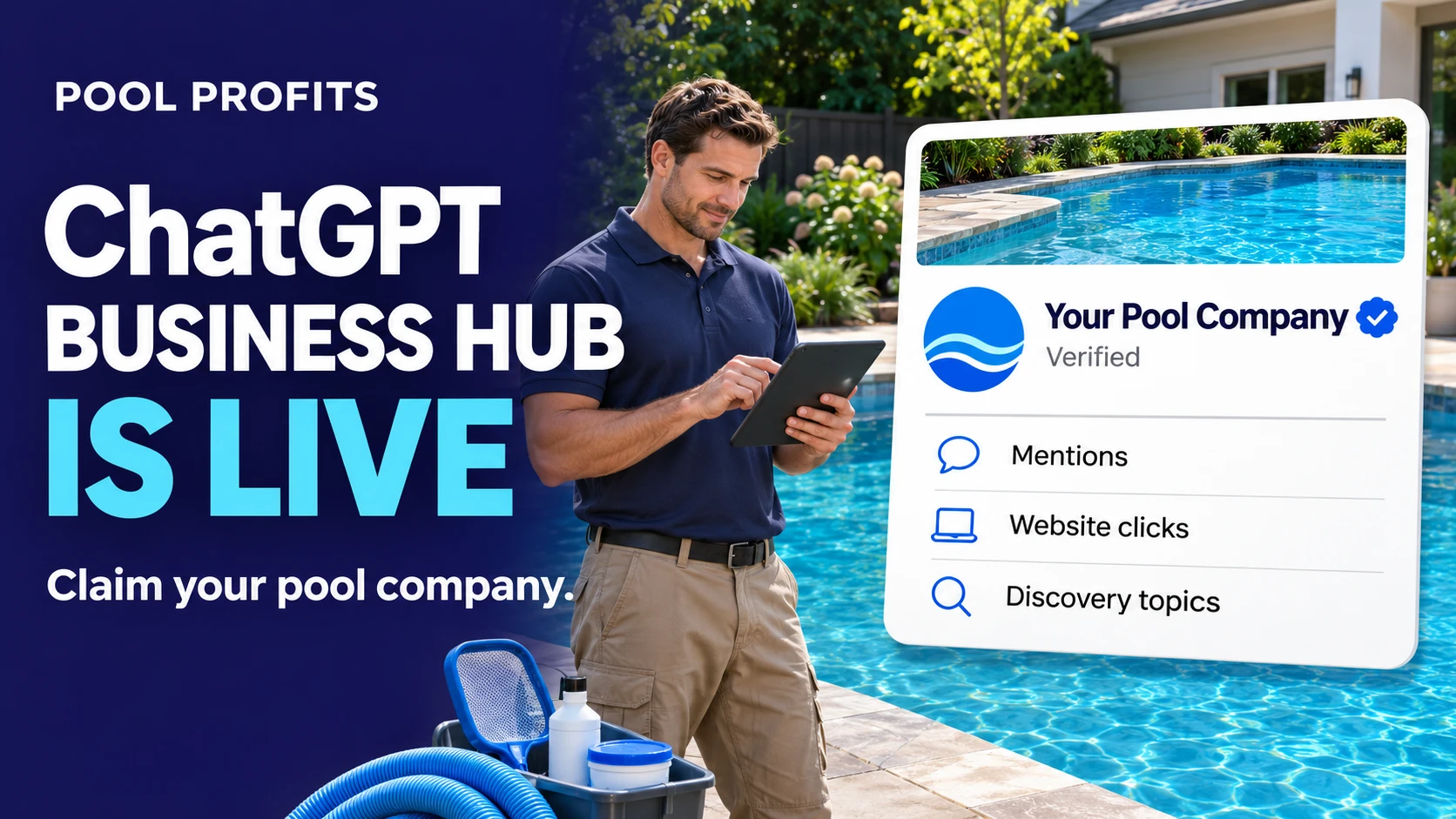
On November 10, 2026, OpenAI launched Businesses in ChatGPT in beta. The centerpiece is Business Hub, a free portal at chatgpt.com/business-hub where a company can claim its listing, edit how it appears, and see how often ChatGPT mentions it.
For pool service companies, this is the first time ChatGPT has handed you the keys. Until this week you could influence what ChatGPT said about your company only indirectly, through reviews, your website, and third-party listings. Now there is a front door, a verification badge, and a dashboard.
It is also the first time someone else could try to claim your company before you do. That alone is a reason to handle this in the next few days and not next quarter.
What the ChatGPT Business Hub Actually Is
Business Hub is ChatGPT's version of a Google Business Profile dashboard, at a much earlier stage. It does three things: it lets you prove you own the business, it lets you edit a short profile, and it shows you performance data.
The profile is thin right now. Early walkthroughs from Flavio Copes and GrowthX list the editable fields as website, business description, product or service category, logo, cover photo, and delivery and return policies. There is no documented field yet for hours, a services menu, or a service area, and OpenAI reviews every edit before it publishes.
The data is the more interesting half. Search Engine Roundtable and PPC Land report three core metrics, viewable over 7 and 28 days:
- Mentions. How often ChatGPT surfaced your business. For a local business, a mention counts when ChatGPT shows a result for that location, even if nobody clicks.
- Website clicks. Recorded clicks on links to your site inside ChatGPT. OpenAI's own tooltip is candid about the limits: "Clicks don't confirm website visits or conversions."
- Discovery topics. The top themes of the conversations where your business showed up.
OpenAI does not share the conversations themselves, and insights appear only once activity crosses a threshold it has not published. A small route-based company may open the dashboard and see very little at first. That is expected, and it is still worth having the account in place when the numbers start to fill in.
Why This Matters More for Pool Service Than It Looks
A thin profile and a beta dashboard do not sound like much. Three things make it worth an hour of an owner's time this week.
Ownership is now first come, first verified. Any listing that sits unclaimed can be claimed by whoever passes verification. Barry Schwartz, who covered the launch for Search Engine Roundtable, wrote that he was "honestly nervous about people hijacking businesses." There is a dispute path if someone beats you to it, but OpenAI has published no timeline for how long a dispute takes. Claiming first is cheaper than disputing later.
You finally get a scoreboard. Until now, measuring AI visibility meant typing questions into ChatGPT by hand and logging who got named. Discovery topics tell you which conversations you are appearing in. If you show up for "green pool cleanup" and never for "weekly pool service," that is a content and review gap you can act on.
Pool service is a trust purchase with a long tail of revenue. A homeowner is choosing someone who will have recurring access to their backyard, and a weekly account is worth years of billing. Those buyers research before they call, and more of that research now happens in a chat window. A verified badge next to your name in that window is a trust signal your unverified competitor does not have.
Keep expectations honest on volume. One early dashboard reported by PPC Land showed 690 mentions and 24 clicks over 28 days. Most of the value in ChatGPT today is being named and described well, with the click or the call often happening later through Google or your website.
How to Claim Your Pool Company in ChatGPT
The process takes about fifteen minutes of your time, plus OpenAI's review. It is free, and all you need is a ChatGPT account. The feature is in beta, so screens may shift, but this is the flow early adopters are reporting.
- Go to chatgpt.com/business-hub and sign in. Use an account the owner controls, not a personal login belonging to an office manager or an outside vendor. Whoever verifies the business holds the keys.
- Search for your company by name and select the listing. Local businesses can currently claim only an existing U.S. listing. If your company does not appear, you cannot add it yet, which makes your presence on the listing sources ChatGPT draws from the first thing to fix.
- Verify that you control the business. There are four reported options: a text or automated call to the phone number on the listing, a code sent to your business email, a DNS TXT record on your website domain, or a Shopify connection. Phone is the fastest route for most pool companies, provided the number on the listing is one you still answer.
- Wait for OpenAI's review. The decision arrives by email. No review timeline has been published.
- Complete the identity check. OpenAI uses Persona, which may ask for a government ID, business registration details, and proof that you have authority to act for the company. The blue verification check appears after this step.
- Fill in the profile. Add your logo, a cover photo of real work, your website, and your category. Write the description the way a homeowner would search: name the services you sell and the cities you cover.
Two cases need extra attention. If you run multiple locations, each one is claimed separately, because claiming the brand does not claim its locations. If you find your listing already claimed by someone you do not recognize, open the menu on the profile and choose Dispute ownership right away.
Claiming Is the Easy Part
OpenAI's own product page says it plainly: "Claiming does not guarantee higher placement or sales." The badge proves you are who you say you are. It does not move you up the shortlist.
What ChatGPT says about your company still comes from the same places it did last week. The profile gives you a description field and a logo. Everything a homeowner actually weighs comes from outside the Hub:
- Reviews, and the words inside them. ChatGPT describes companies in sentences, so the specifics customers write about (showing up on schedule, clearing a green pool in two visits, explaining a pump replacement) shape how you are characterized.
- Your third-party listings. Yelp licenses its reviews and business data to OpenAI, and your Google Business Profile, Yelp, and website should agree on name, phone, and service area. Mismatched details are also how a phone verification fails at step three.
- A website that answers questions. Pages that state what weekly service includes, which cities you cover, and what a repair typically involves give ChatGPT something concrete to cite. A page that only says "Our Services" does not.
The new piece is the feedback loop. Check the dashboard once a month, read the discovery topics, and compare them to the work you want more of. Then aim your next round of review requests and your next service page at the gap.
One feature to note and set aside for now: Business Agents, which let a company answer customer questions inside ChatGPT, are limited to eligible ecommerce and online service businesses in the U.S. Whether route-based home service companies qualify has not been spelled out.
The Bottom Line for Pool Company Owners
Google Business Profile launched as a simple listing tool and became the most important asset in local marketing. Business Hub is at that same starting line. The companies that claimed and built out their Google profiles early held an advantage for years, and the cost of entry here is fifteen minutes.
Claim the listing this week, verify it under an owner-controlled account, and put a monthly dashboard check on the calendar. Then keep doing the work that decides whether ChatGPT recommends you at all: reviews, consistent listings, and a website that answers what homeowners ask.
If you want to know how your company shows up across Google, Maps, and AI search today, book a free Marketing Audit. We work with one pool company per territory, so the audit shows your market and nobody else's.
Frequently Asked Questions
Is the ChatGPT Business Hub free?
Yes. OpenAI has published no fee for claiming a business or viewing insights, and you do not need an ads account or an enterprise plan. ChatGPT Ads are a separate paid product.
Does claiming my pool company make ChatGPT recommend me more often?
No. OpenAI states that claiming does not guarantee higher placement or sales. Claiming gives you verification, profile control, and data. Recommendations still depend on your reviews, listings, and website.
What if my pool company does not show up when I search the Hub?
Local businesses can currently claim only an existing U.S. listing. If yours is missing, tighten up the sources ChatGPT draws on, starting with a complete Yelp profile and Google Business Profile and a website with consistent contact details, then check back.
Someone else already claimed my business. What do I do?
Open the menu on the profile, select Dispute ownership, and complete the identity check. Do it immediately. OpenAI has not published how long disputes take.
What will the dashboard show me?
Mentions, website clicks, and the top discovery topics, over 7-day and 28-day windows. Data appears only after your activity passes a threshold, so a smaller company may see a sparse dashboard for a while.
Does this replace Google Business Profile?
No. Google is still where most homeowners find a pool company, and your Google profile is one of the signals AI tools read. Treat Business Hub as one more profile to own and keep accurate.
Source: https://poolprofits.com/chatgpt-business-hub-pool-service-companies/