


Let’s talk about multi-tech jobs for a second.
If you’re running installs, major repairs, or any job that needs more than one tech, you probably know the drill: duplicate work orders, schedule changes that require three updates, texts flying back and forth to confirm who’s actually showing up, and service records scattered across multiple jobs.
It adds up fast. And it pulls time away from actually running the business.
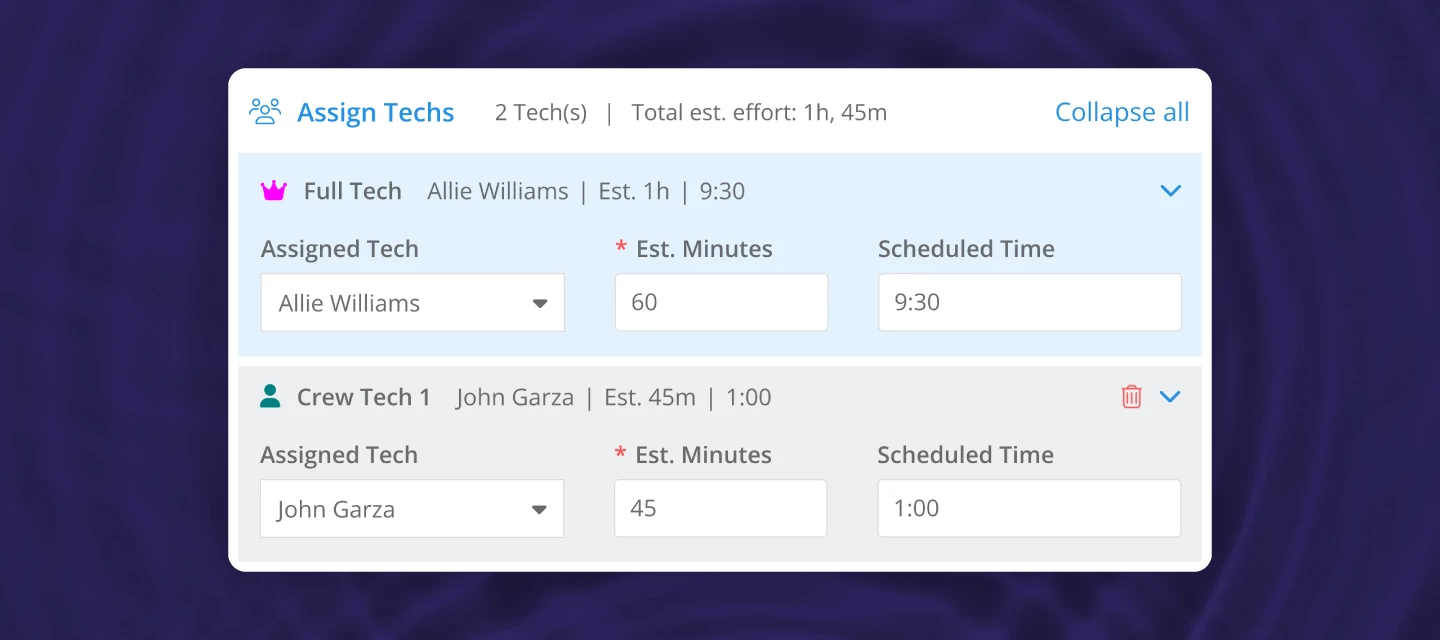
You’ve been asking for a better way to coordinate crews, and now it’s here. With multi-tech work orders in Skimmer, you can assign multiple technicians to a single work order, making it easier to handle equipment replacements, major repairs, and any job that needs more than one set of hands.
NOTE: The Multi-tech work orders feature is included in the Scaling Up and Skimmer for Enterprise plans
What’s new:
Take on bigger jobs with confidence
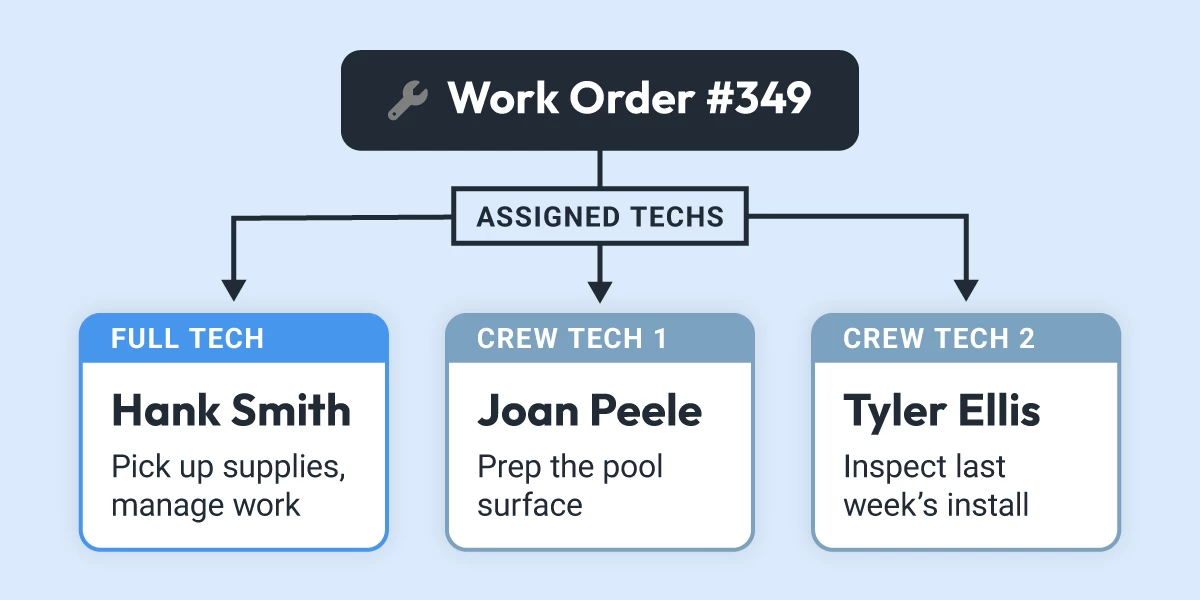
Assign your entire crew to one work order. Everyone can see who’s on the job, what they’re responsible for, and when they need to be there. No more guessing if everyone’s aligned.
Finish complex work in fewer visits
When coordination is easier, work gets done faster. Jobs that used to take multiple trips can often be wrapped up in one. Better for your schedule, better for your customers.
Cut down on office time
Schedule once. Need to move the job? Shift the whole crew in seconds. Need to swap a tech? Change one assignment without reworking everything. Less admin, fewer headaches.
Keep records clean
All work rolls into a single service history entry and one invoice. When you need to review the job or explain it to a customer, everything’s in one place instead of spread across multiple work orders.
How it works
Assign a full tech and up to 8 crew techs to any work order. Each person gets their own instructions and time allocation. The full tech oversees the finishing of the job and handles readings, chemicals, and parts. Crew techs can add their own work notes without accidentally finishing the job or modifying critical details.
Everything works on both web and mobile, with full offline support. When the job's done, you get one service record and one invoice.
Check out the walkthrough video below to see it in action:
Want to learn more? Click the links below to get started
Now we’re curious:
What kind of jobs are you most excited to use multi-tech work orders for? Let us know in the comments!!