



Most of you run your business on more than one tool. A CRM for leads. Payroll for your techs. A supplier account or two for parts and chemicals. Getting those tools to work with Skimmer used to mean a support ticket or a workaround.
As of today, owners and admins can do it themselves.
🔗 Integration Marketplace
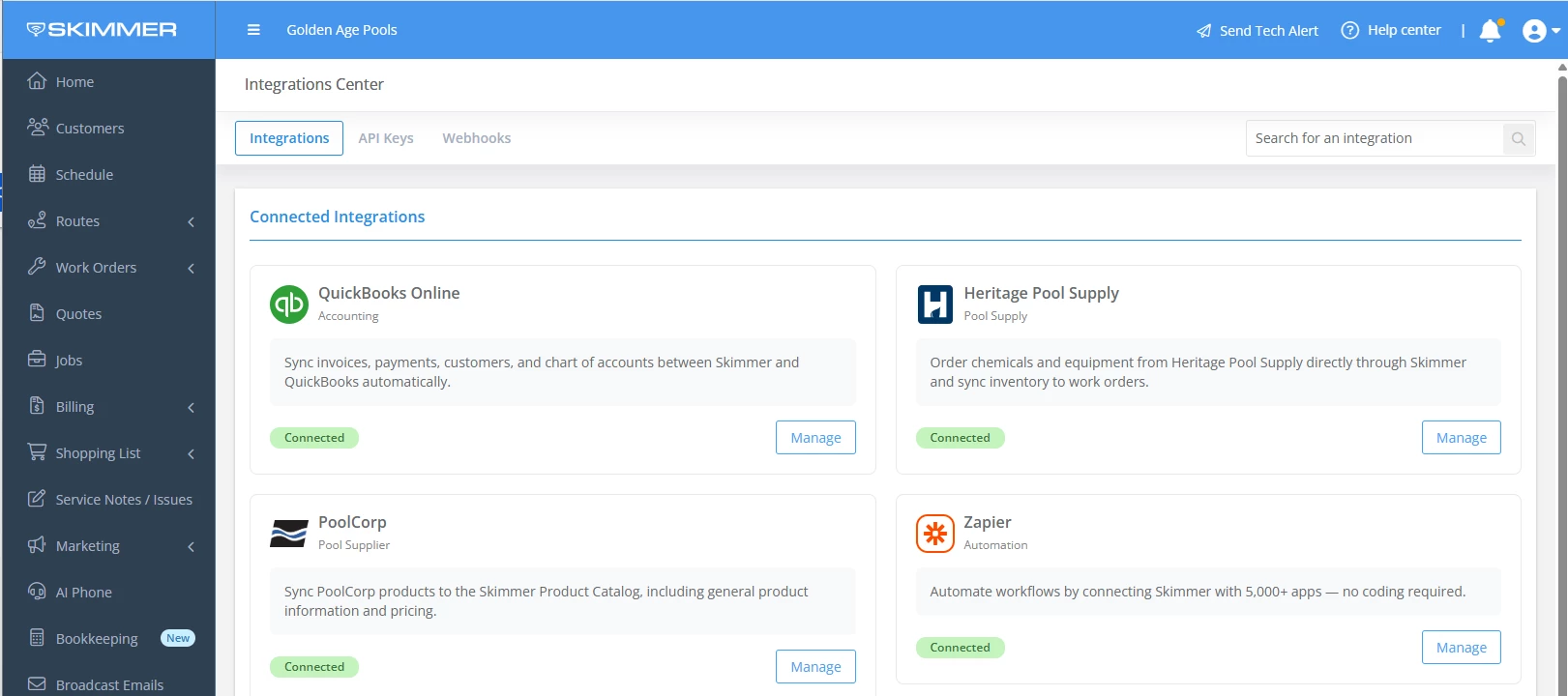
Integration Marketplace lives inside Skimmer. Browse the integrations available to your account, see what each one does, add it, and set it up without leaving the app.
New integrations you can connect:
- PoolCorp: Connect your Pool360 account, bring PoolCorp products into your catalog, and get price updates every night—learn more below.
- CRM: Send customer info from Skimmer to HubSpot, GoHighLevel, Nutshell, or Zoho so you're not entering it twice.
- FieldPay: Connect FieldPay to pay your techs instantly for completed work.
- Google Calendar: Send calendar invitations to customers when a new work order is added in Skimmer.
Some are included in your plan. Others are paid add-ons you can buy right from the page.
👉 More on the PoolCorp product sync:
PoolCorp is the one many of you have been asking for. If you buy from PoolCorp, connect your Pool360 account and bring your PoolCorp products into your Skimmer catalog. Prices update every night, so your costs stay current without you checking a price list.
Buy from both PoolCorp and Heritage? Set a default supplier for your catalog, then pick a different supplier for any item where it makes sense. Your techs see the updated cost in the mobile app after their next sync.
To be clear: this release is products and pricing. Placing PoolCorp orders from Skimmer isn't part of it.
Check it out
Log in to Skimmer and open Integration Marketplace to see what's available for your account. You'll need owner or admin access to add an integration.
What would you connect next? Tell us in the comments. Your requests help decide what we add to the marketplace.