



Watch the video or scroll down for step-by-step instructions
Tiers: All
Step-by-step instructions
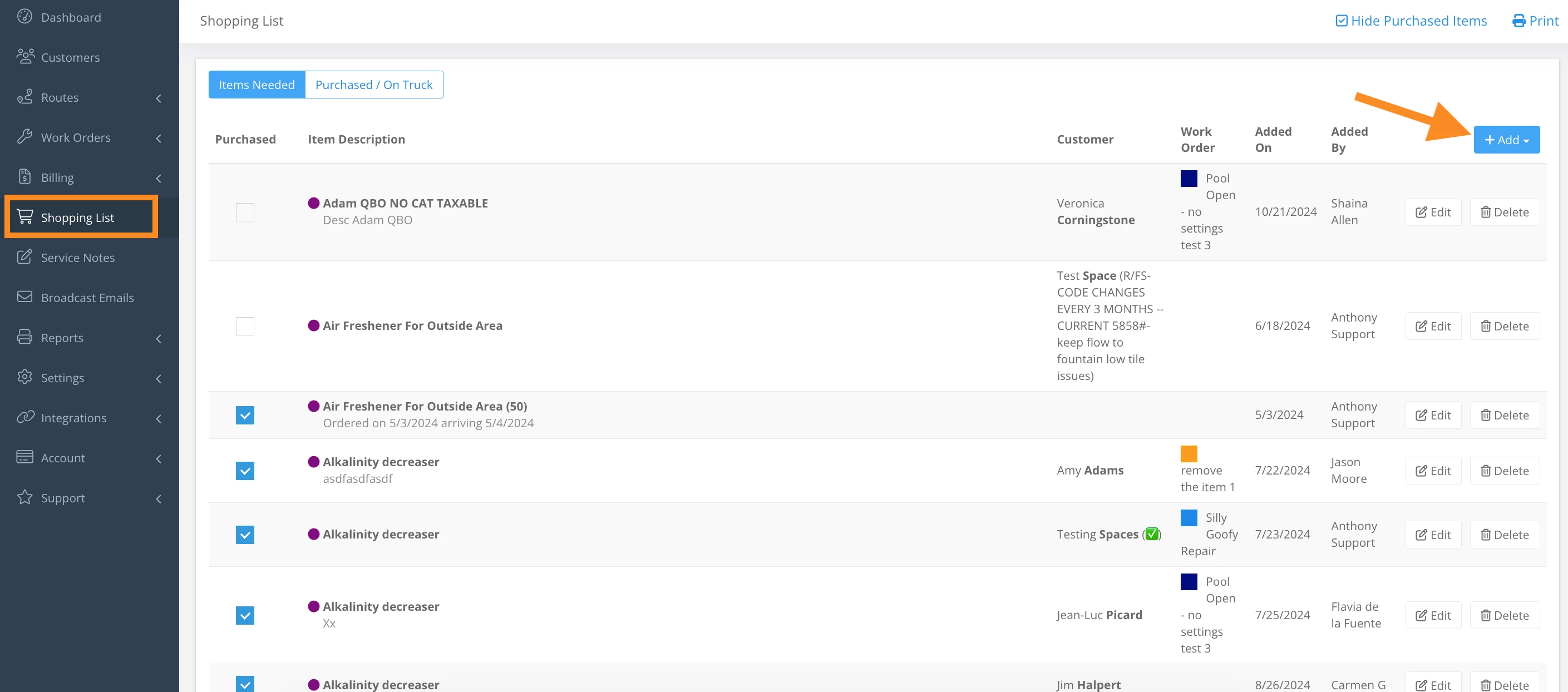
1. Select Shopping List, and click Add.
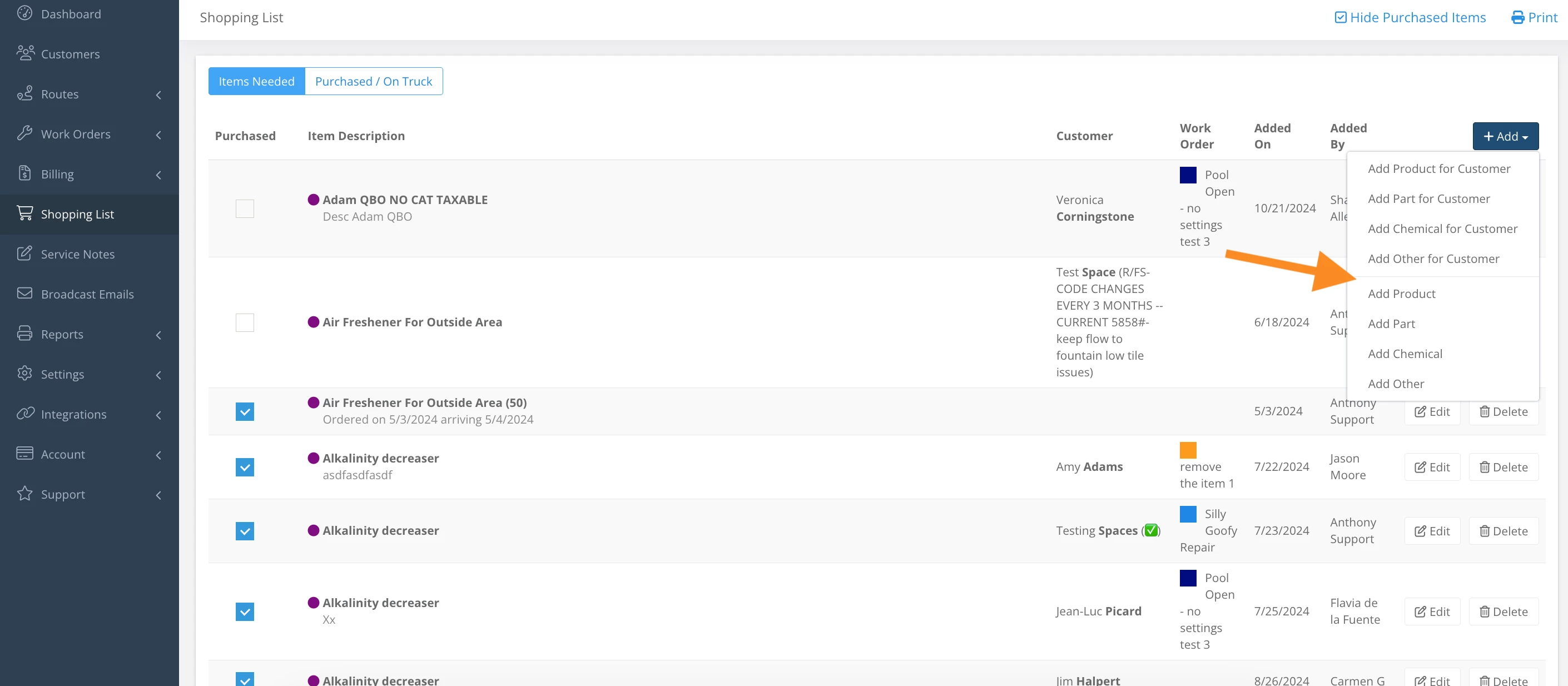
2. Select from the dropdown to add an item to the list, or to add an item to the list for a specific customer.
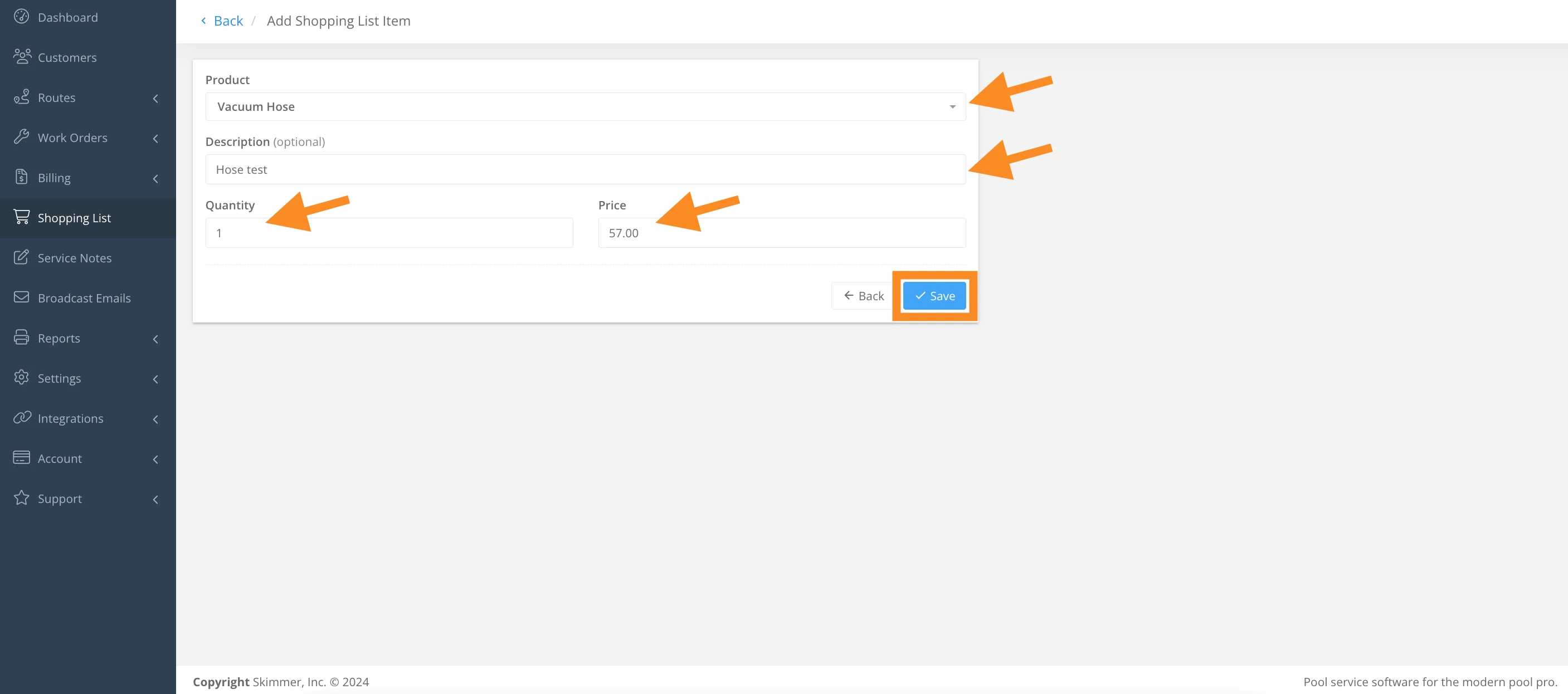
3. Complete the required fields and Save.
4. Click the Edit icon to edit an item on the shopping list, and Save when finished.
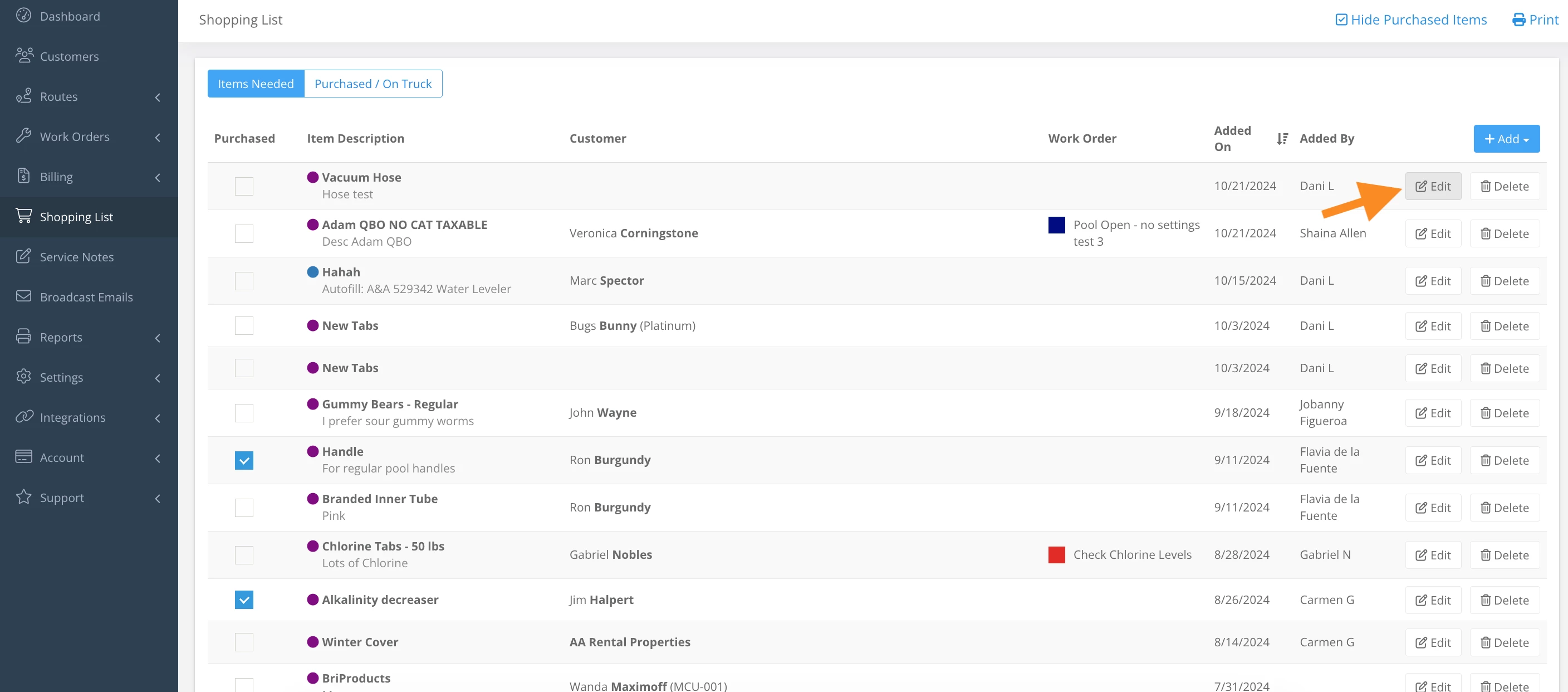
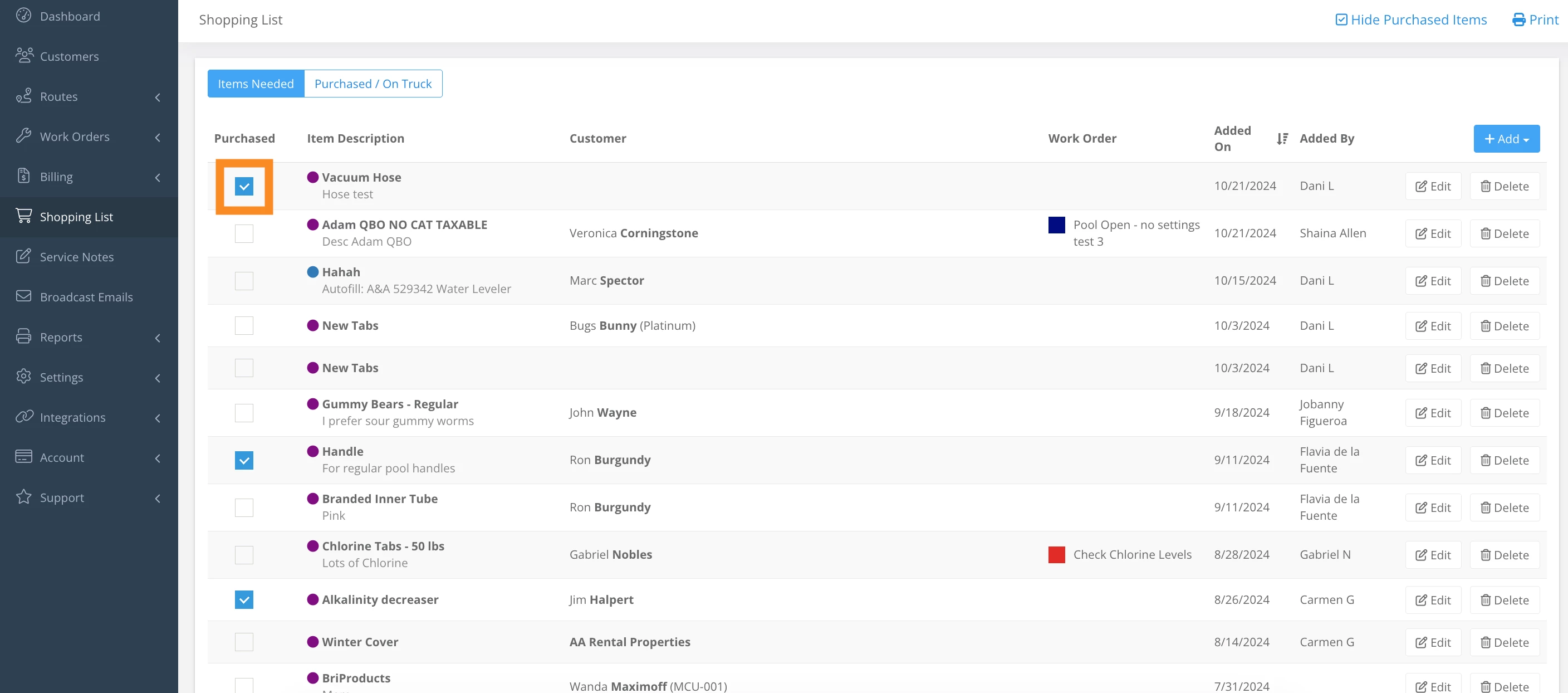
5. Click the checkbox to mark an item as purchased.
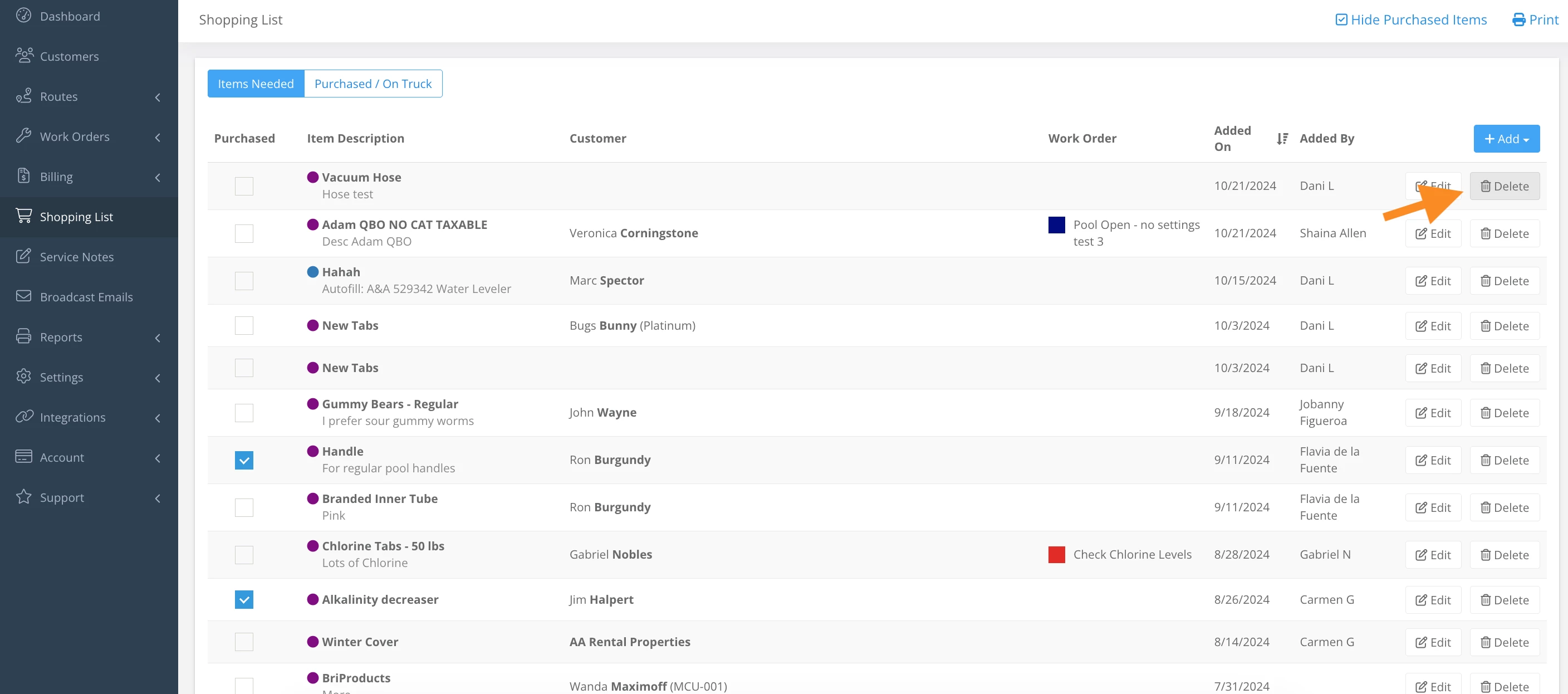
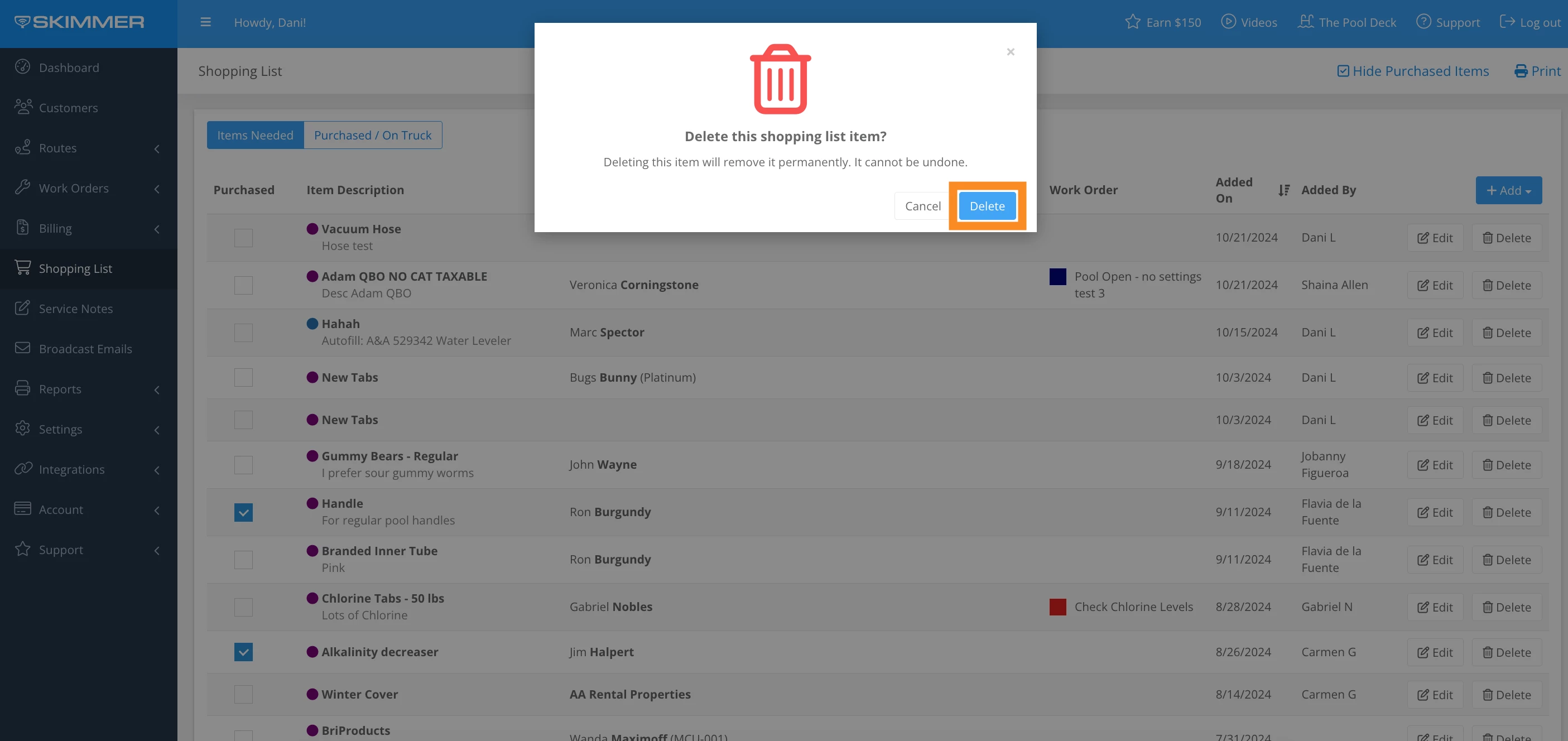
6. To delete a shopping list item, click the Trash icon, and Delete.
Last updated on October 21, 2024