



Watch the video or scroll down for step-by-step instructions.
Tiers: All
Before You Start: Bulk Update actions apply to all customers per page. You can view up to 100 customers per page.
Step-by-step instructions
1. Select Customers > Service Rates.
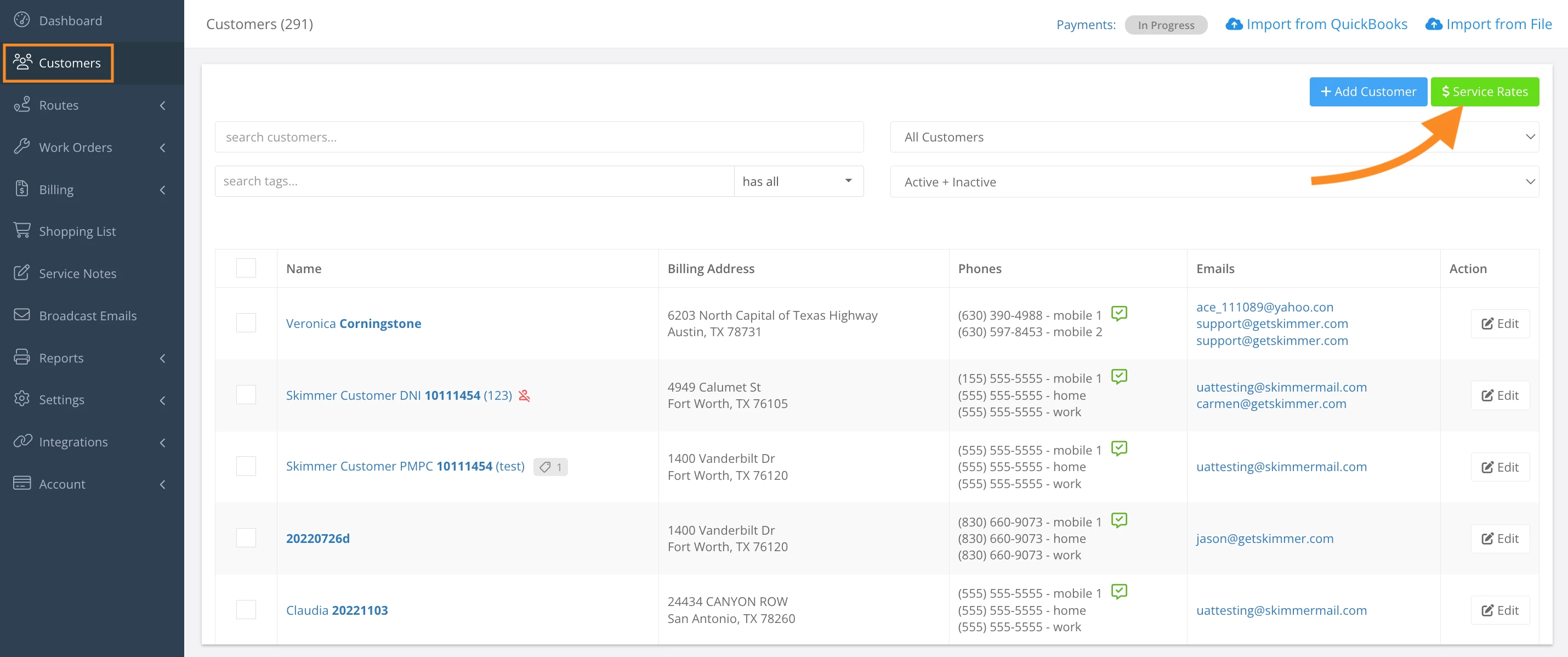
2. Select the checkbox left of the Customer column.
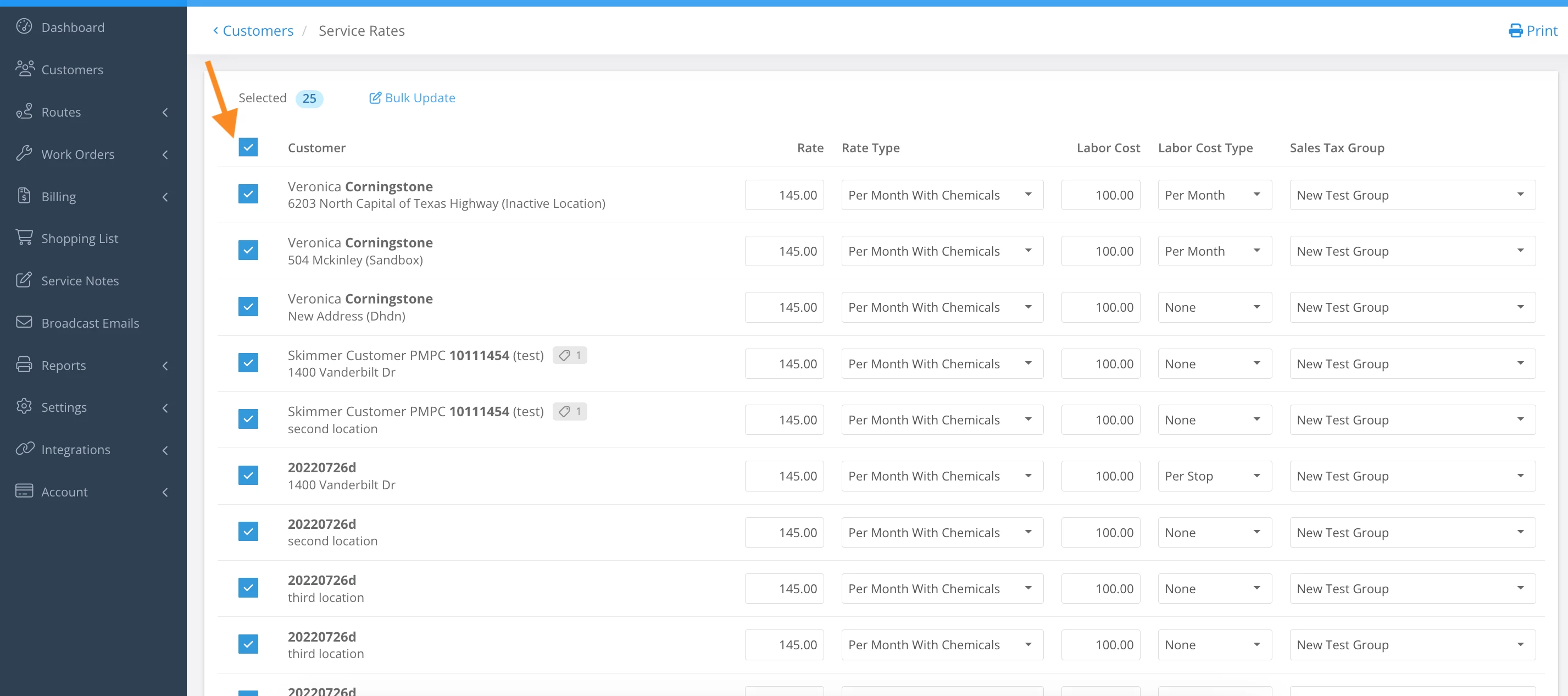
3. Click Bulk Update.
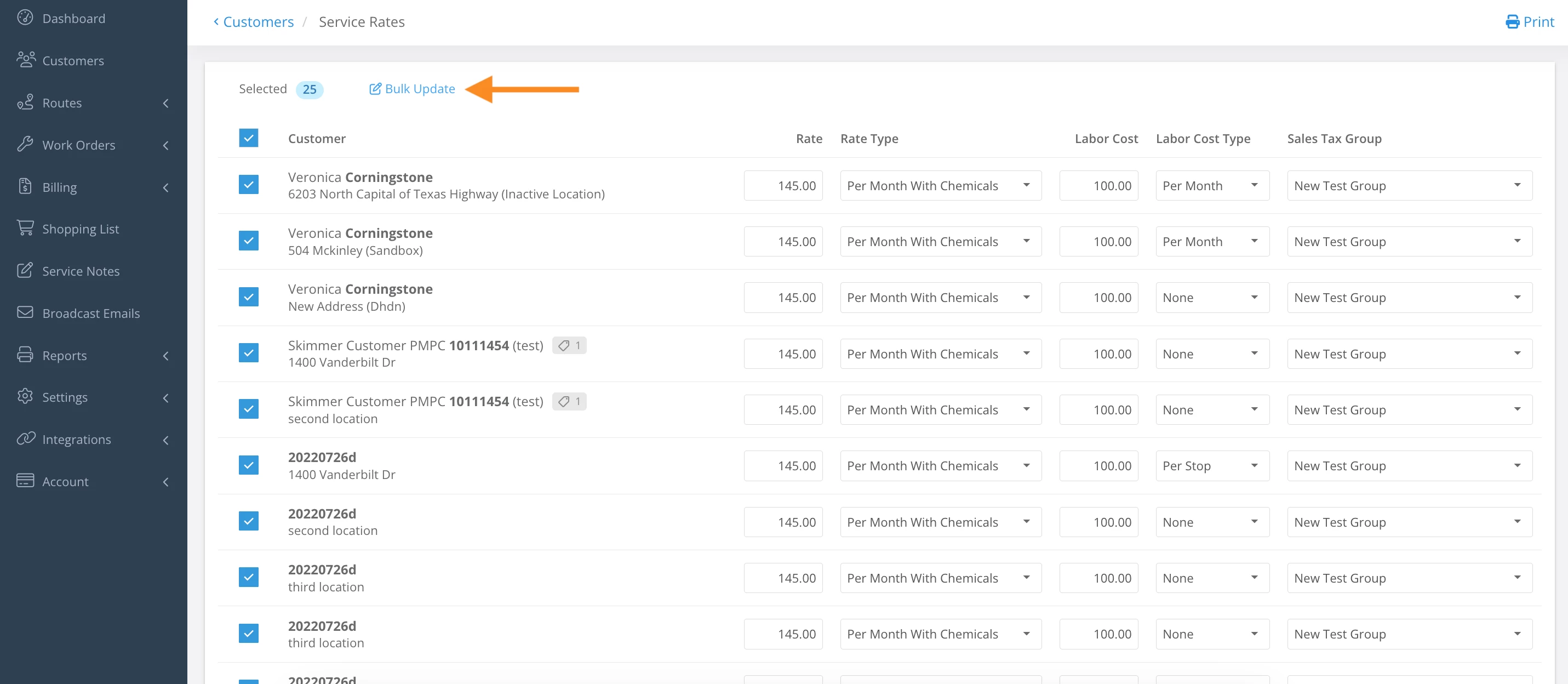
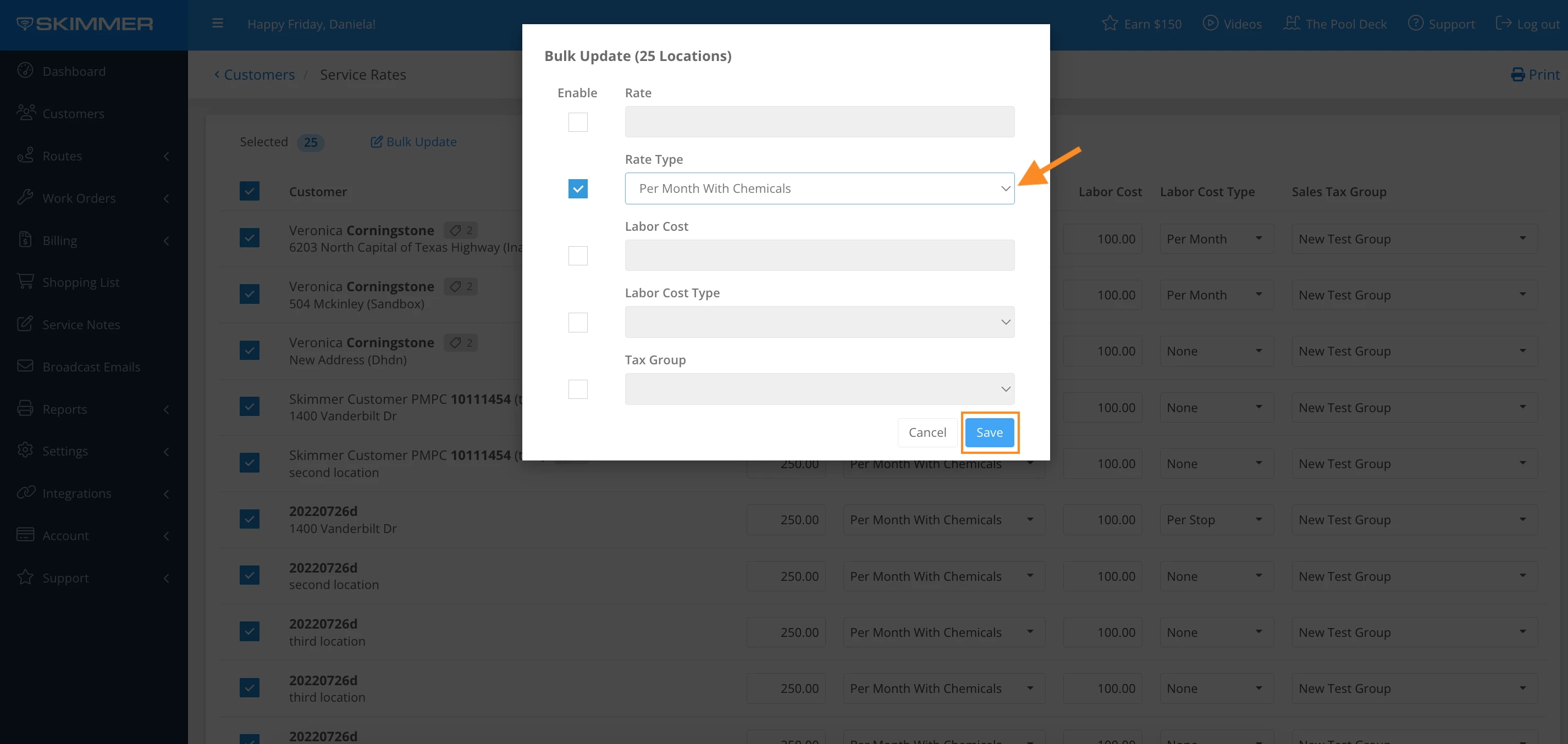
4. Select checkbox under Enable for the service rate that you would like to bulk update.
- Note: It is not required to apply changes for every category.
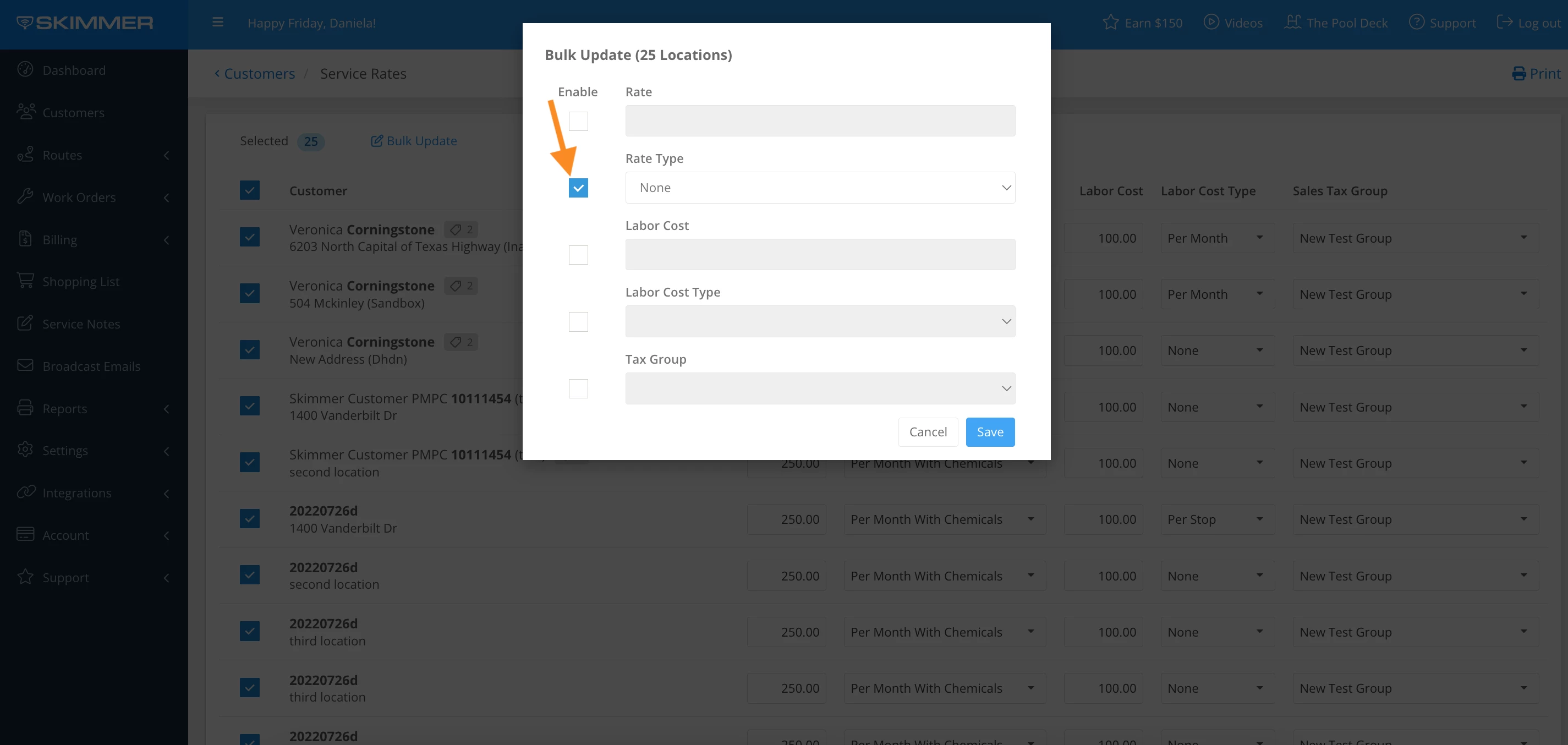
5. Click the dropdown bar and select the options listed > Save
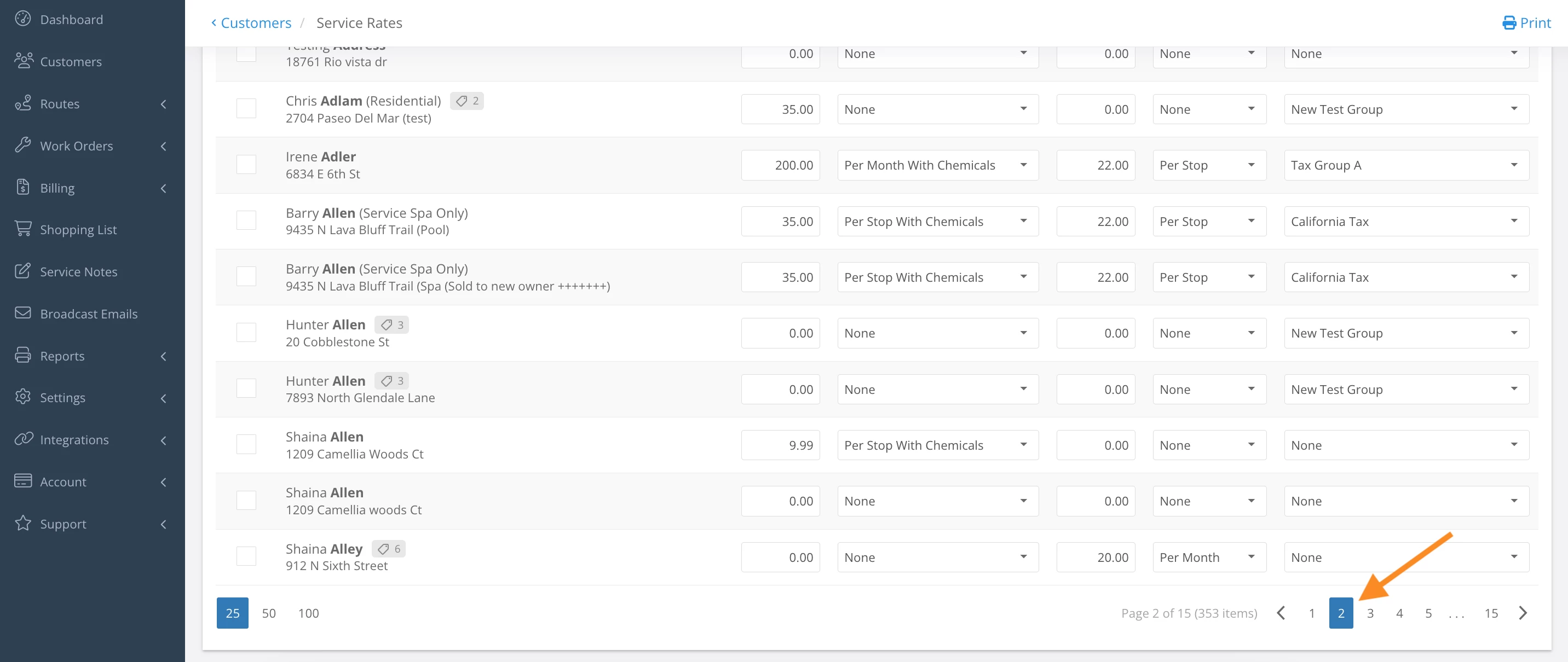
6. Scroll to the bottom on the page > click the next page and repeat Bulk Action steps
Last updated on August 26, 2025