



Watch the video or scroll down for step-by-step instructions.
Tiers: All
Step-by-step instructions
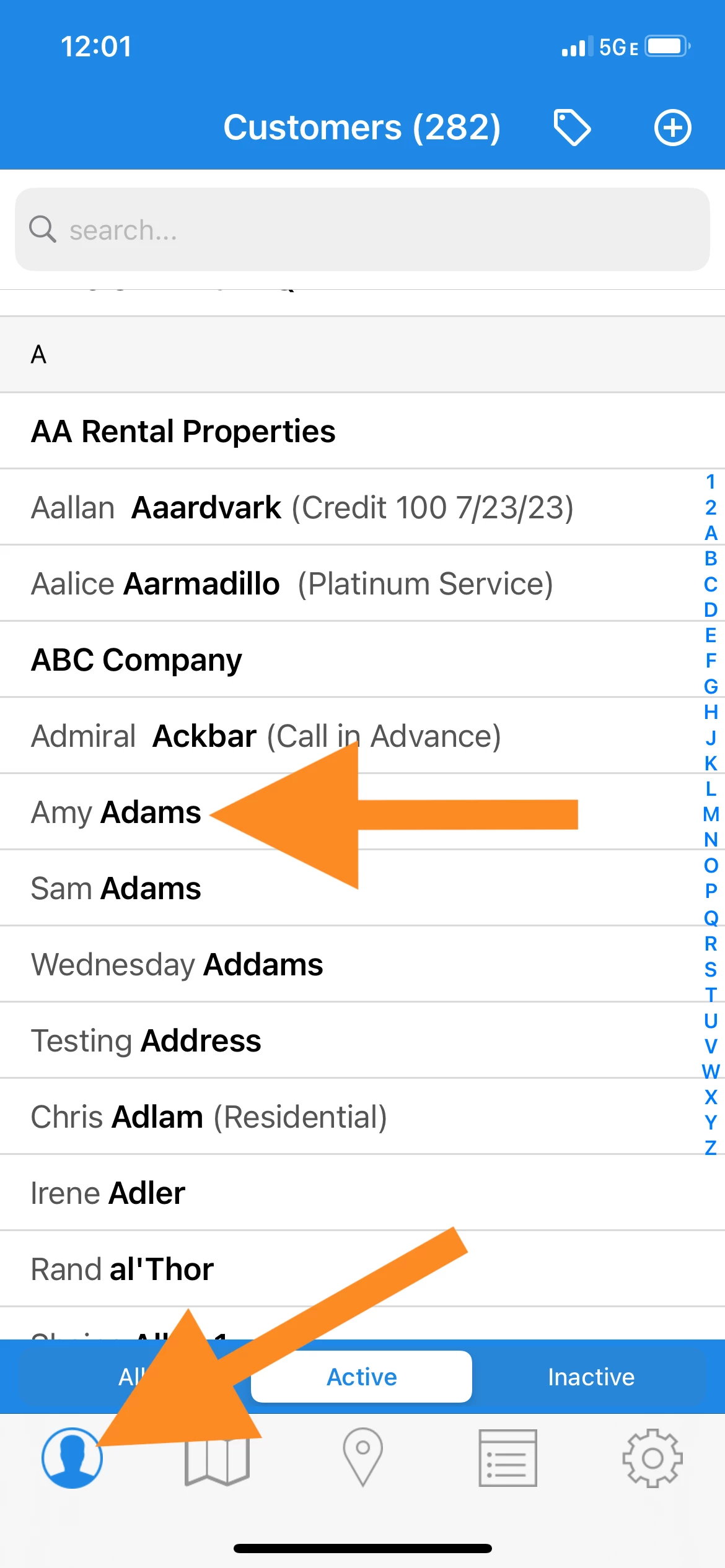
1. Tap the Customer tab, and tap on the customer name.
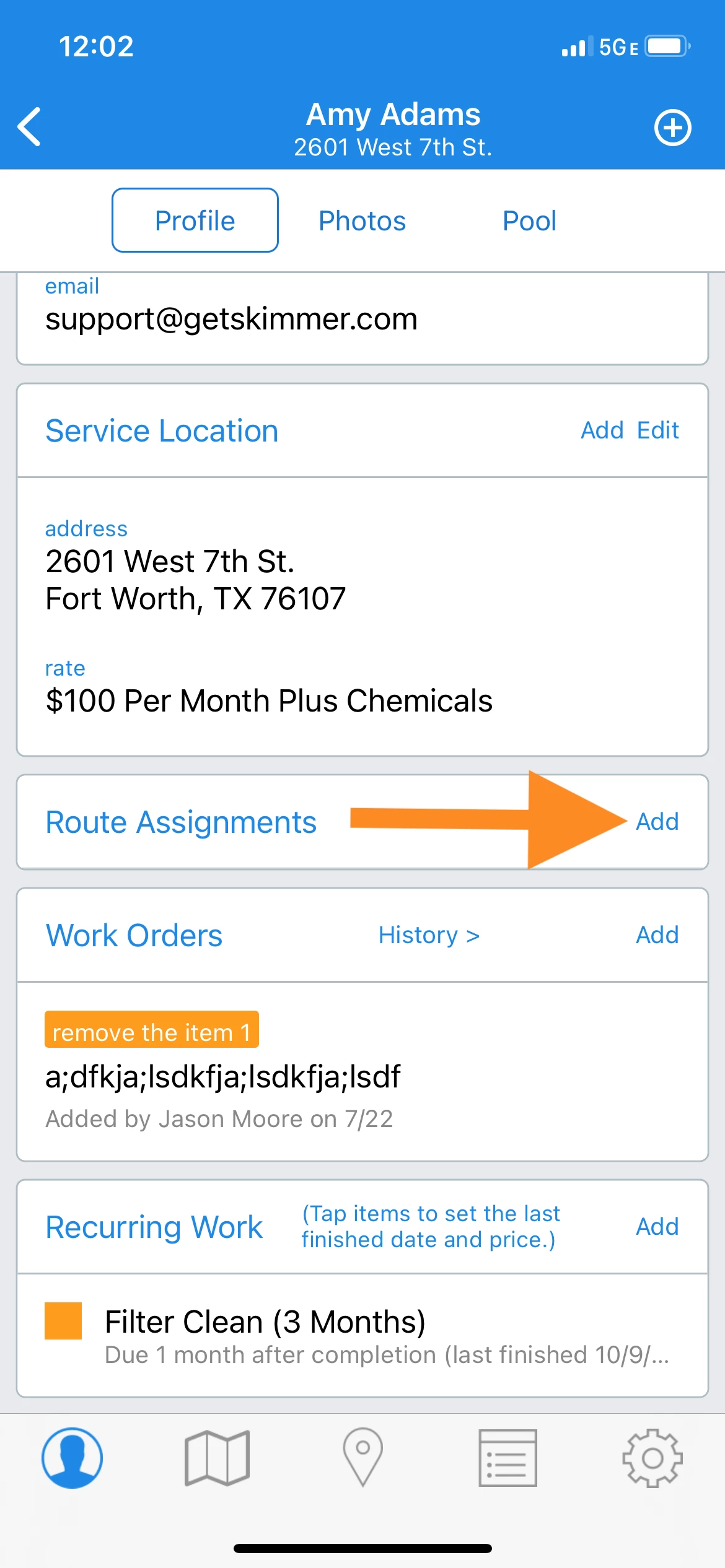
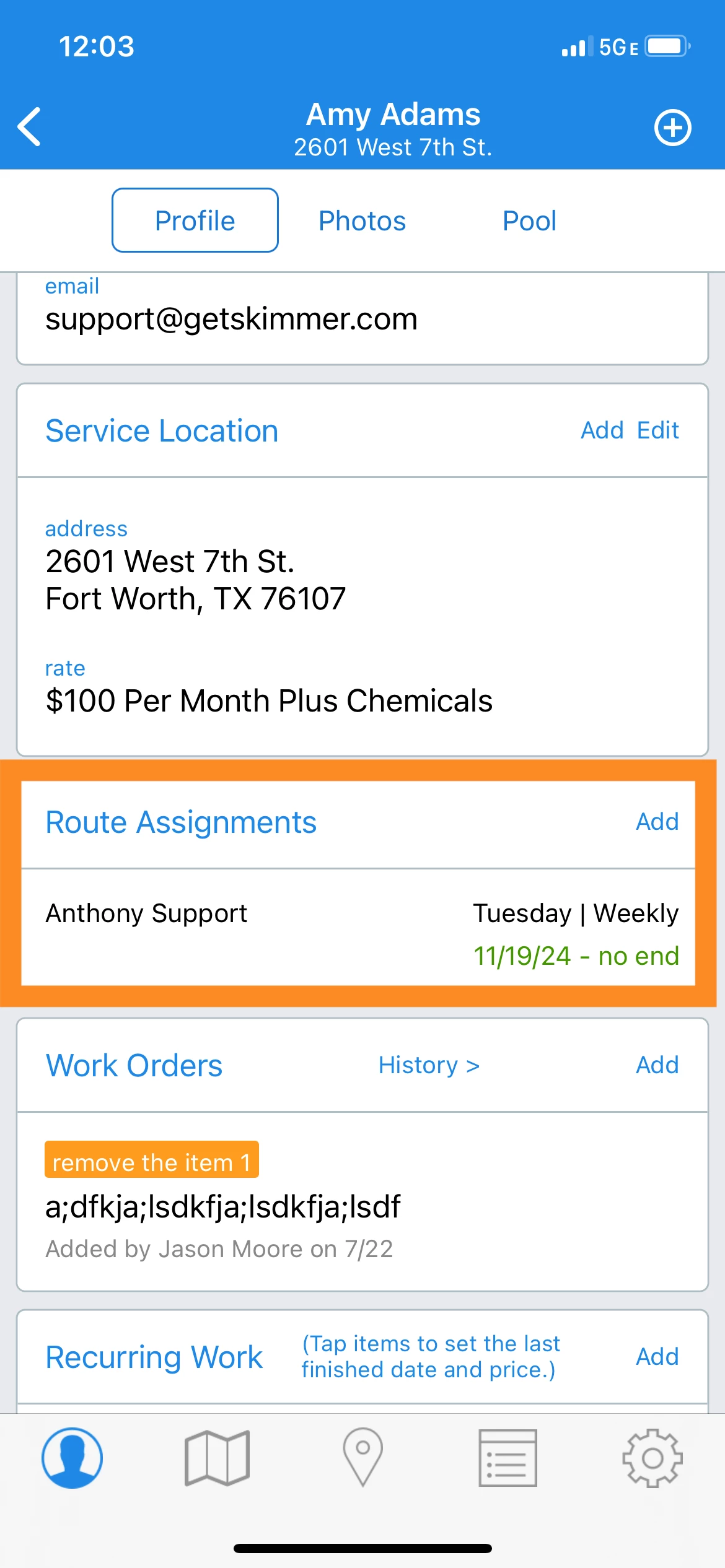
2. Scroll down to the Route Assignment section of the customer profile and tap Add.
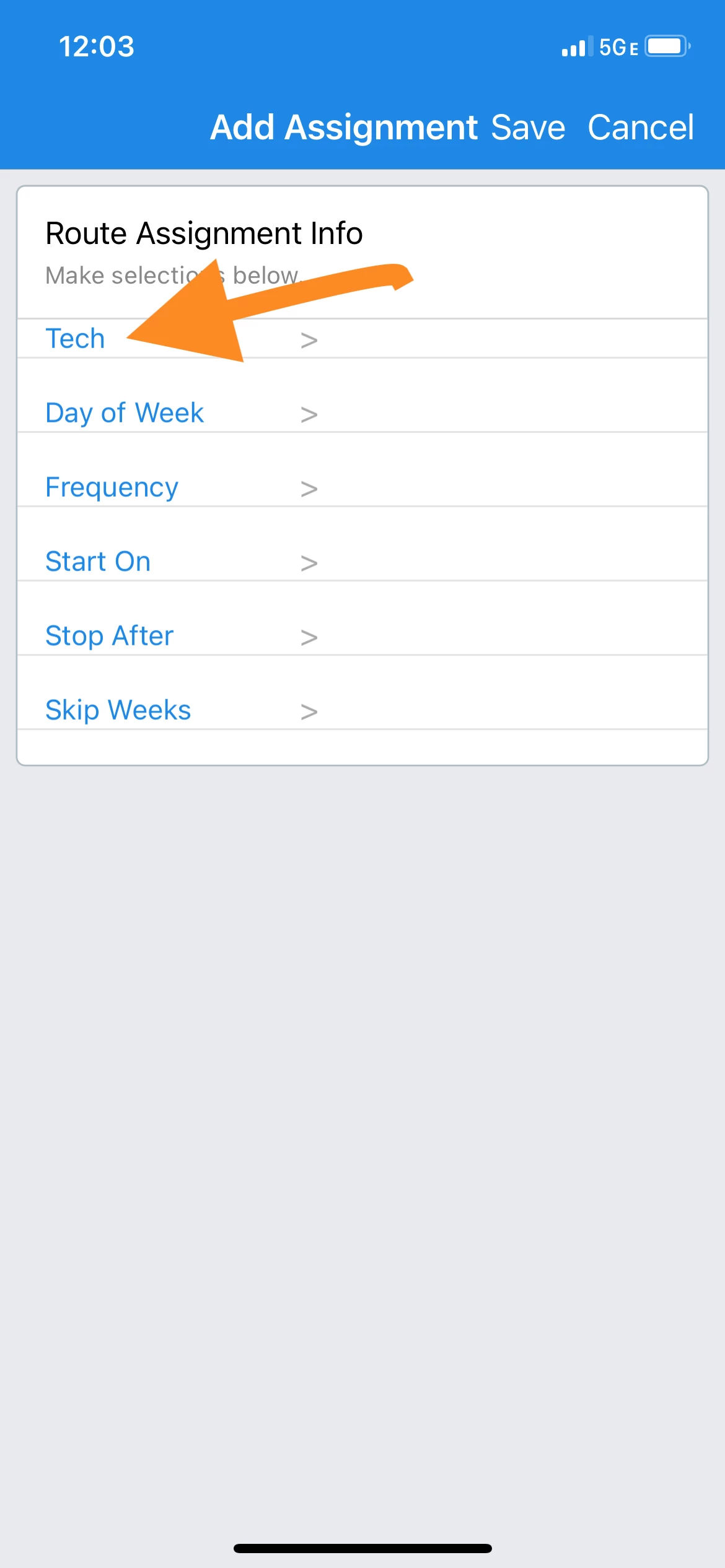
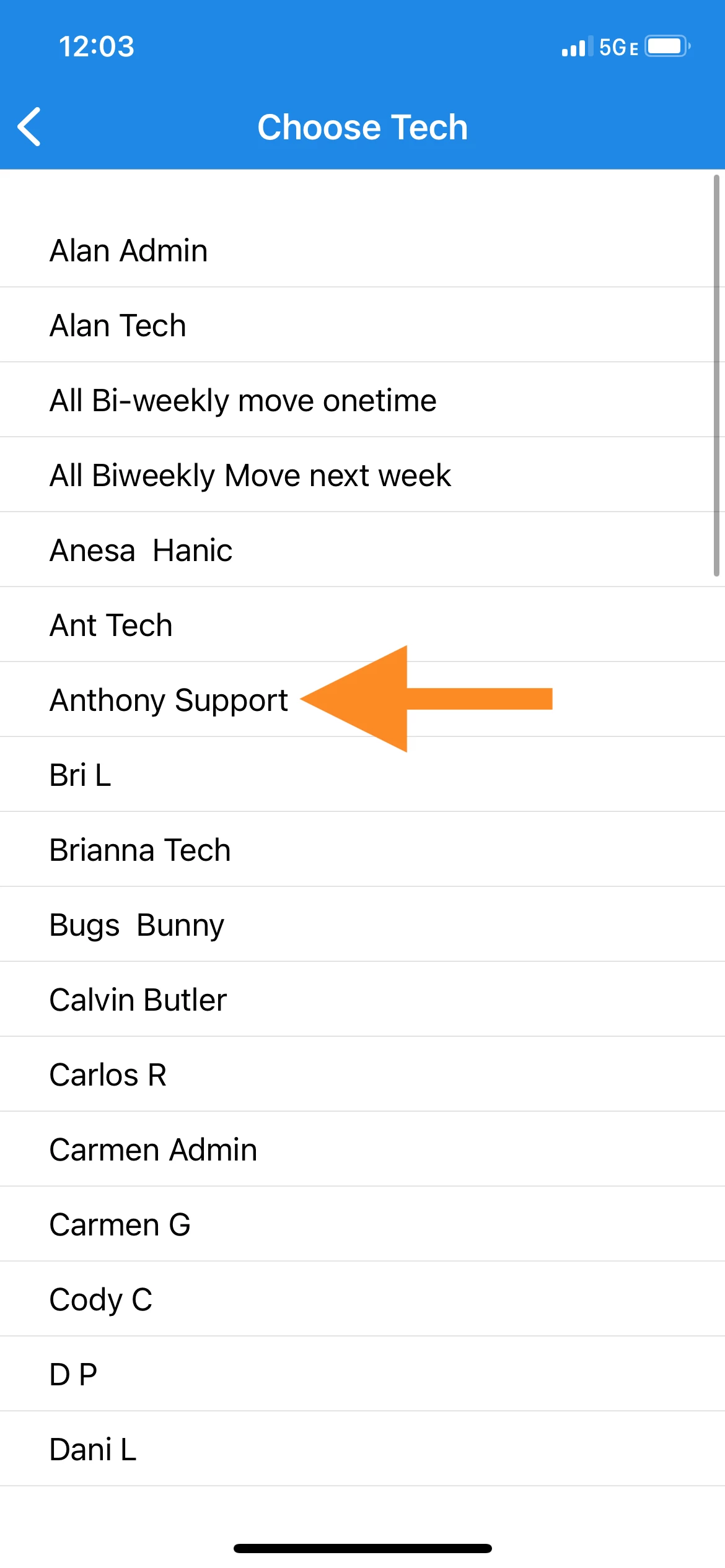
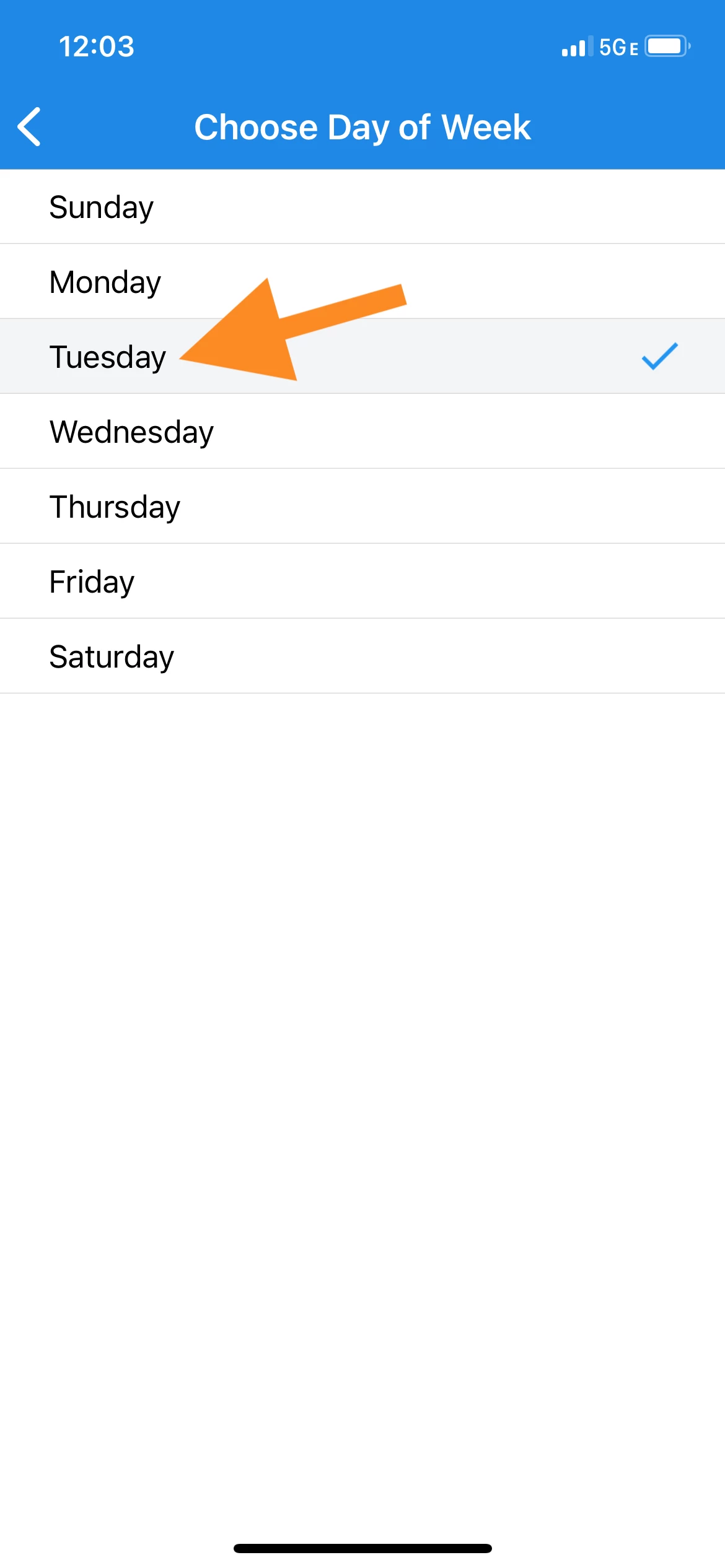
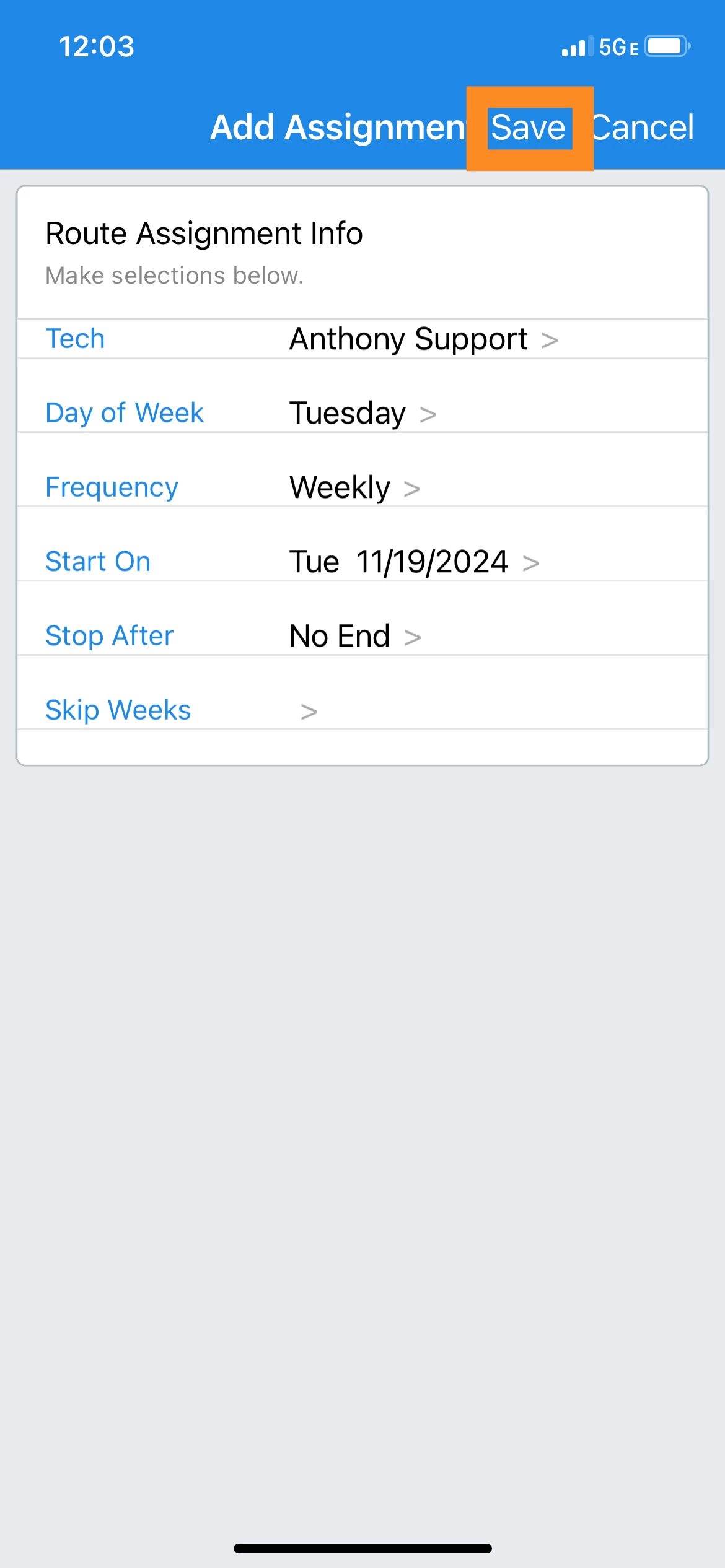
3. Tap and select for each route specification, and tap Save when finished..
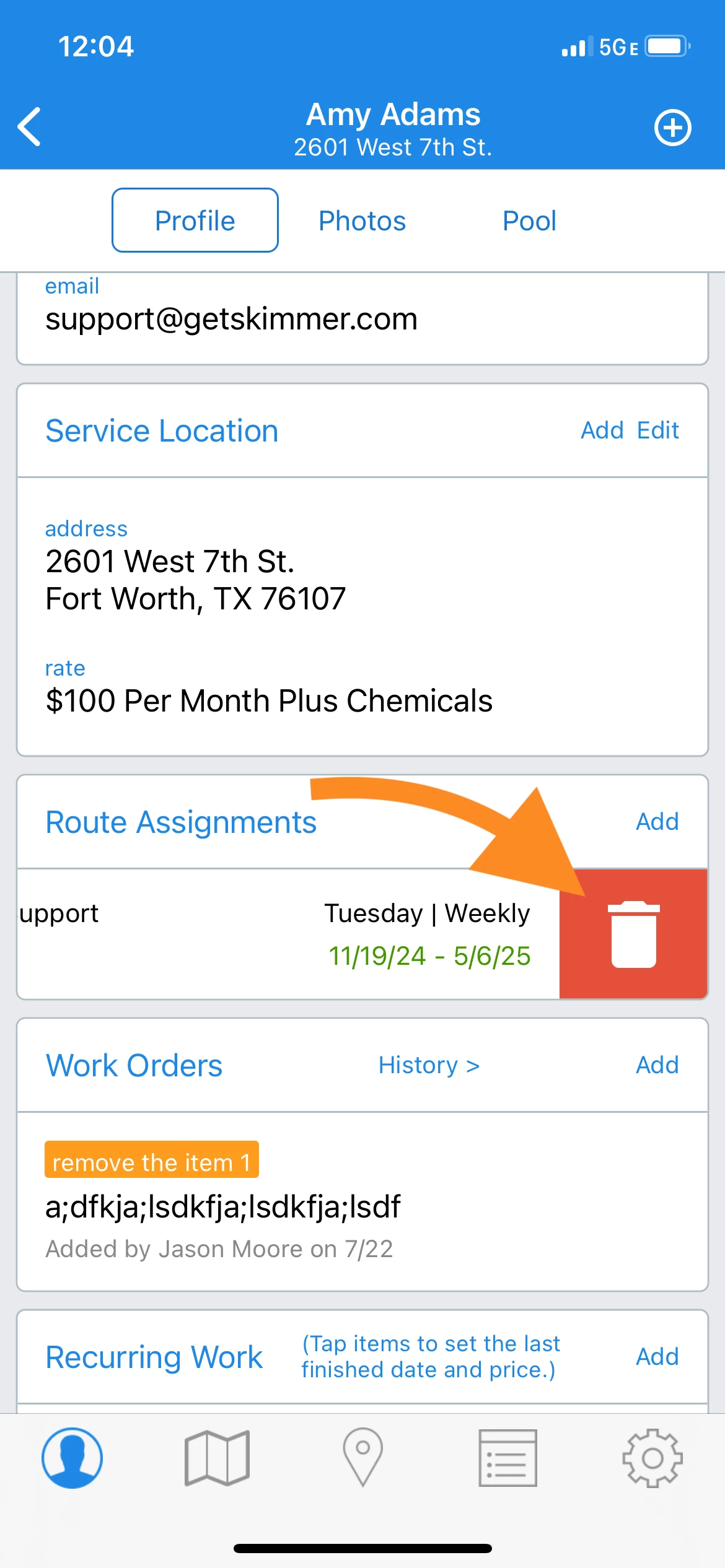
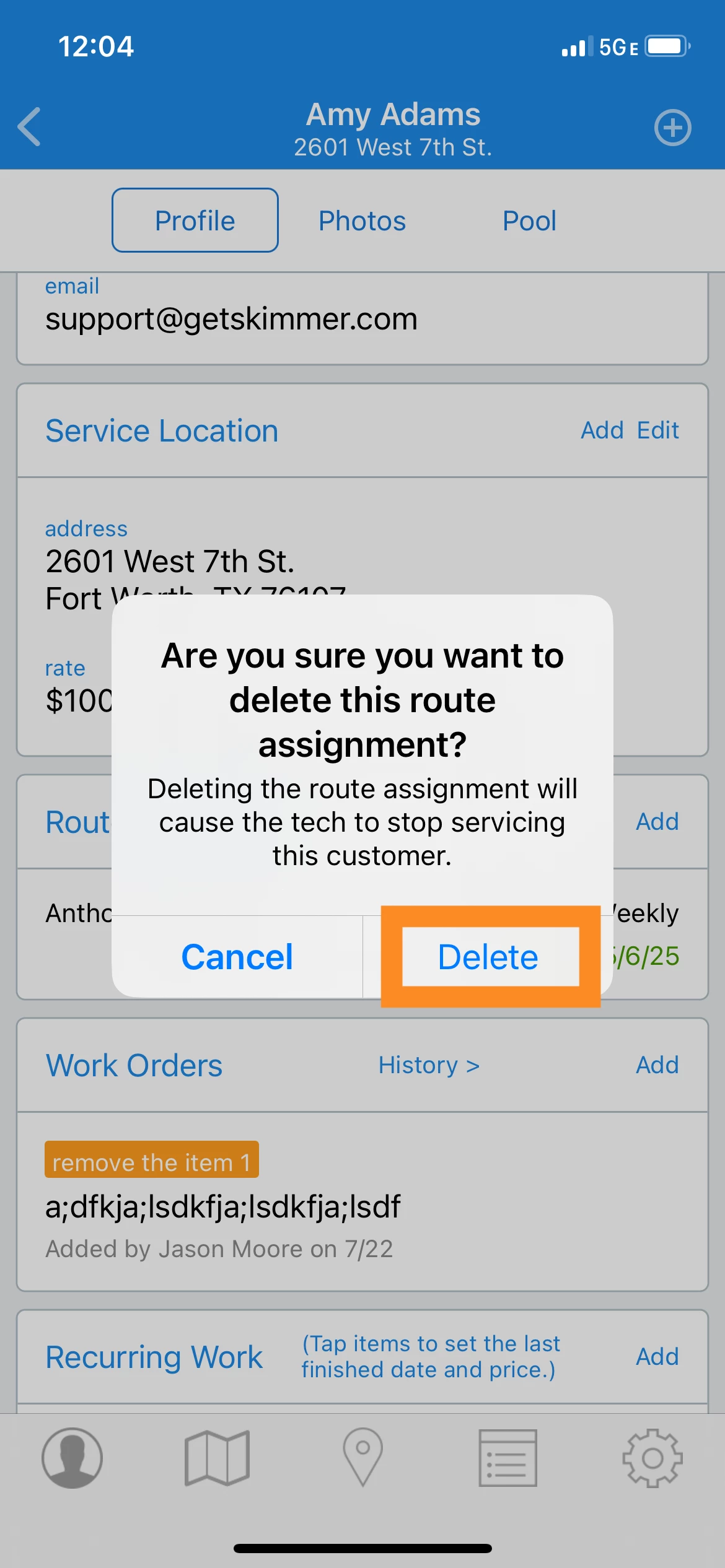
4. To delete a route assignment, swipe left > tap the trash icon > Delete.
Last updated on November 21, 2024