



Watch the video or scroll down for step-by-step instructions.
Tiers: All
Step-by-step instructions
-
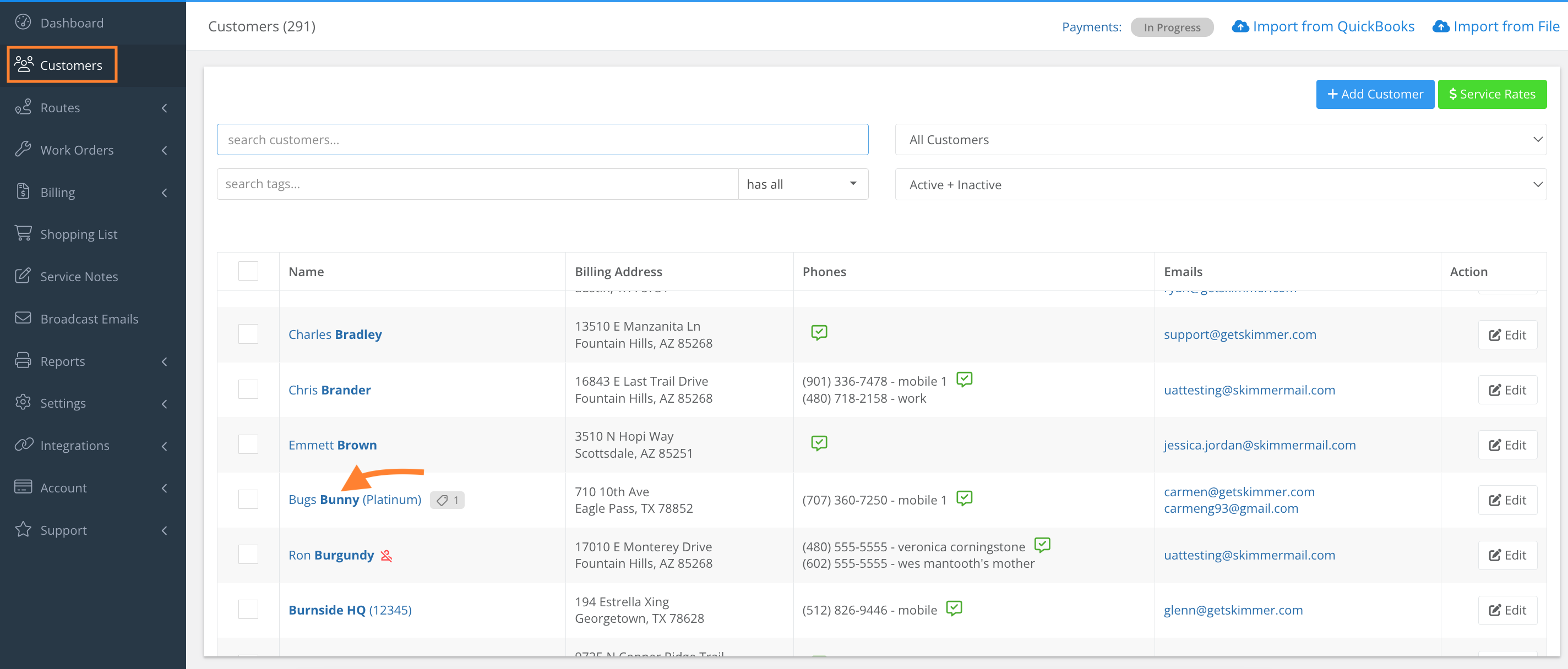
Select Customers and click the Customer Name.
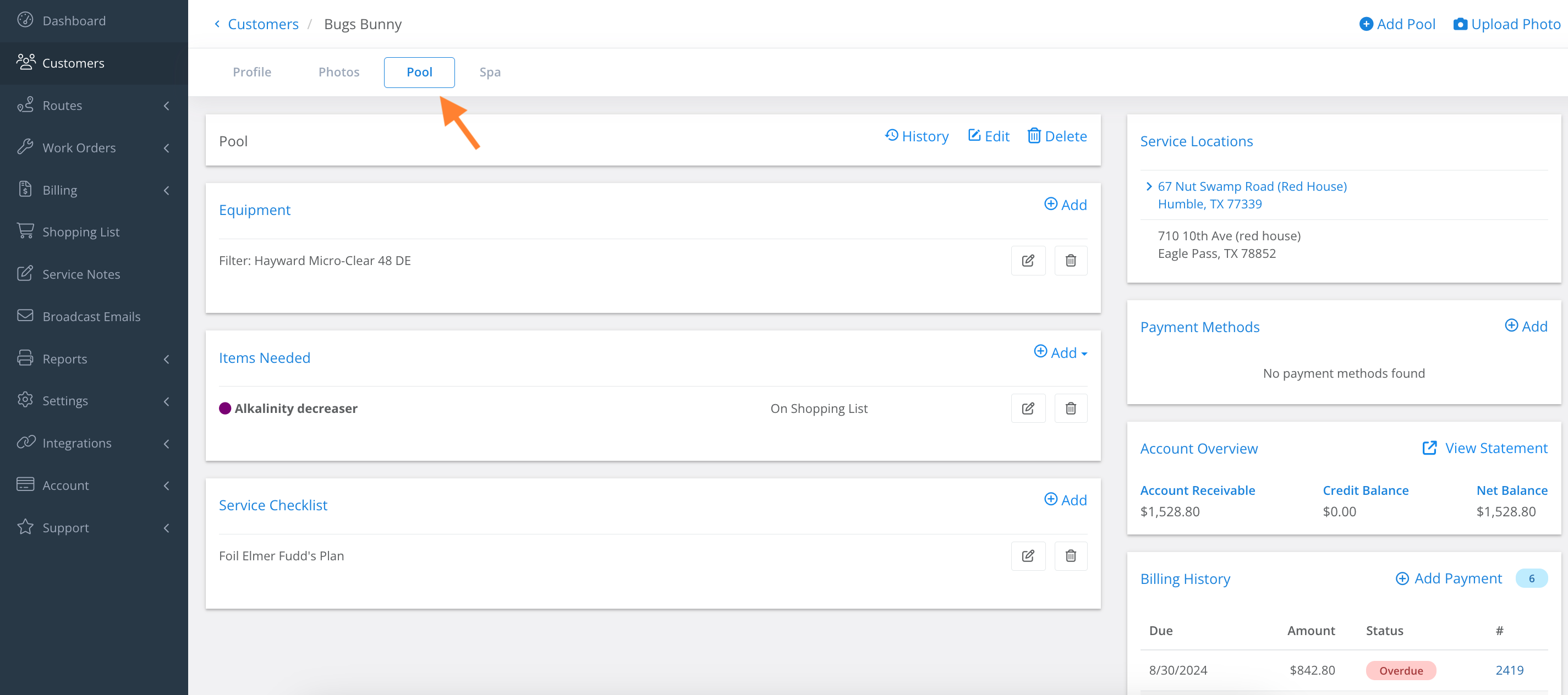
2. Select the Pool tab.
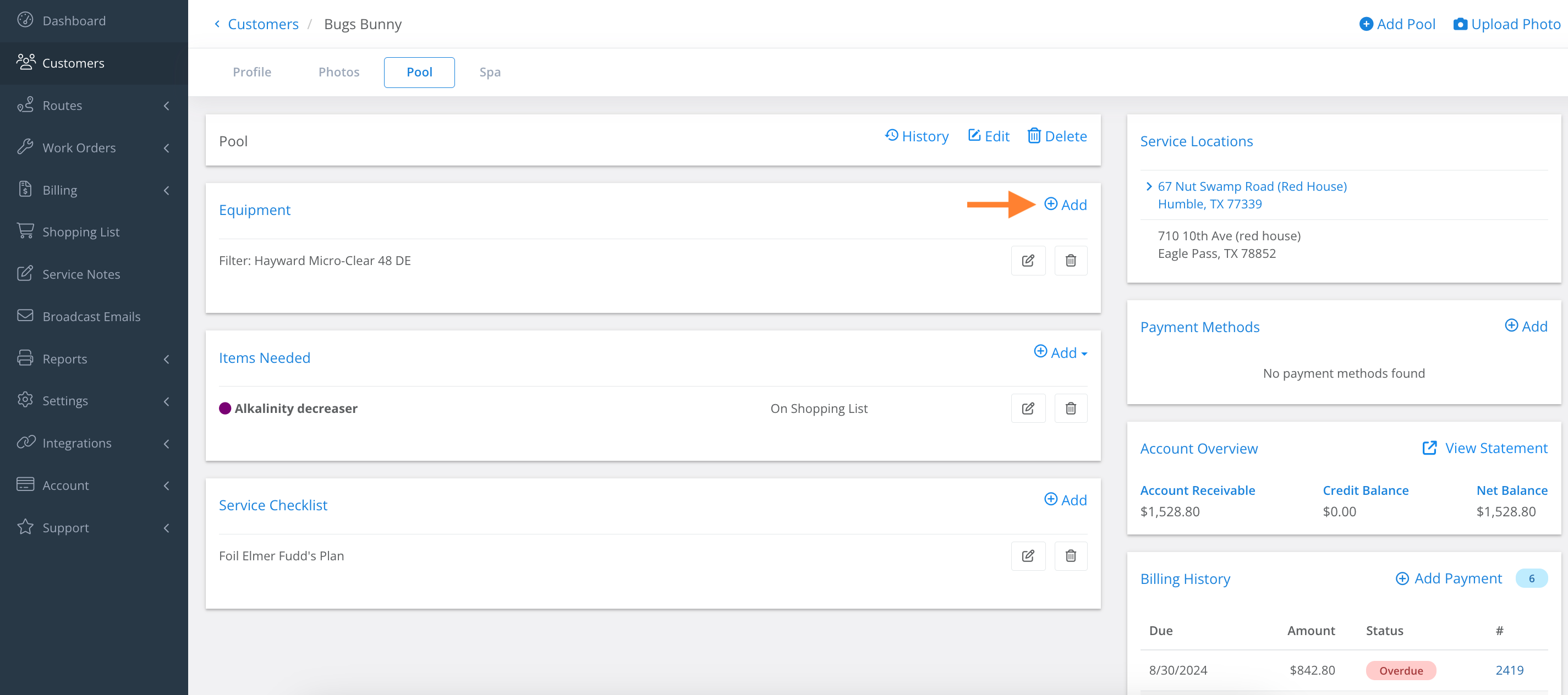
3. Click Add.
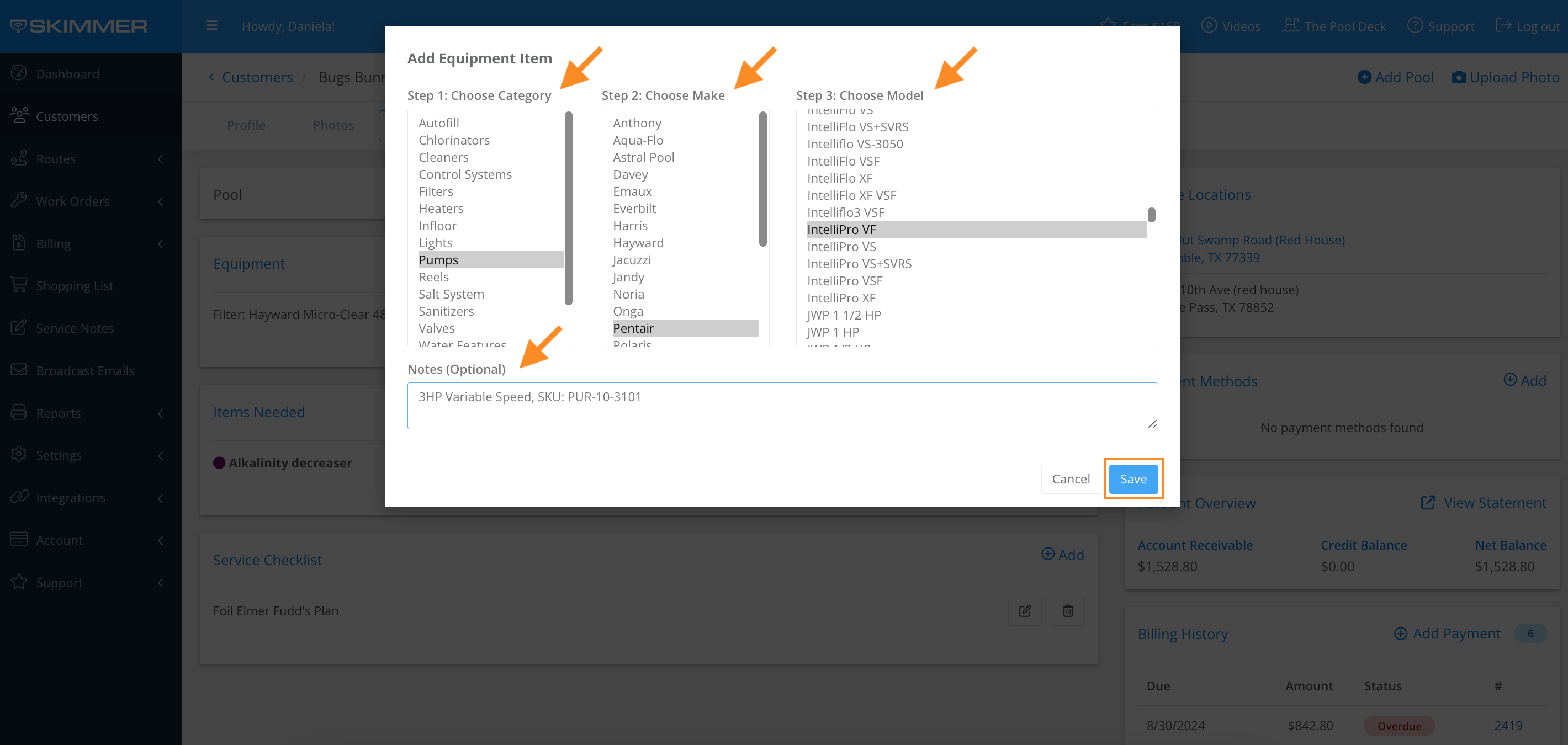
4. Select Choose Category > Choose Make > Choose Model > Notes (optional) > Save.
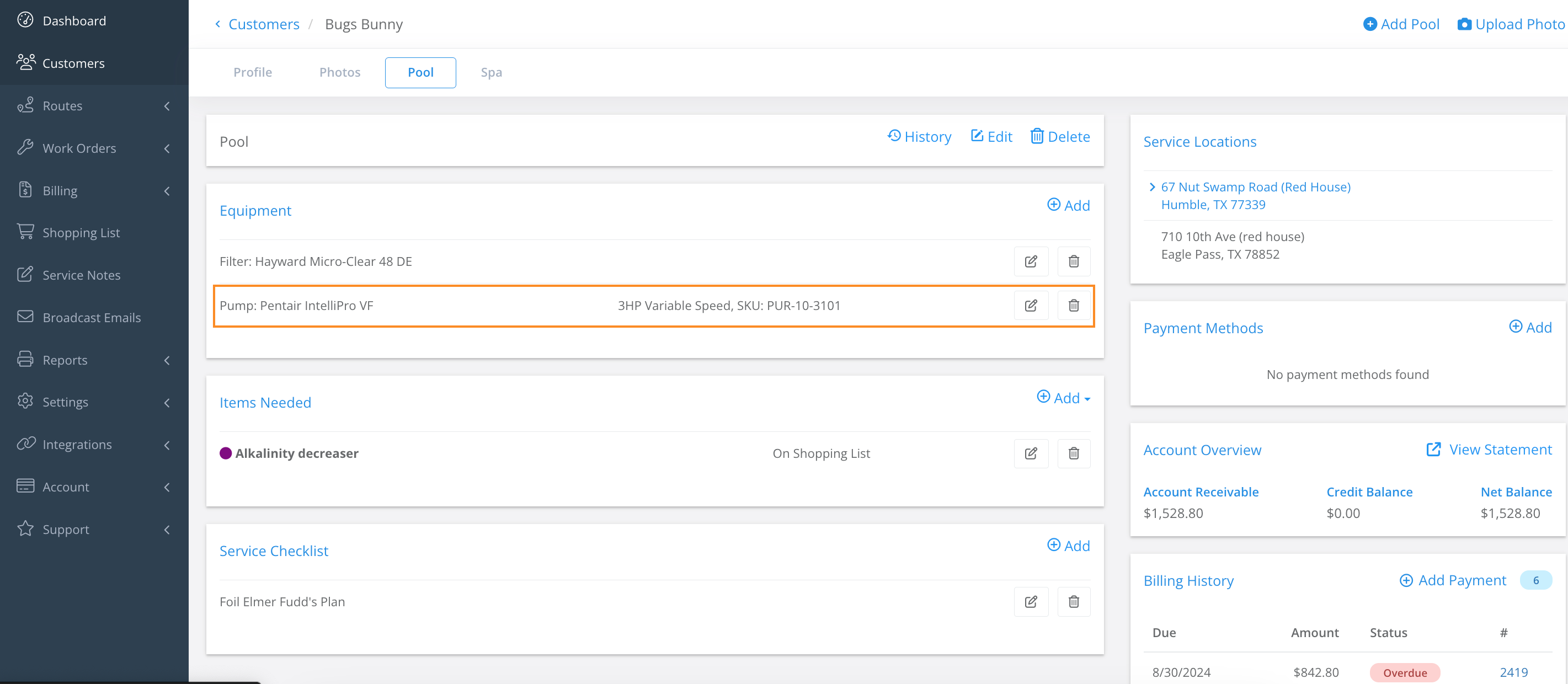
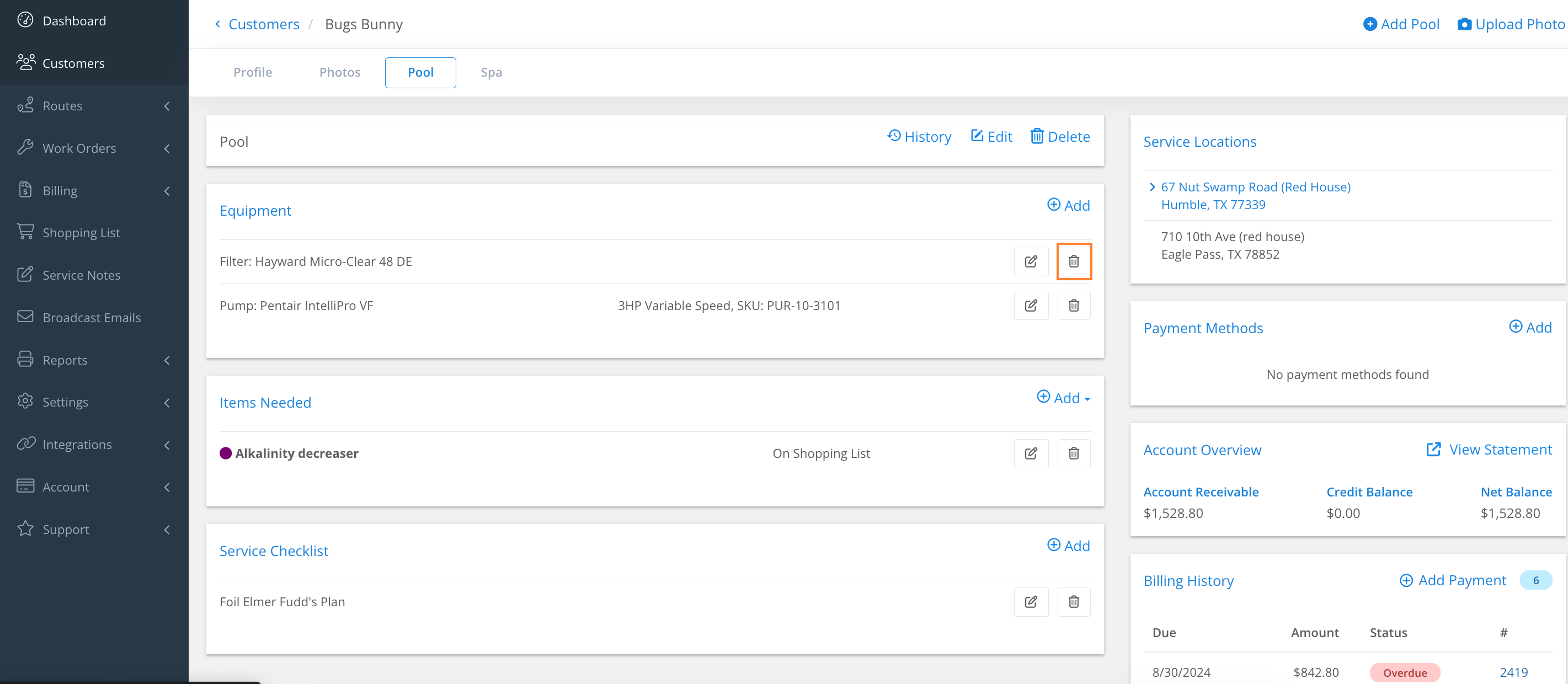
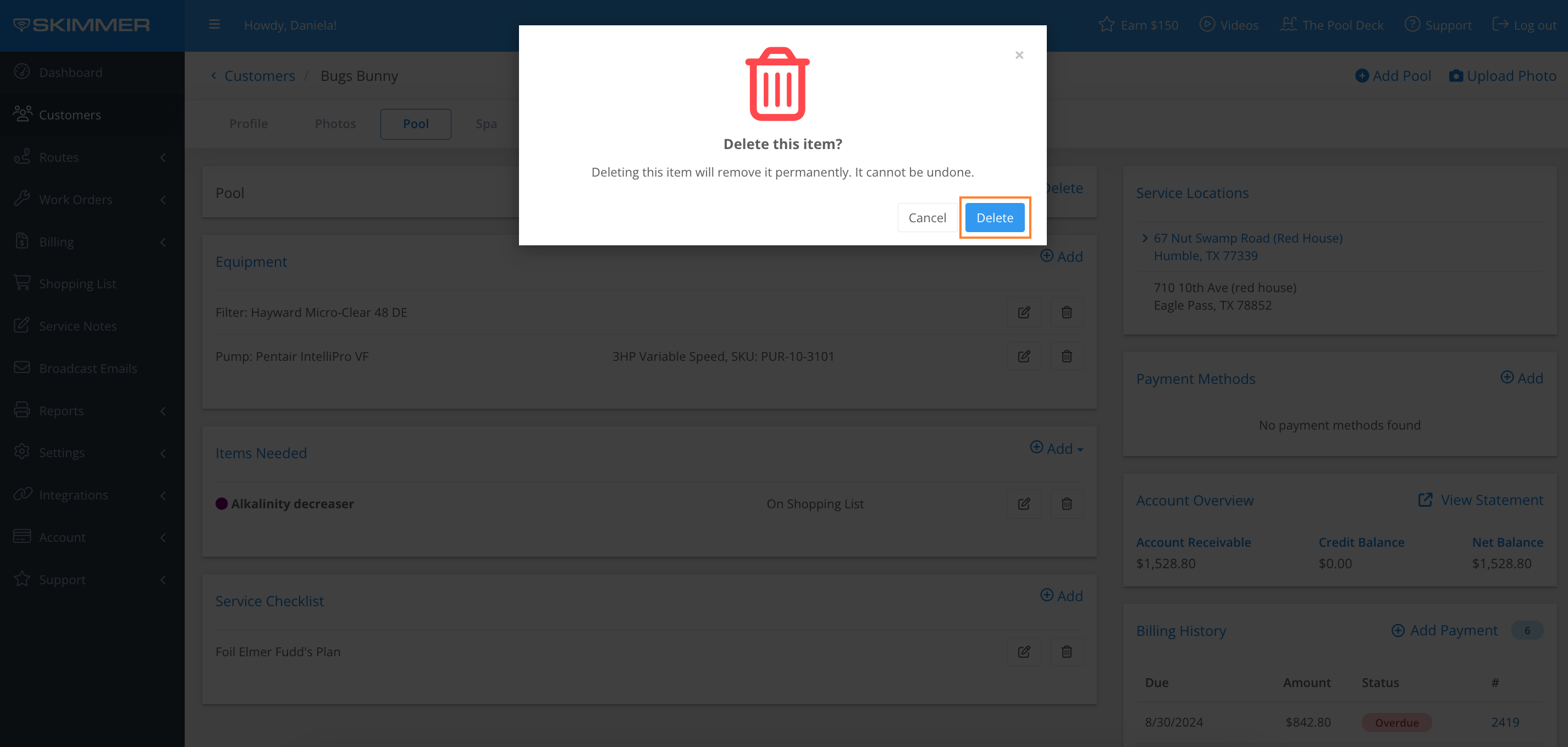
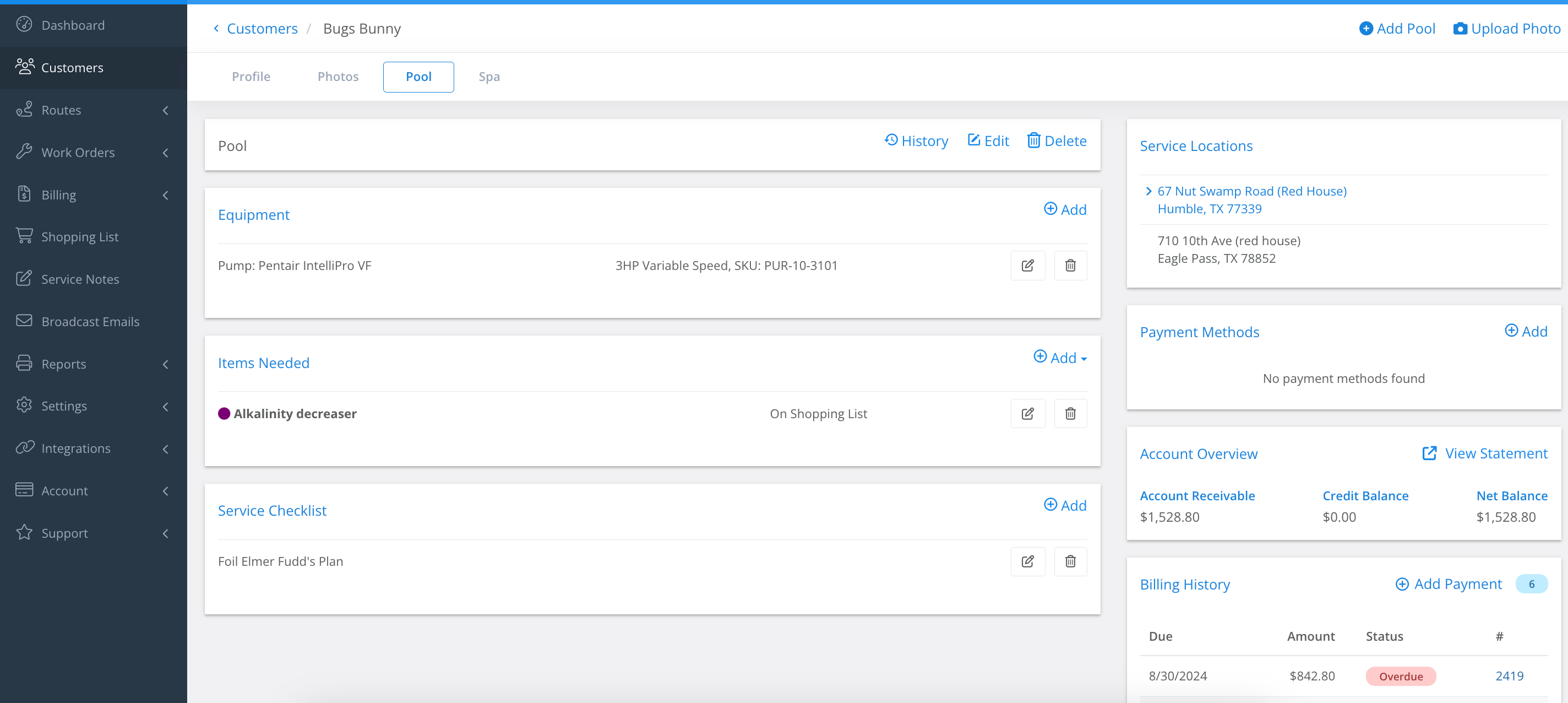
5. To delete, click the Trash Icon > Delete.
Last updated on September 6, 2024