
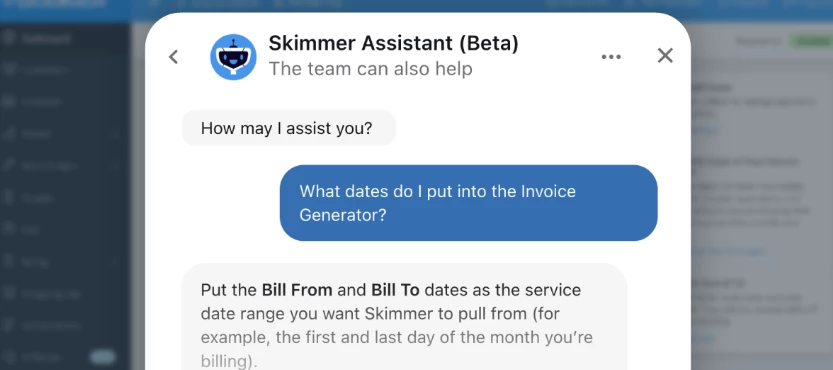



It's the first of the month. You open the Invoice Generator and immediately think, "Wait... what dates do I put in here again?"
You know you've seen the answer before. Maybe it's buried in a help article, or maybe you jotted it down somewhere. Either way, you're spending valuable time searching for something that should only take a few seconds to find.
That's exactly why we built Skimmer Assistant.
Just click the Help Center button in the upper-right corner of your Skimmer account. From there, you'll have access to Skimmer Assistant, our Help Center, product updates, and other helpful resources—all in one place.
Skimmer Assistant isn't a generic AI chatbot. It pulls directly from the same knowledge base, support documentation, FAQs, and enablement guides our team uses every day. Ask a question in plain English and get an answer instantly, complete with links to the source articles if you want to learn more.
Since launching in November 2025, Skimmer Assistant has:
- Resolved more than 7,500 customer conversations.
- Successfully answered up to 90% of all customer chats.
- An average Customer Satisfaction score of 85% from 500+ surveys
With Skimmer Assistant, you can:
-
Find step-by-step guidance on using Skimmer.
-
Get instant answers to common invoicing, billing, and payment questions.
-
Submit feature requests directly to our Product team.
-
Browse recent product releases and discover what's new.
-
Jump directly to the Help Center articles behind every answer.
Need help with something more complex? Skimmer Assistant can seamlessly hand you off to our Support team.
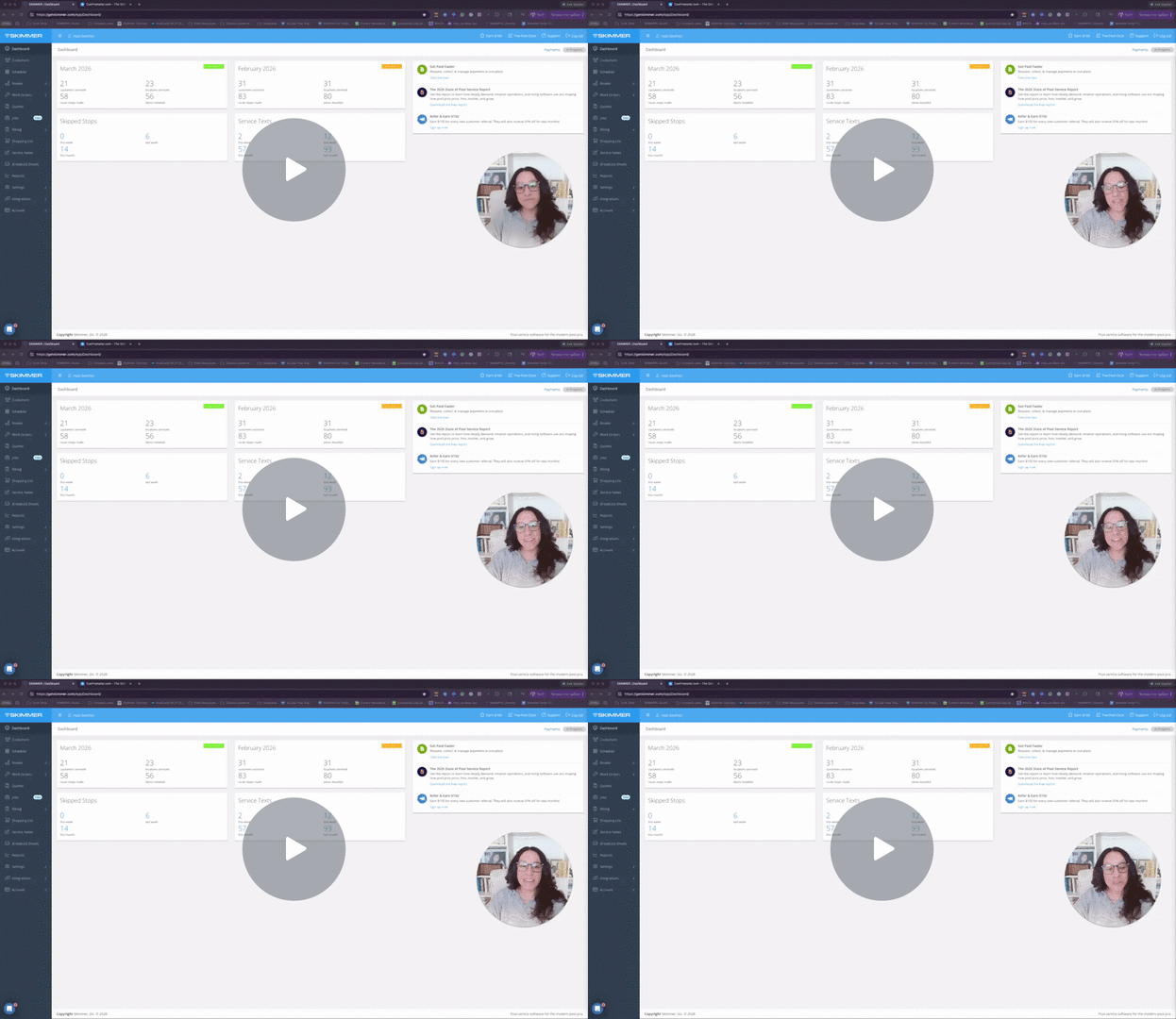
Want to see it in action? Watch this short video where I ask Skimmer Assistant some of the real questions our customers ask every day and see how it responds 👀
The next time you have a question, just click Help Center in the upper-right corner of Skimmer and ask Skimmer Assistant. The answer you're looking for is probably only a few seconds away.