
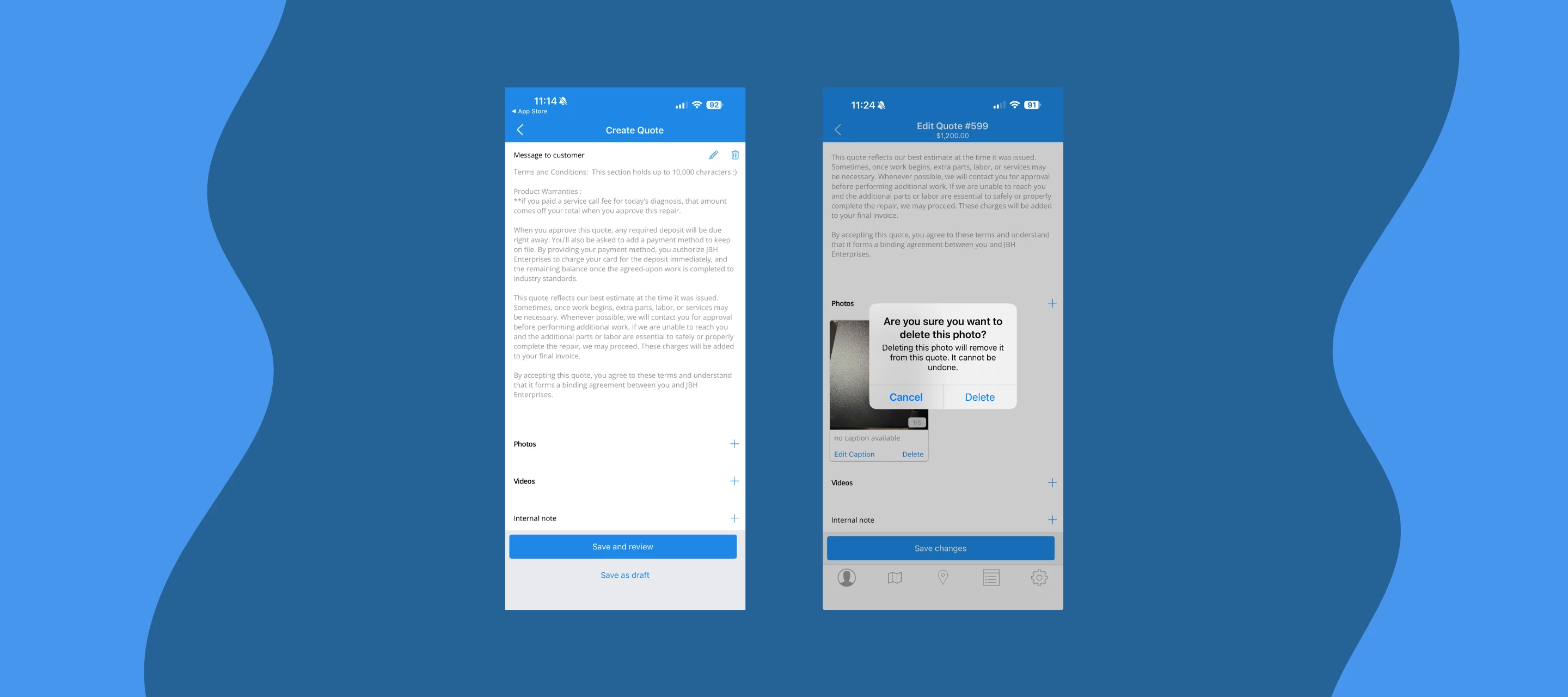



Mobile 12.13 is live, and the headline feature is one we've heard from you for a while: you can now record and attach a video directly to a quote from the Skimmer app.
Record video from quotes
Sometimes a photo doesn't cut it. A gurgling pump, a slow leak, equipment that only acts up when it's running — these are the moments where video does the work. Now your techs can capture up to two videos per quote, right from the app. Videos compress on the device before uploading and queue automatically if they're offline and attached videos show up as downloadable files on web.
A quick heads up: video records audio too. Great for capturing pump sounds, but worth keeping in mind if there's side conversation happening at the job site.
What else is new in 12.13
- Photos taken in the app now have a date and time stamp printed directly on them — including photos taken offline. It appears in the top right corner wherever the photo is displayed.
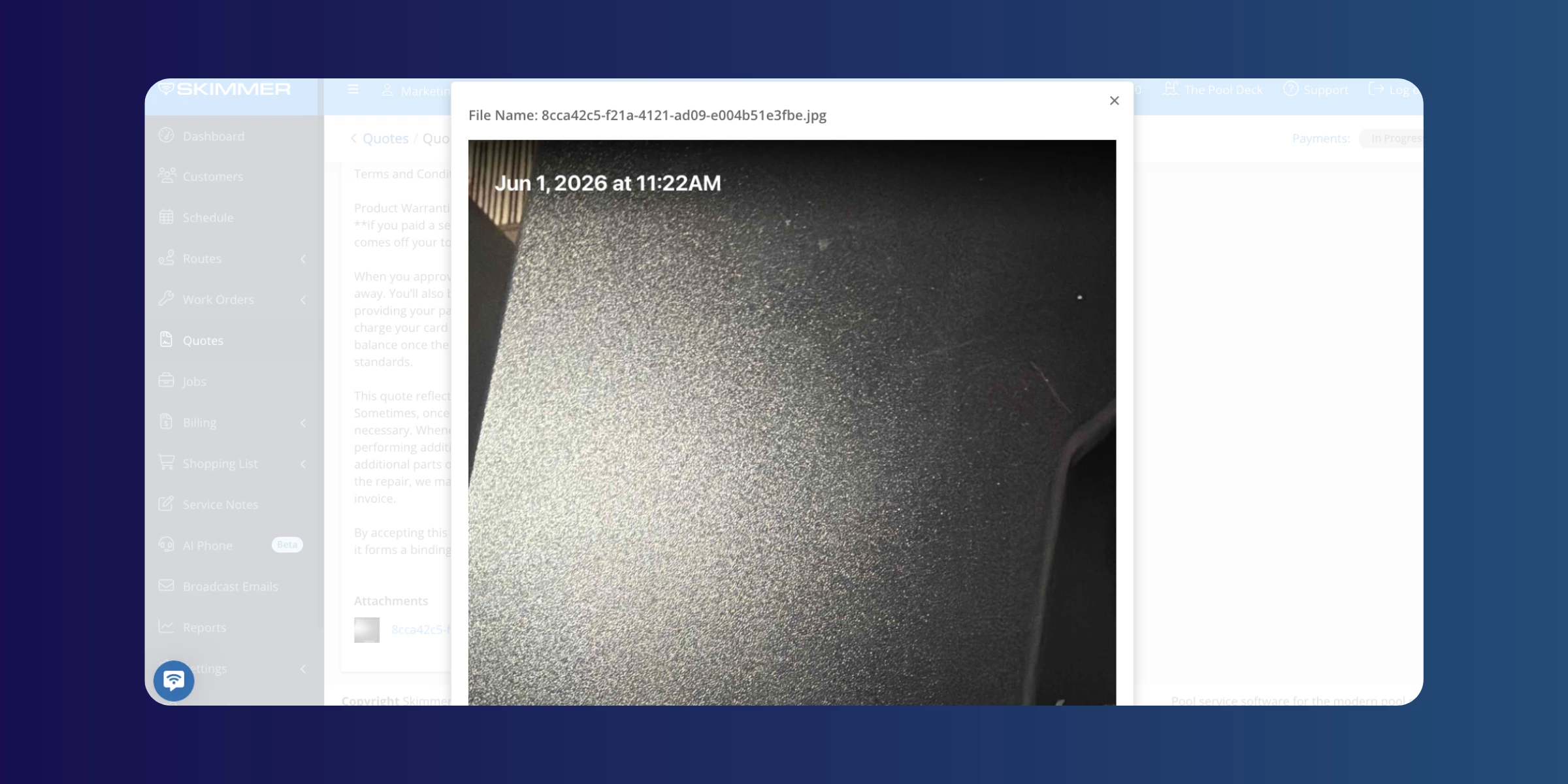
- Photos and videos now open directly in the browser instead of prompting a file download when accessed from a link.
- WebP, GIF, and BMP images added to quotes on the web now also display correctly in the mobile app.
- A confirmation prompt now appears before deleting any photo or video from a quote, so nothing gets removed by accident.
- The product catalog on mobile now matches the web more closely — cost, markup, and manufacturer ID fields are all there, and you can mark products as discontinued directly from the app.
- Error messages now surface clearly when an action fails, so techs aren't left wondering whether something went through.
- Required fields are now consistently marked with a red asterisk across all forms.
Make sure you've updated to the latest version to get all of this.
[Update for iOS ] | [Update for Android ]
Are you already using the video feature? Drop a comment — always good to hear how you're using it in the field.