
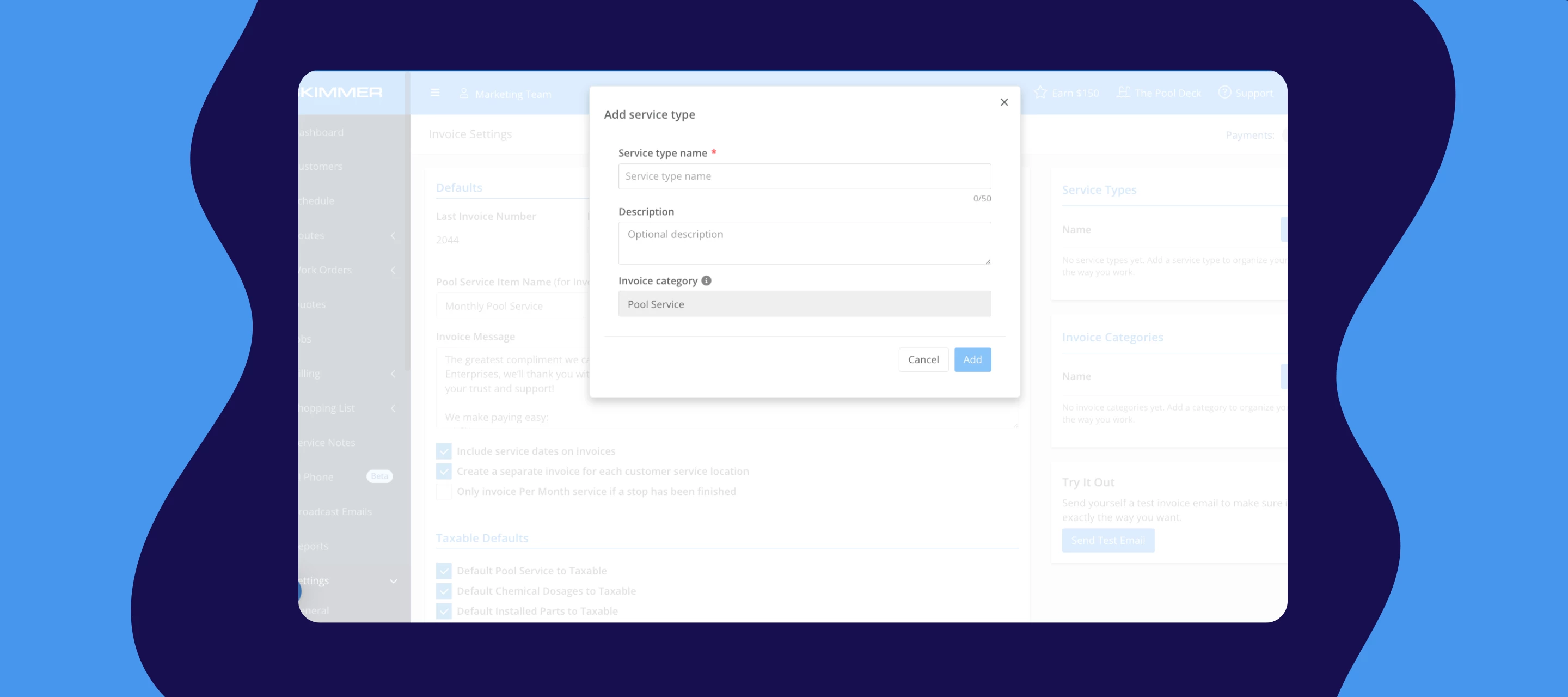



We just shipped three updates to invoicing that work together to give you a clearer picture of where your money is actually coming from and more control over how and when your customers get billed.
Service types
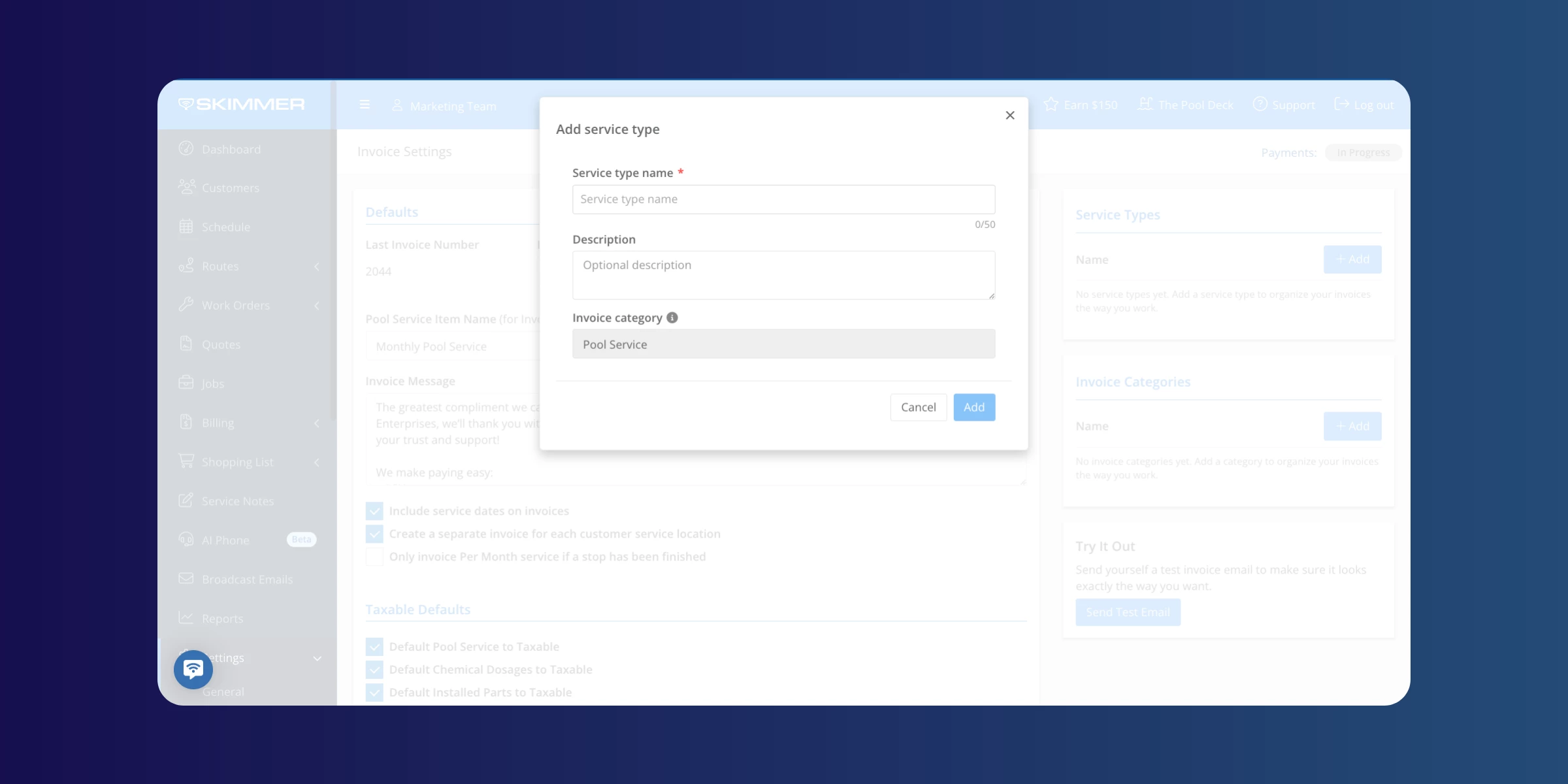
You can now label the type of work each customer receives — full service, chems only, gold package, whatever your tiers look like and tie those labels directly to how revenue is categorized in your reporting and QBO sync.
Before this, everything landed in one bucket. If you run multiple service tiers across a few routes, there was no clean way to see which service type was driving revenue at the end of the month. Now you can — without touching a spreadsheet.
Invoice categories
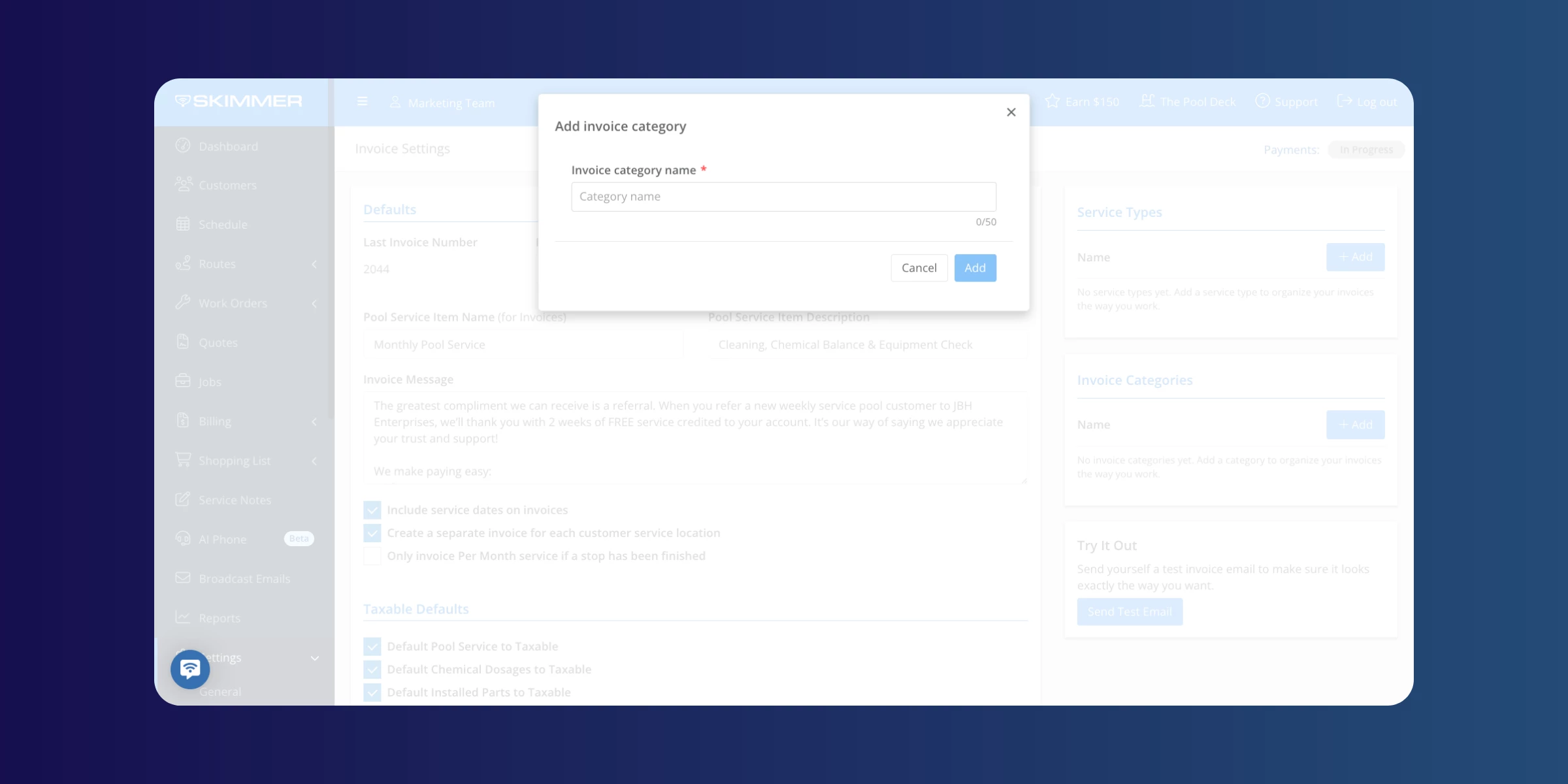
We’ve added custom invoice categories, so your billing reflects how your business actually reports on income. Instead of everything collapsing into a generic "pool service" or "repairs" line, you can break income down into the categories that matter to you — residential repairs, commercial repairs, different service tiers.
For larger operations managing multiple service lines or crews, this is a significant addition. It's the difference between Skimmer feeling like a field tool and actually running your business out of it.
TIP : Service types and invoice categories work together — set them up once and they categorize automatically at invoicing time.
Auto invoicing by customer date
Invoice each customer on their own billing day, automatically. No more forcing everyone onto one company-wide date.
This is especially useful if your customers are on different billing agreements — the 1st for some, the 15th for others. It also makes a real difference if you've acquired another book of business. The last thing you want when bringing on new customers is to change their billing date on day one. This lets you honor the dates they're already used to, keeping the transition smooth.
Questions about setup? Leave them below and we'll help you get going.