
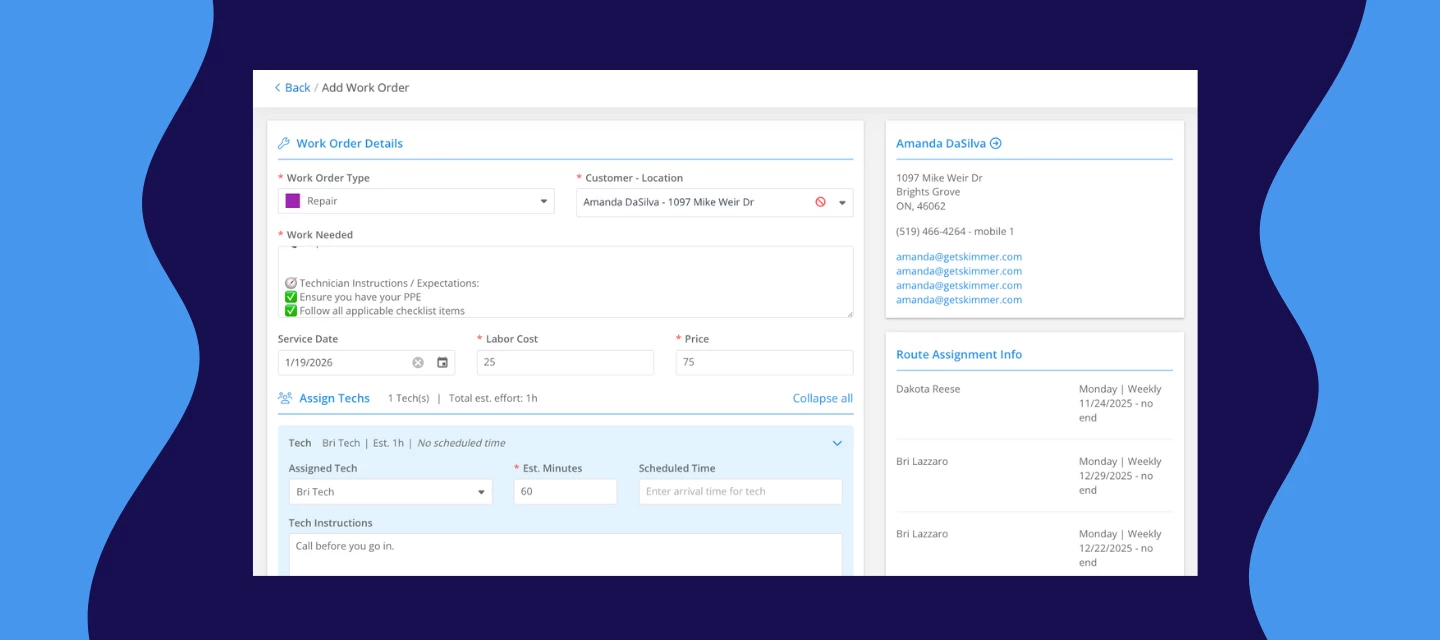



We've completely revamped how you create, edit, and finish work orders on web—making the whole process smoother and more intuitive. These changes make work orders easier to manage from start to finish, reduce back-and-forth, and give techs clearer context before they ever arrive on site.
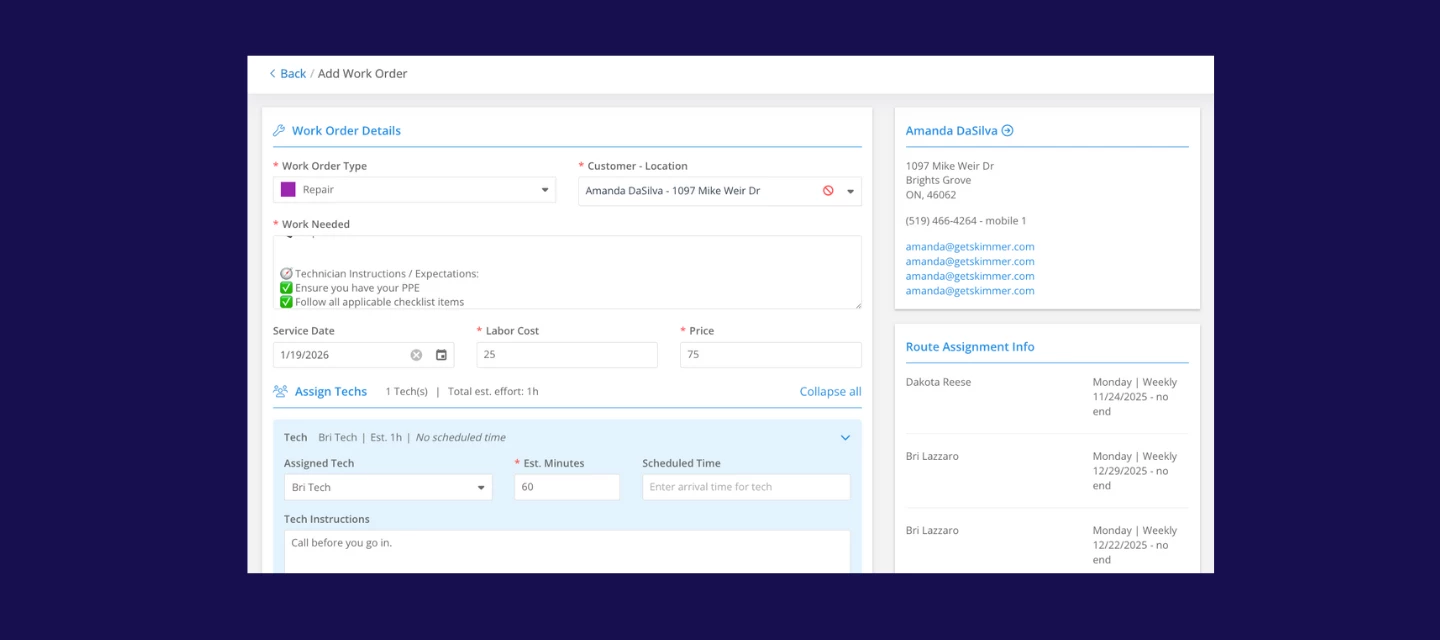
What's new:
Managing product and items
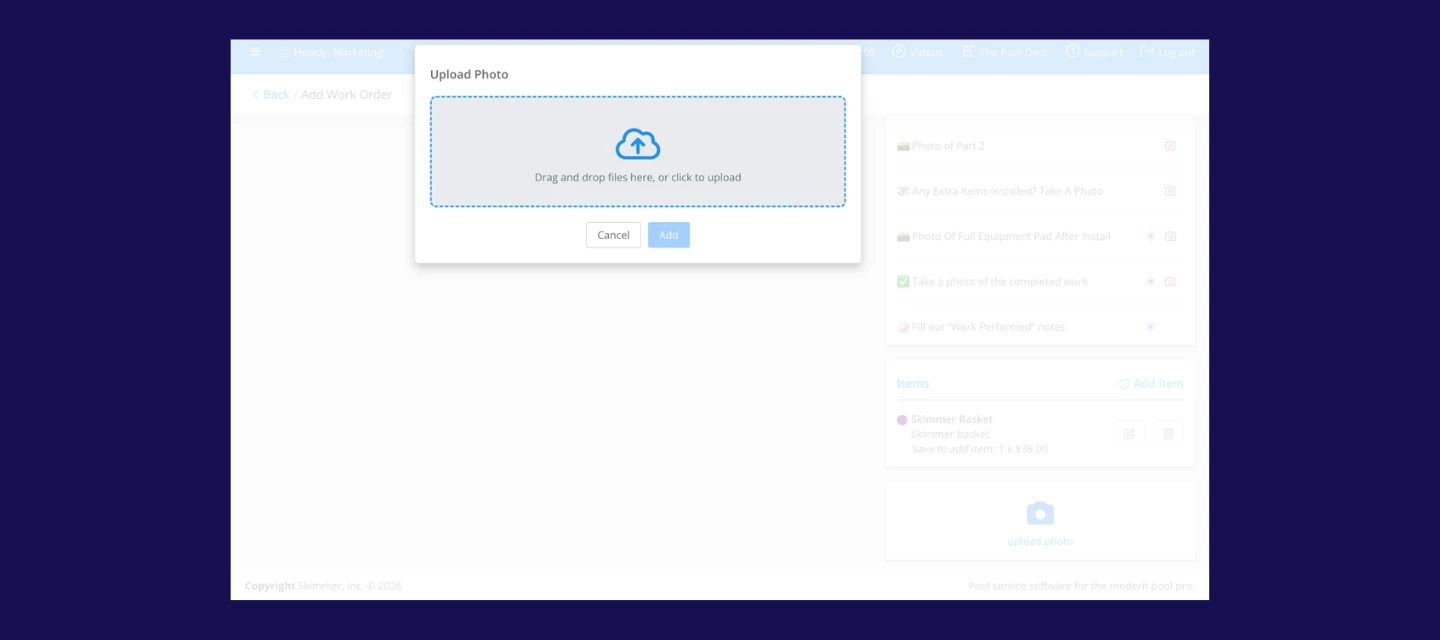
- Add products, parts, chemicals, or other items right when you’re creating a work order.
- See product prices and quantities at a glance.
- Mark items as installed or uninstalled, even on finished work orders.
- Get clearer visibility into item status, like shopping list, purchased, or installed.

Streamlined workflow
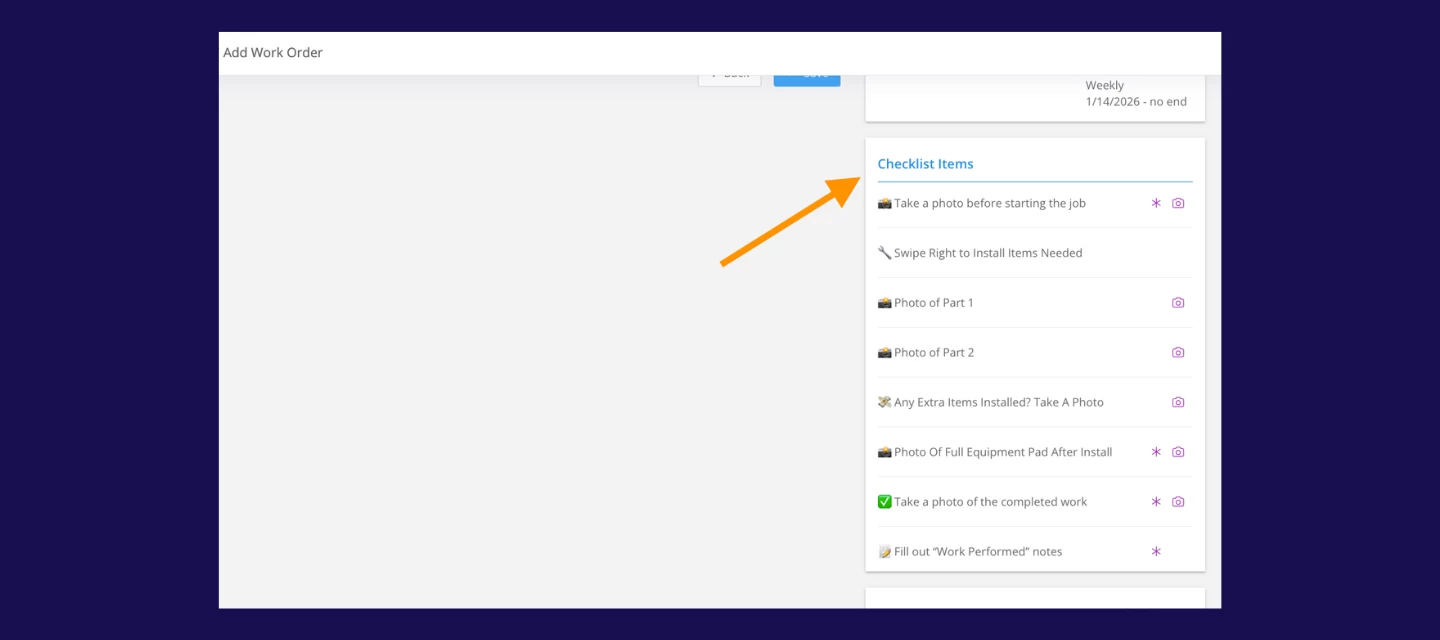
- Checklist items are now visible at every stage of the work order.
- Drag and drop photos while creating work orders.
Clearer communication between back office and field techs
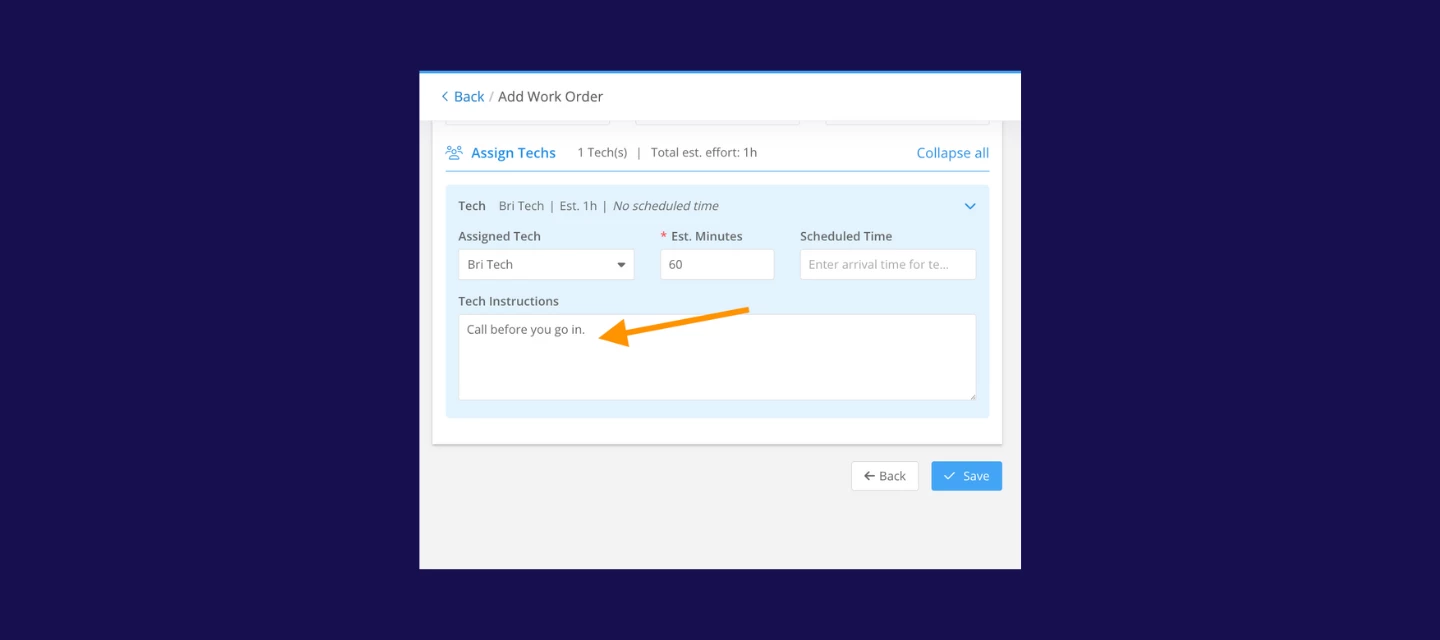
- A new optional tech instructions field is available and visible to techs on mobile.
- Layouts have been refined in the service history and the route dashboard.
What’s next?
This update lays the groundwork for something a lot of our customers have been asking for. In about two weeks, you’ll be able to assign multiple techs to a single work order without splitting jobs or creating workarounds. Watch out for more details on that soon.
As always, do leave a comment and tell us how these changes will make your work orders easier to manage :)