


May's releases are focused on the field — giving techs better tools to document what they find, communicate it clearly, and keep the back office informed in real time. Alongside that, two significant invoicing updates give pool service businesses more control over how they bill. Here's what's new:
Mobile 12.13:
A significant mobile update shipped this month with several improvements worth knowing about.
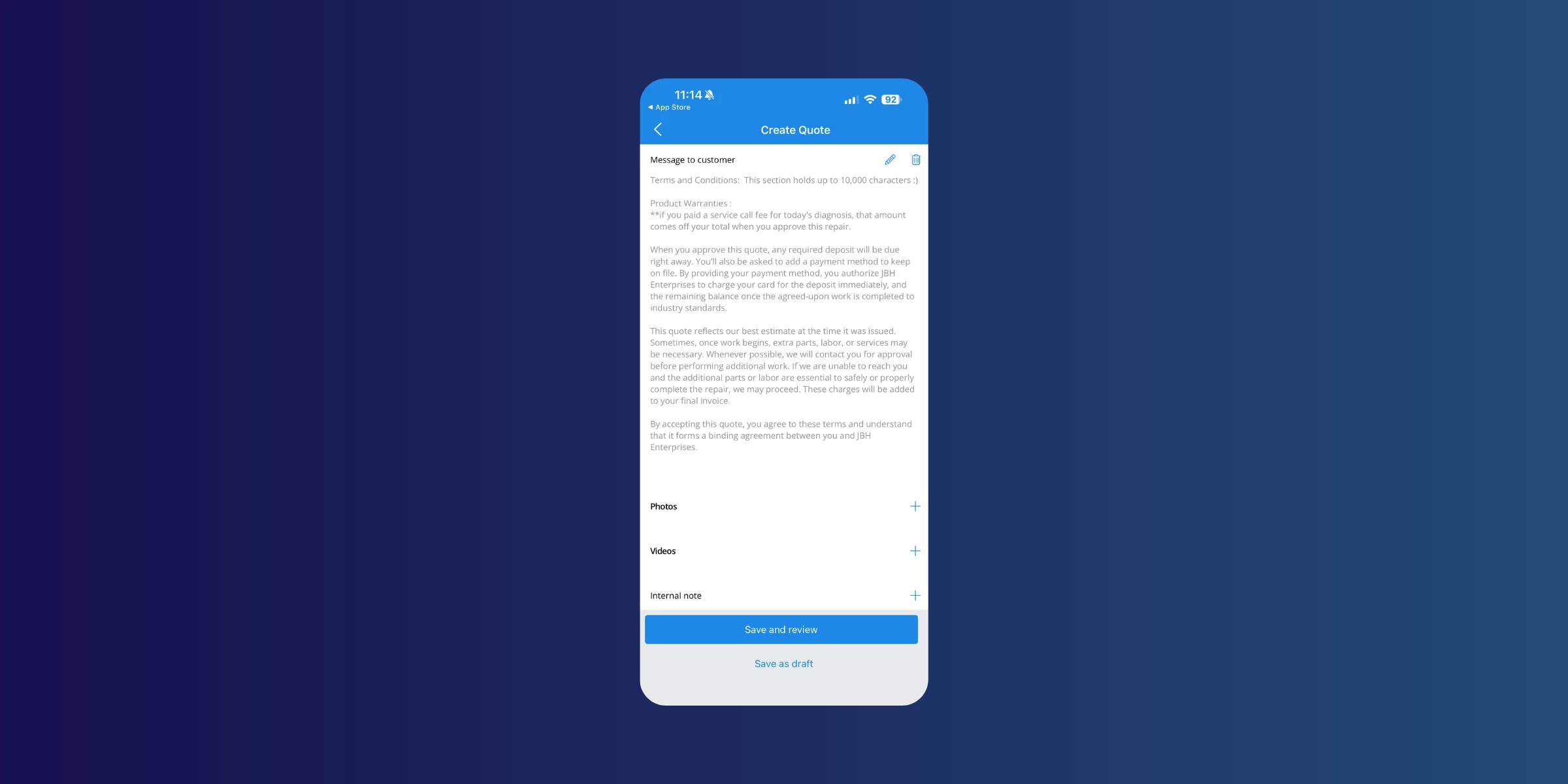
- Video attachments on quotes — Techs can now record and attach up to two videos directly from the mobile app when building a quote. Equipment noise, leaks, water flow issues — anything that's easier to show than describe. Videos are compressed on the device before uploading and queue automatically when a connection becomes available.
Note: video recordings include audio, so techs should be mindful of what's captured.
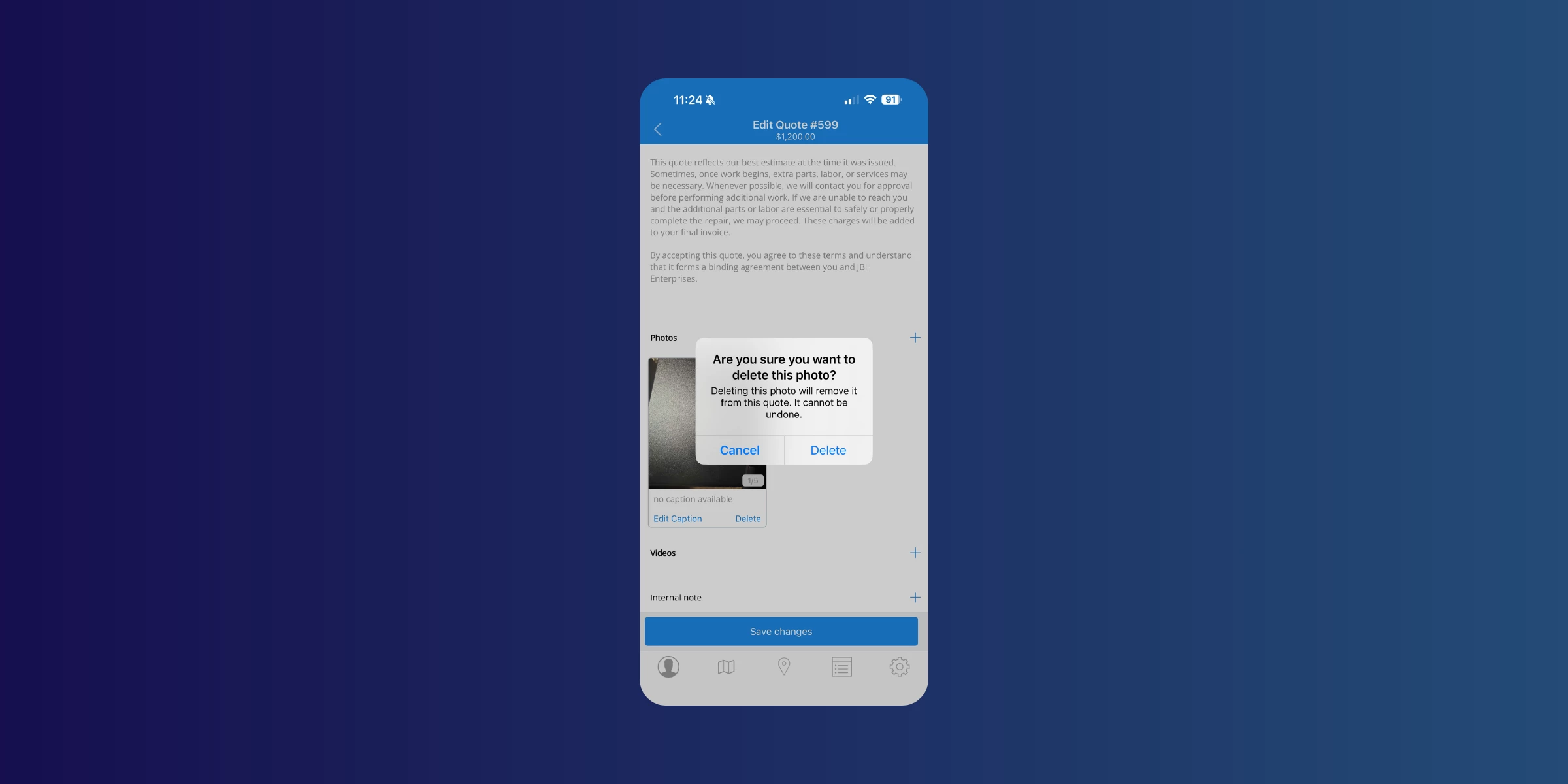
- Confirmation before deleting media — A confirmation prompt now appears before a photo or video is permanently deleted from a quote.
- Date and time stamp on all service photos — Every photo taken through the mobile app now includes a timestamp printed directly on the image, reflecting the device's local time at the moment it was taken, even if it was taken offline and synced later.
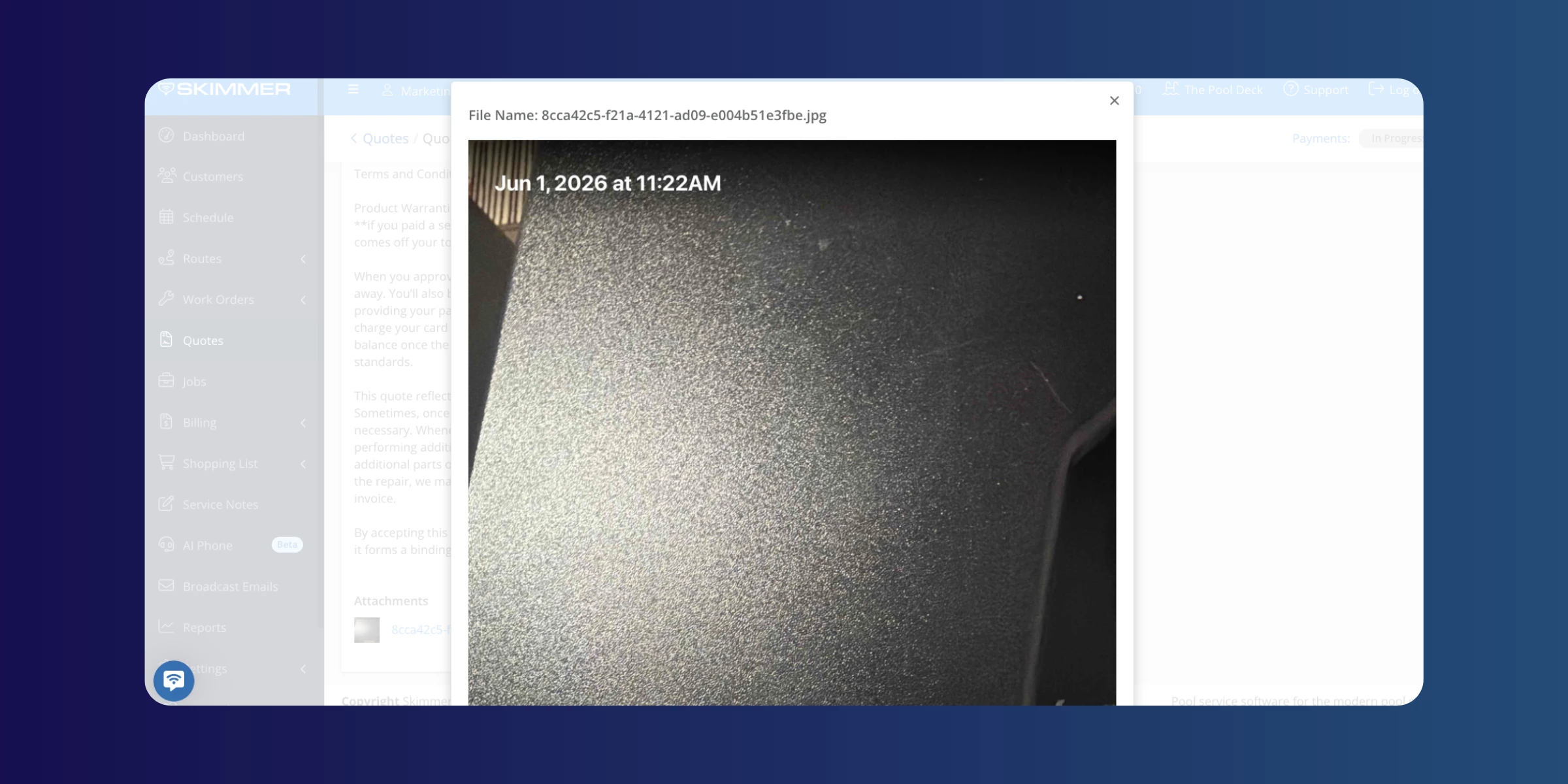
- Photos and videos now open in the browser — Media links from emails and other sources now open in-line in the browser instead of triggering a file download.
- Additional image types now viewable in the app — WebP, GIF, and BMP images added to quotes on the web now display correctly in the mobile app.
- Product catalog updates — The Add Product and Edit Product screens now include cost, markup type, markup value, default price, manufacturer ID, and Heritage ID fields. Techs can also mark products as discontinued from the mobile app. Discontinued products are automatically hidden from product selection screens to prevent accidental additions.
[Update for iOS ] | [Update for Android ]
Learn more here →
Auto invoicing by customer date
Pros can now bill each customer on their own day of the month instead of running all invoices on a single company-wide date. Once configured, Skimmer automatically creates invoices for the right customers on the right day — no manual runs needed.
Invoice categories and pool service types
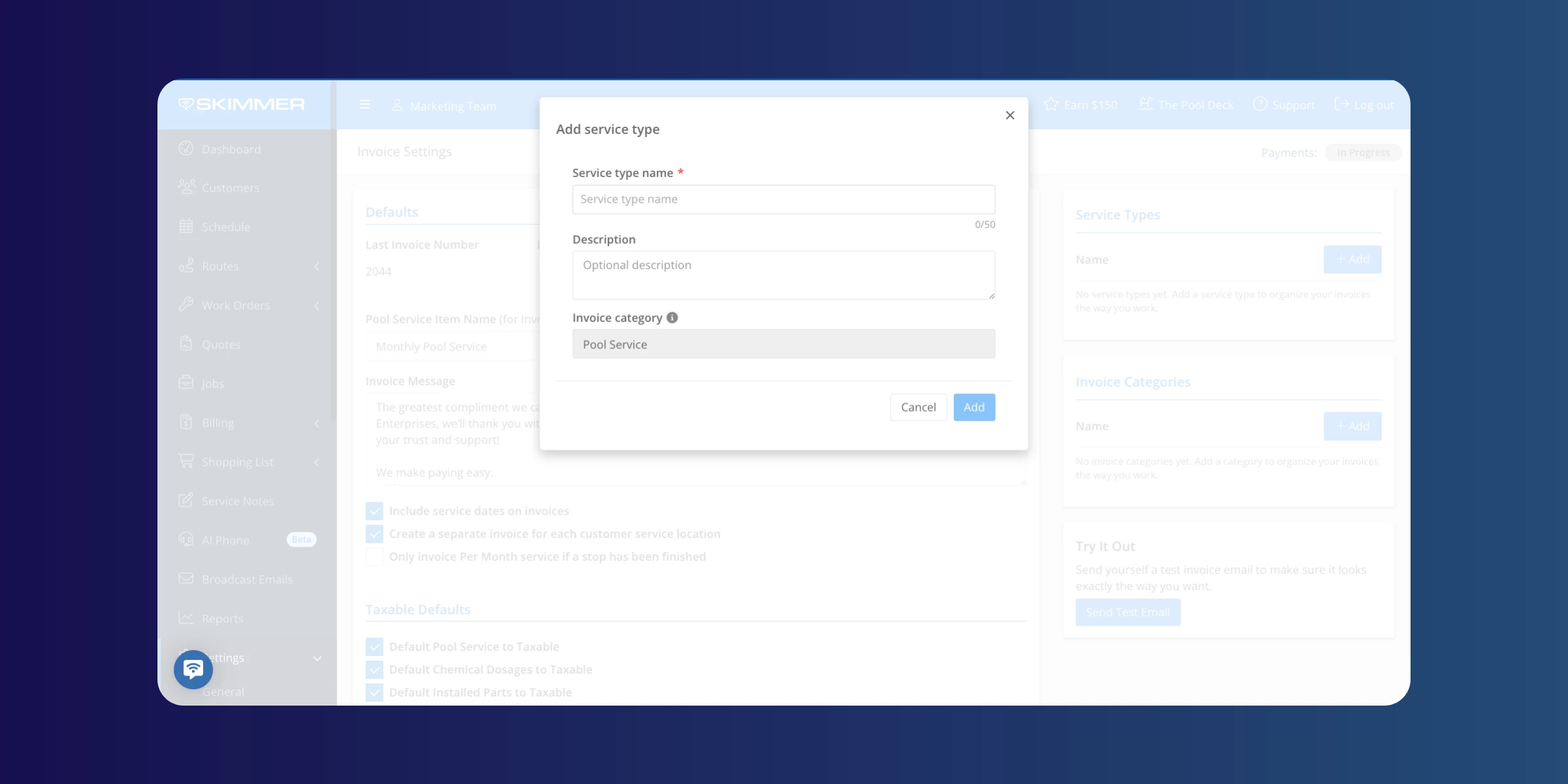
New custom invoice categories and pool service types give pros finer control over how revenue is organized, reported, and synced to QuickBooks Online. Set up the categories that match how your business operates, and Skimmer routes revenue to the right place automatically.
AI phone updates
- When AI phone is deactivated, the account owner now receives an automatic email confirming the agent is no longer answering calls, notifying them that Skimmer will retain their AI agent and phone number for 30 days, and explaining how to remove call forwarding.
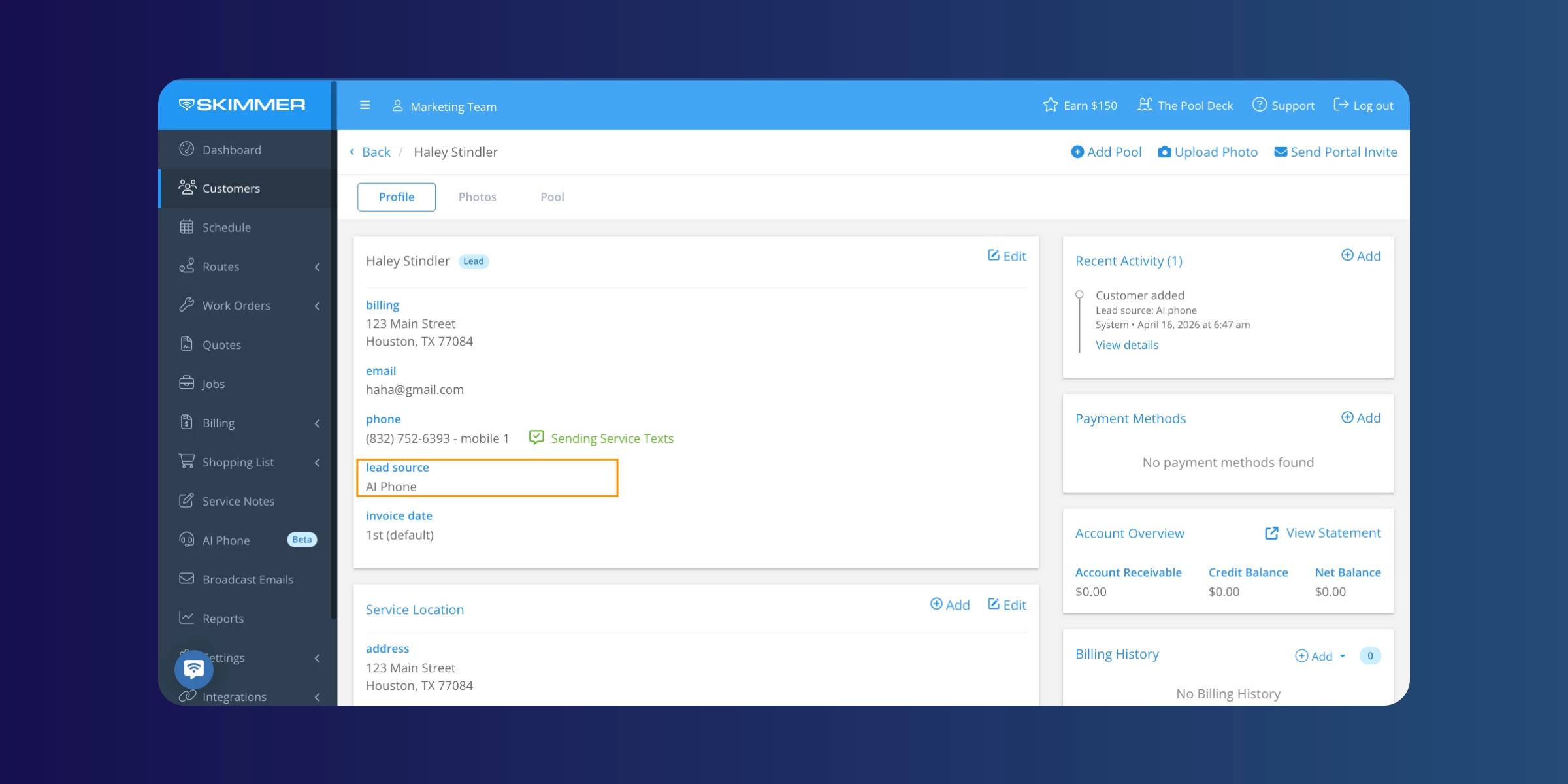
- Additionally, Skimmer now automatically creates an AI phone lead source and assigns it to any customer created through an AI phone call, making it easy to track which customers came in through this channel.
Turn off invoice texts for individual customers
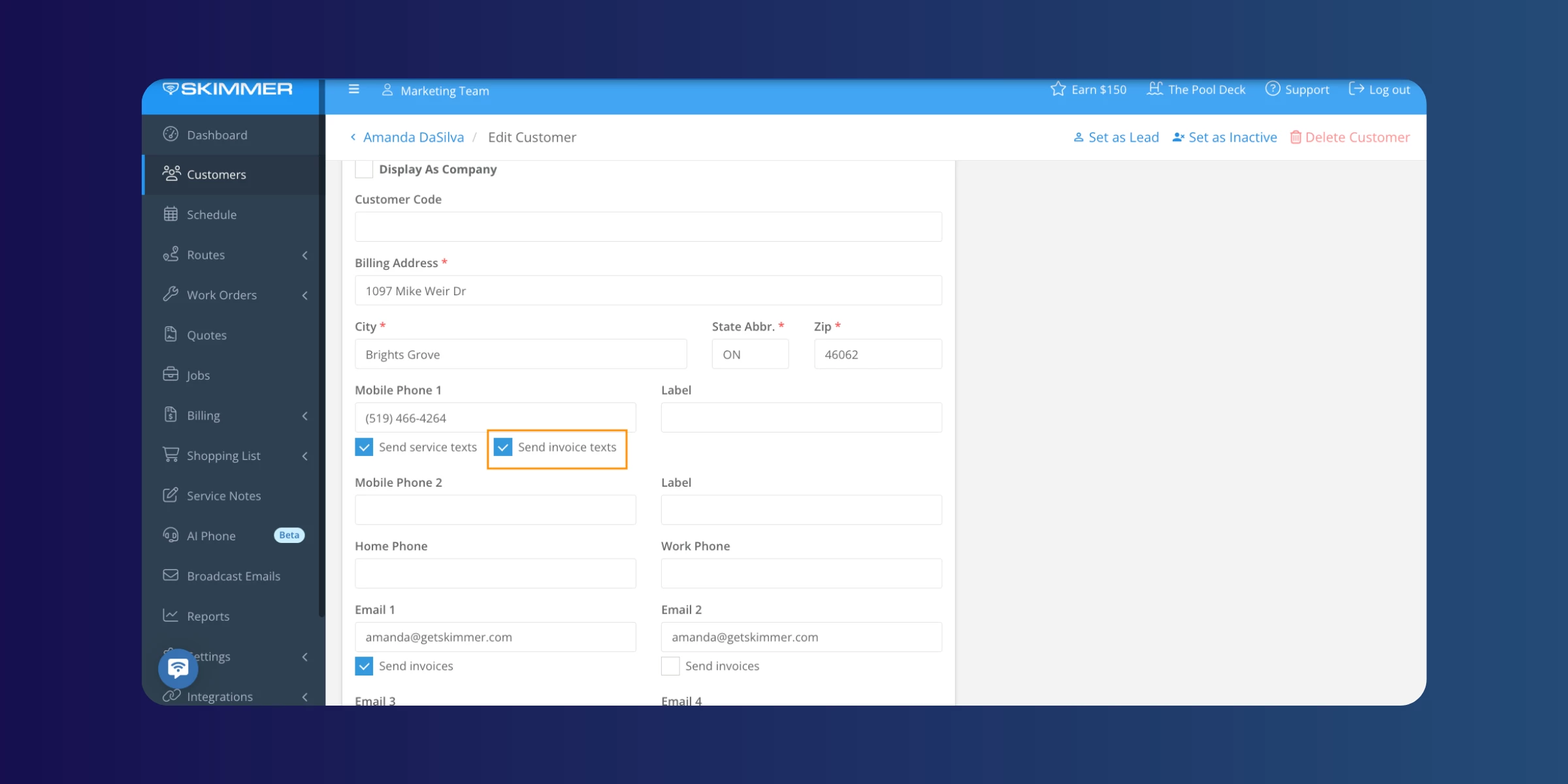
Admins can now disable invoice text message notifications for a single customer without changing the company-wide setting. You can find it under the mobile phone field on the customer record.
Customer intake form — embed code
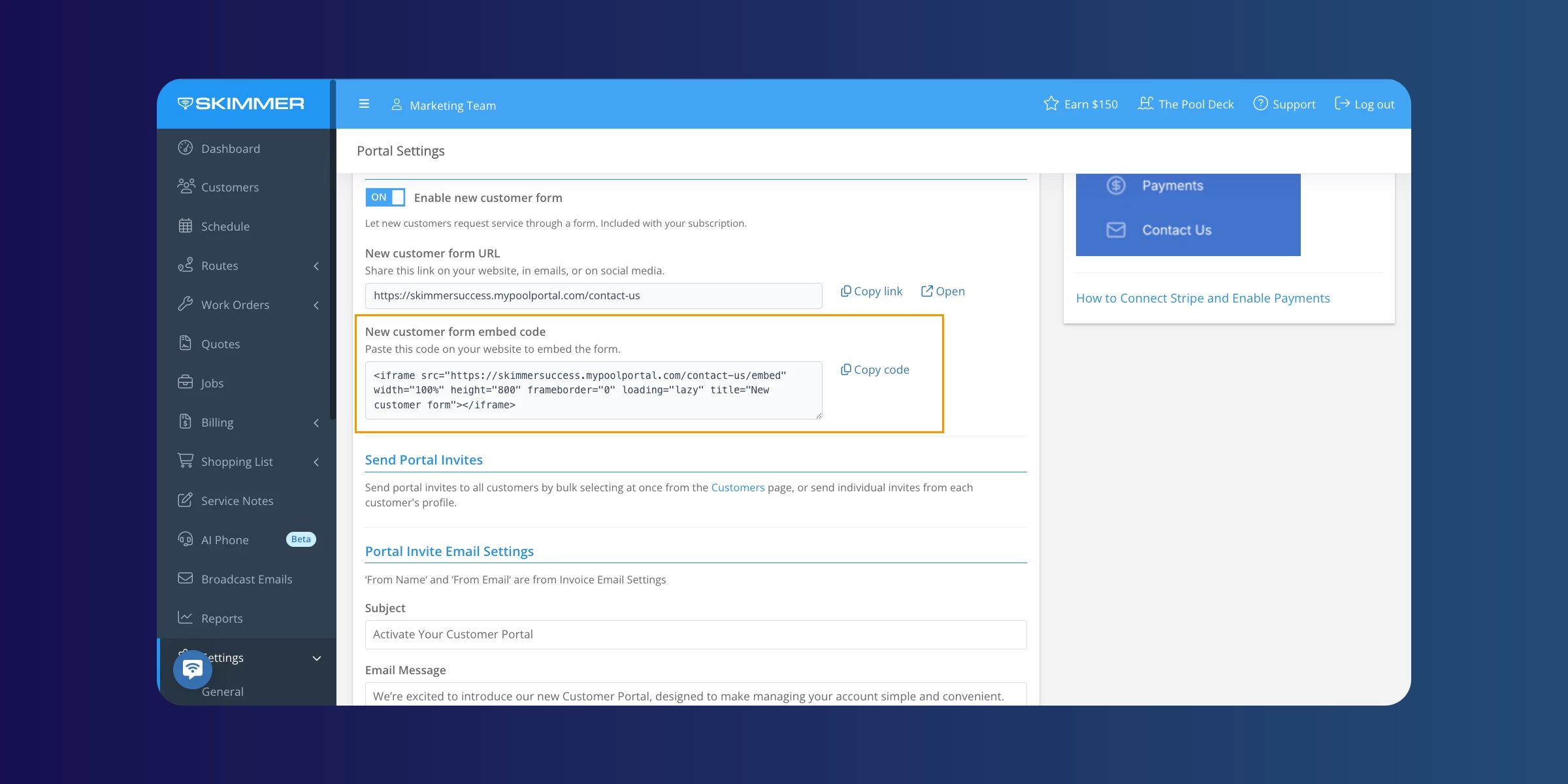
The customer intake form can now be embedded directly on a website using a copy-paste embed code, available in Settings > Customer Portal. The "No additional cost" label has also been removed from that page.
Reporting updates
The Payment Methods on File report and the Labor report have both been updated to match Skimmer's standardized report design. You can expect consistent color coding, updated button alignment, Excel and CSV export options, and improved filter behavior.
Learn more here →
API update
The Public API invoice endpoints now include a ‘Deleted’ field, allowing connected integrations to identify and handle deleted invoices in Skimmer.
Learn more here →
As always, don't forget to update your mobile app to the most current version for the latest improvements.
[Update for iOS ] | [Update for Android ]
That's a big one for May. More coming next month. 🚀🚀