
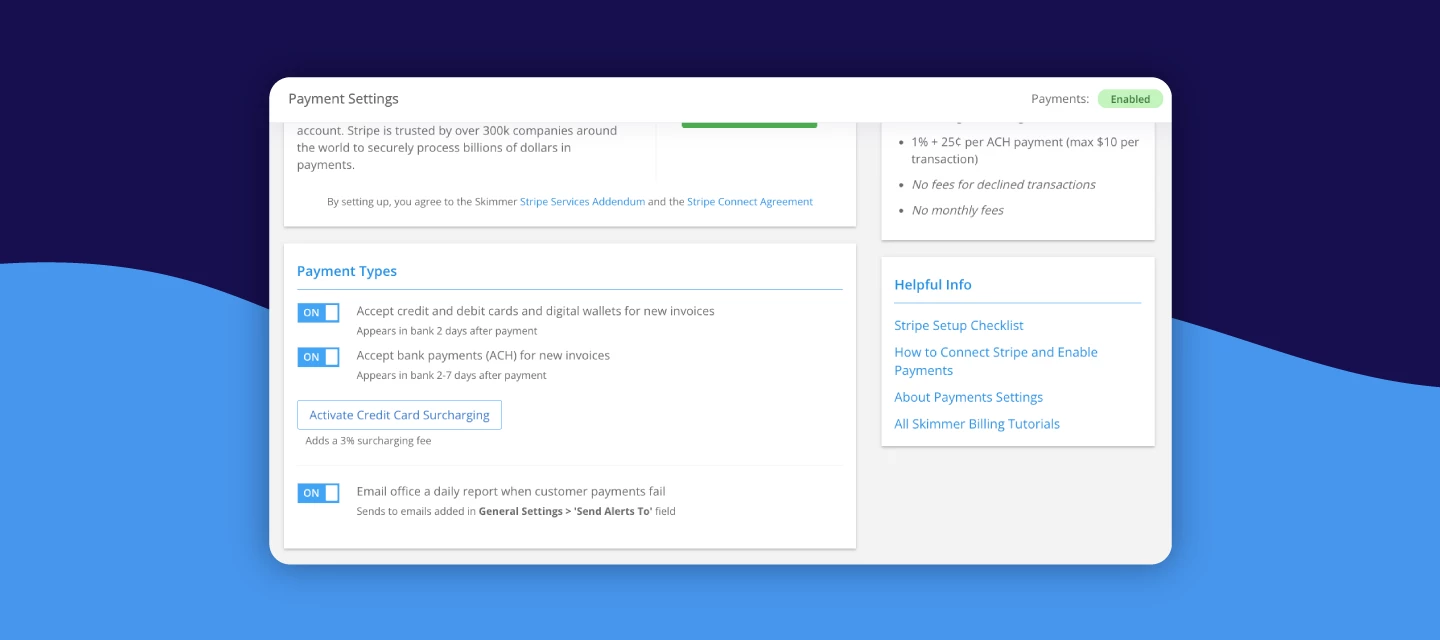



Surcharging lets you offset credit card processing fees directly to customers who choose to pay by credit card, instead of absorbing the entire cost yourself. It’s a common practice across service businesses, and with the right notice and setup, it helps you stay compliant while keeping your prices steady.
If you’re getting ready to roll out surcharging to your customers, we’ve also put together a step-by-step implementation guide that covers rules, best practices, customer notice requirements, and what changes in Skimmer once you turn surcharging on. It’s a great place to start before sending any communications out to your customers.
Guide to implementing surcharging in your pool service business
Informing your customers about upcoming surcharges
To make communication easier, here are ready-to-use templates for a full 60/30/3-day notice plan, plus an invoice note you can use during your first billing cycles. You can copy, paste, and customize any of these for your business.
60-day notice email
Subject: Heads up about a small update to credit card payments
Hi [Customer name],
We’re reaching out early to let you know about a small change coming to how we process credit card payments. Beginning [Effective Date], a 3% surcharge will be added to all credit card transactions. This helps us cover rising processing costs while keeping our service running smoothly.
You can still avoid the fee anytime by paying with ACH, debit card, or check.
We’ll send reminders as we get closer, but we wanted to give you plenty of time to plan. If you have any questions, just let us know.
Thanks,
[Your business name]
30-day notice email
Subject: Reminder: Credit card surcharges start soon
Hi [Customer name],
This is a quick reminder that starting [Effective Date], a 3% surcharge will be added to all credit card payments. This only applies to credit cards; ACH, debit, and checks won’t have a fee.
If you’d like to switch your payment method before the change goes into effect, feel free to reach out.
Thank you for your continued trust in us to care for your pool. If you have any questions, feel free to reach out
[Your business name]
3-day reminder email
Subject: Final reminder about upcoming surcharge
Hi [Customer name],
Just a quick heads-up that the 3% surcharge for credit card payments begins on [Effective Date].
You’re always welcome to pay by ACH, debit, or check if you’d prefer to avoid the fee.
Thanks again,
[Your business name]
Invoice notice: Add this to all invoices for the first one or two billing cycles
Notice: Beginning [Effective Date], a surcharge of 3% will be added to all credit card payments. This fee doesn’t apply to ACH, debit, or check payments.
Once you’ve picked your go-live date, you can drop these messages into Skimmer’s broadcast email tool and let the reminders run on autopilot. These templates should cover everything you need, but if you want to double-check your setup, talk through timing, or customize anything, just let us know—we’re happy to help.