



Watch the video or scroll down for step-by-step instructions.
Tiers: All
Step-by-step instructions
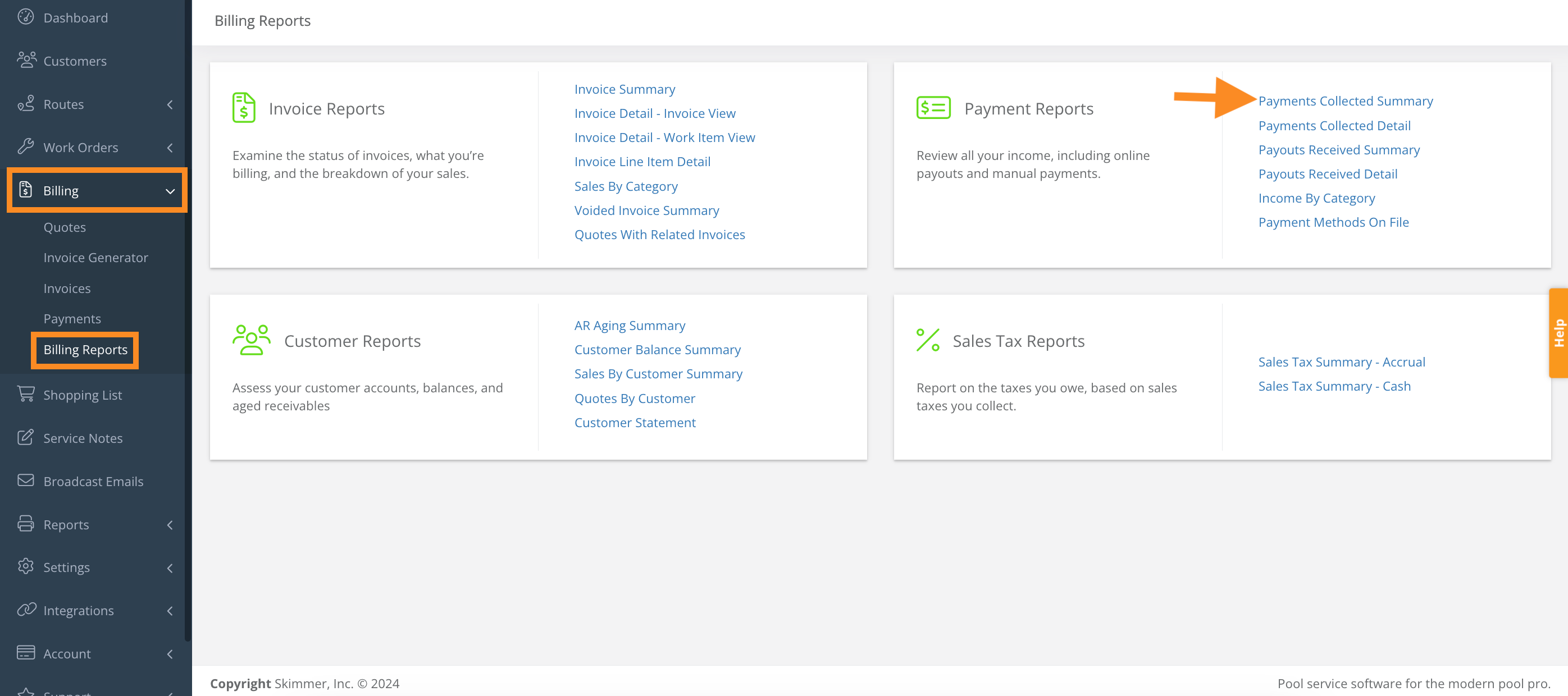
1. Select Billing > Billing Reports > Payments Collected Summary.
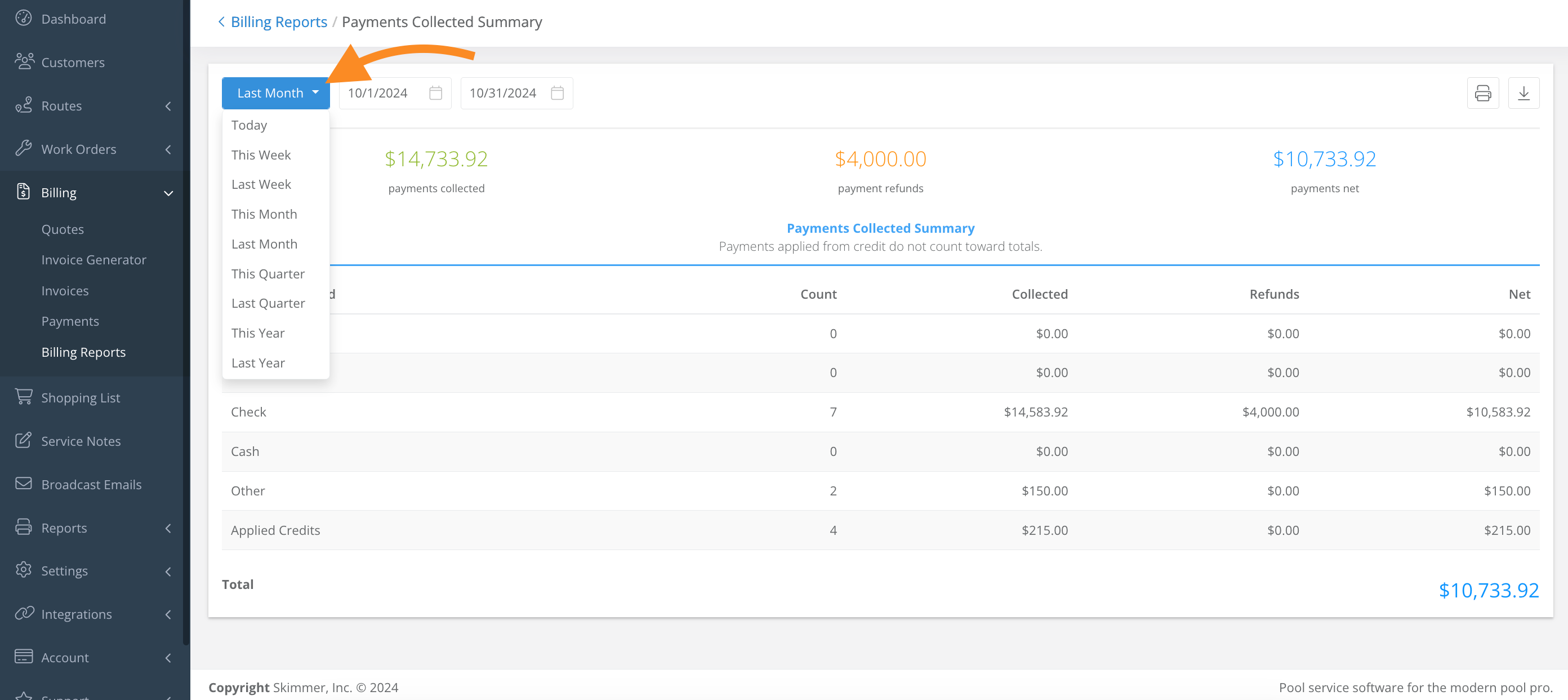
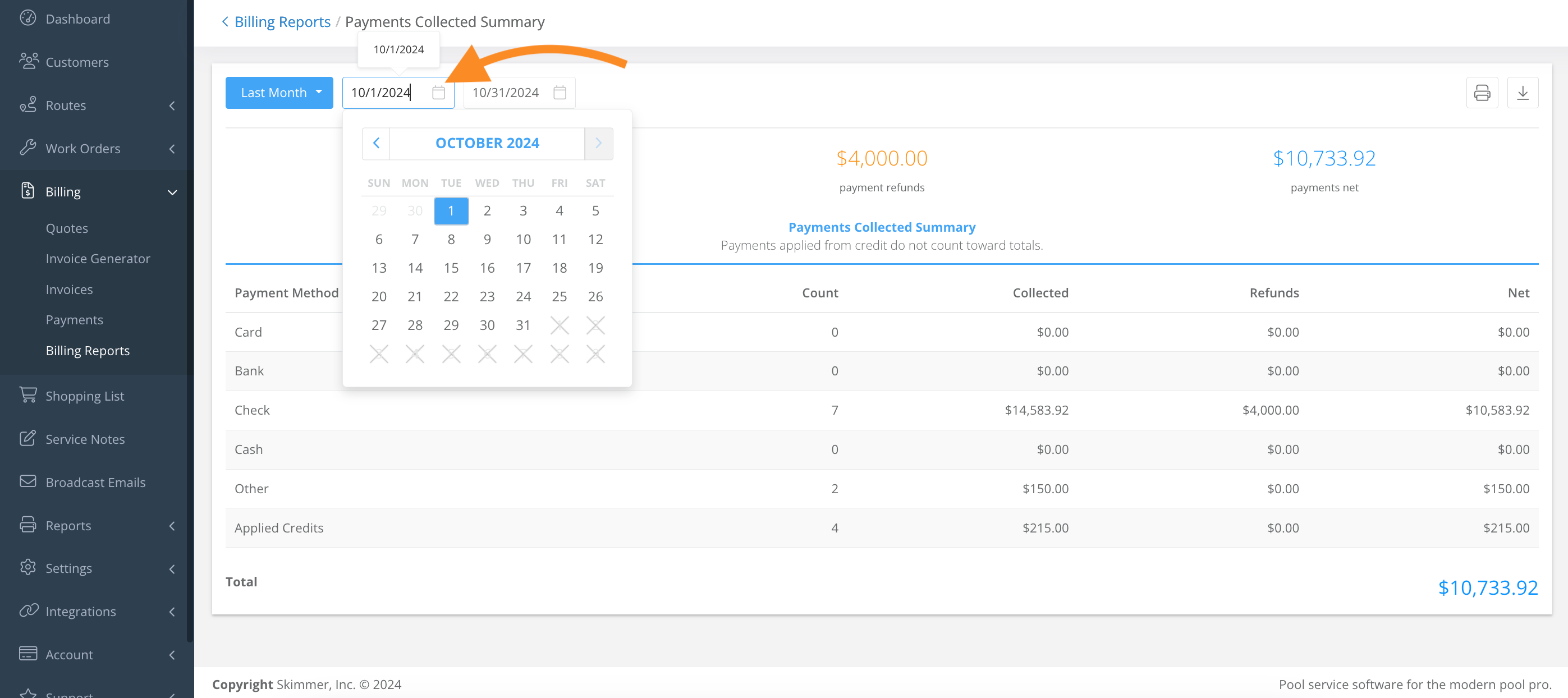
2. Select any of the filter options to view a specific date range.
- Click and select from the dropdown to view by week, month, year, quarter, etc
- Click and select from the calendar to customize the date range.
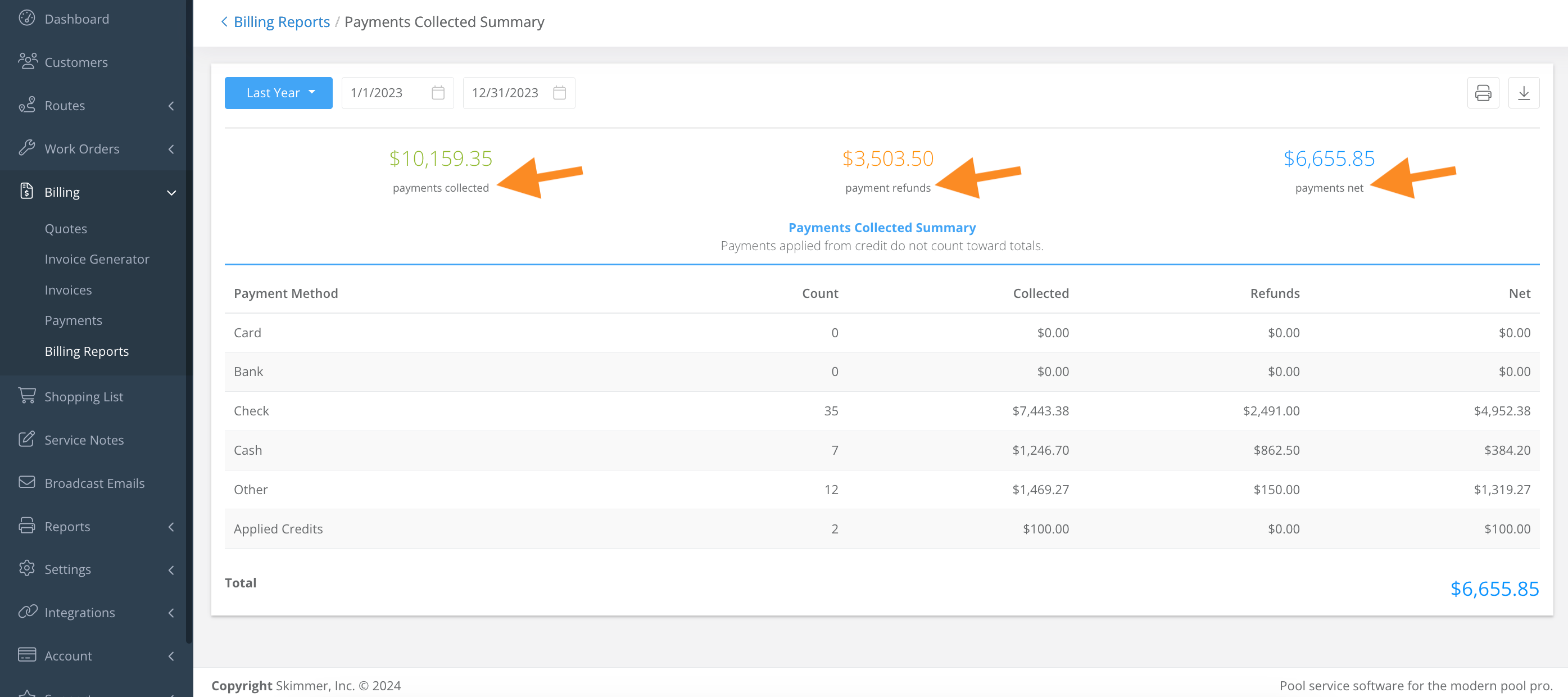
3. This report will show a breakdown the different forms of payments applied to an invoice, the collected amount, refund amount, and net amount.
Last updated on November 4, 2024